← Projects

Improving CodeEmpty.com — Turning Videos into Projects with AI

Posted May 19, 2026

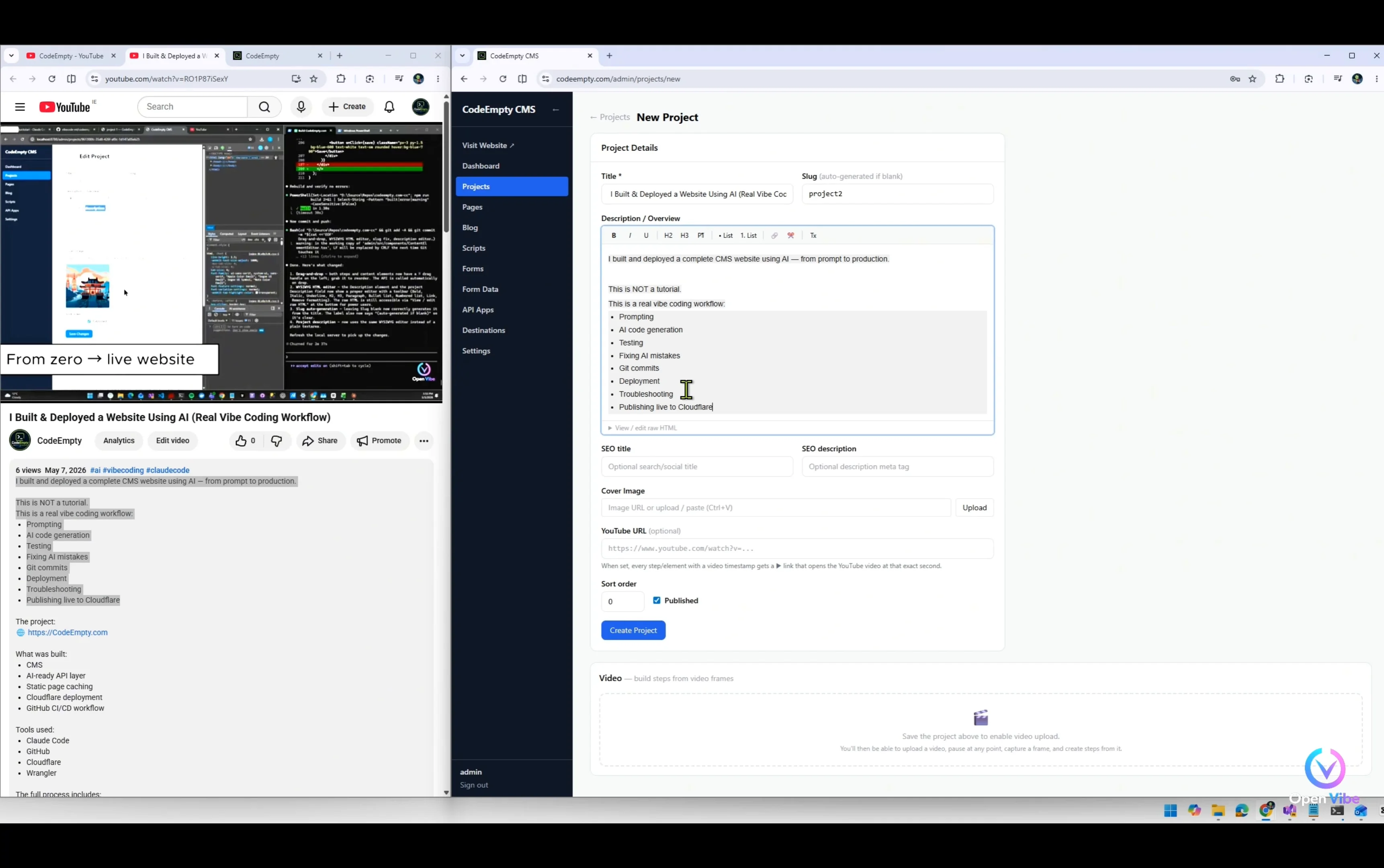
This project continues the development of CodeEmpty.com after the initial production release.

After publishing the first version and using it to document real projects, new workflow problems quickly appeared:

  • managing large numbers of screenshots

  • organizing hundreds of comments

  • manually creating project steps

  • synchronizing videos with documentation

This iteration focuses on solving those real-world scaling problems.

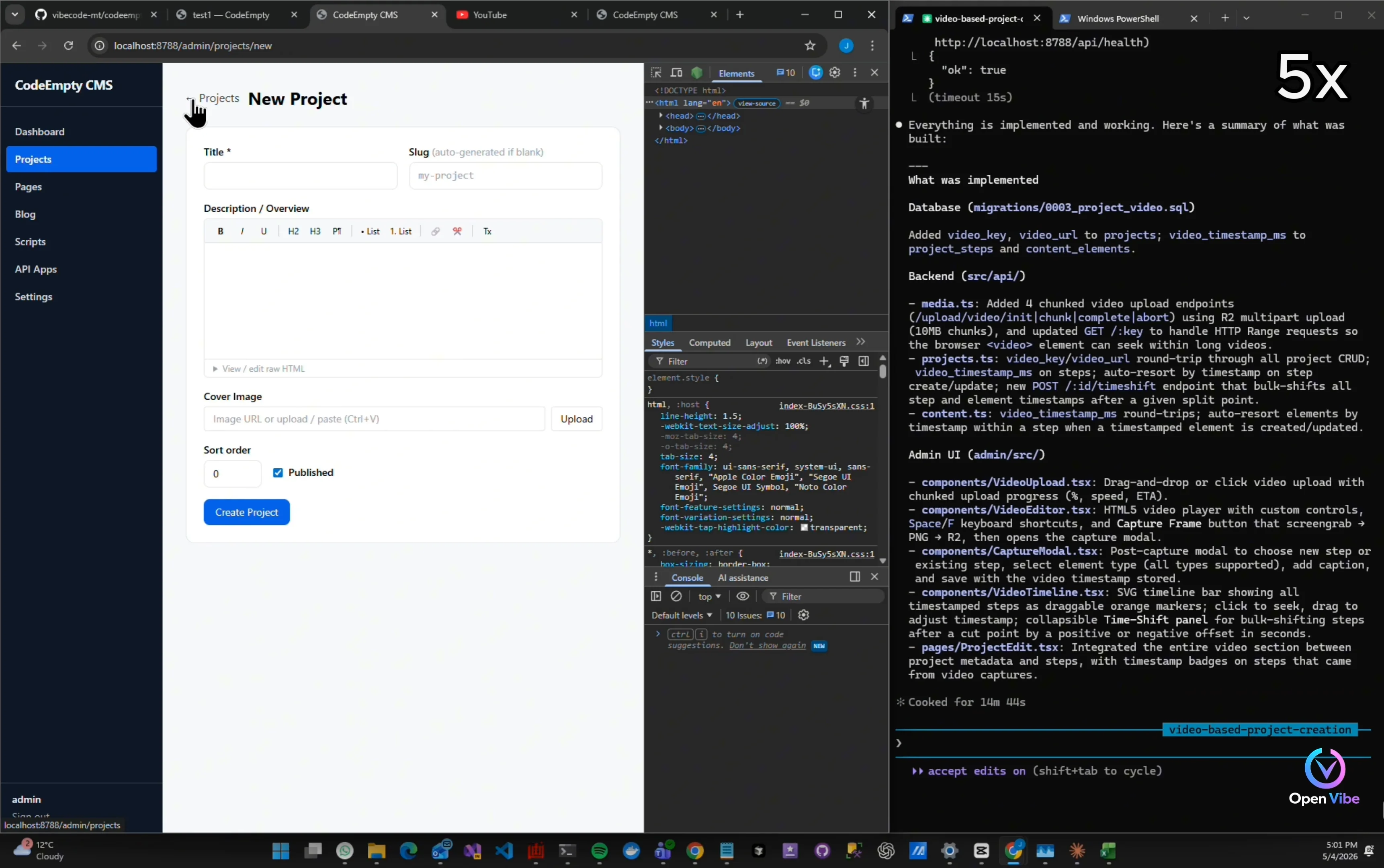
The main feature introduced in this project is a new video-based workflow system:

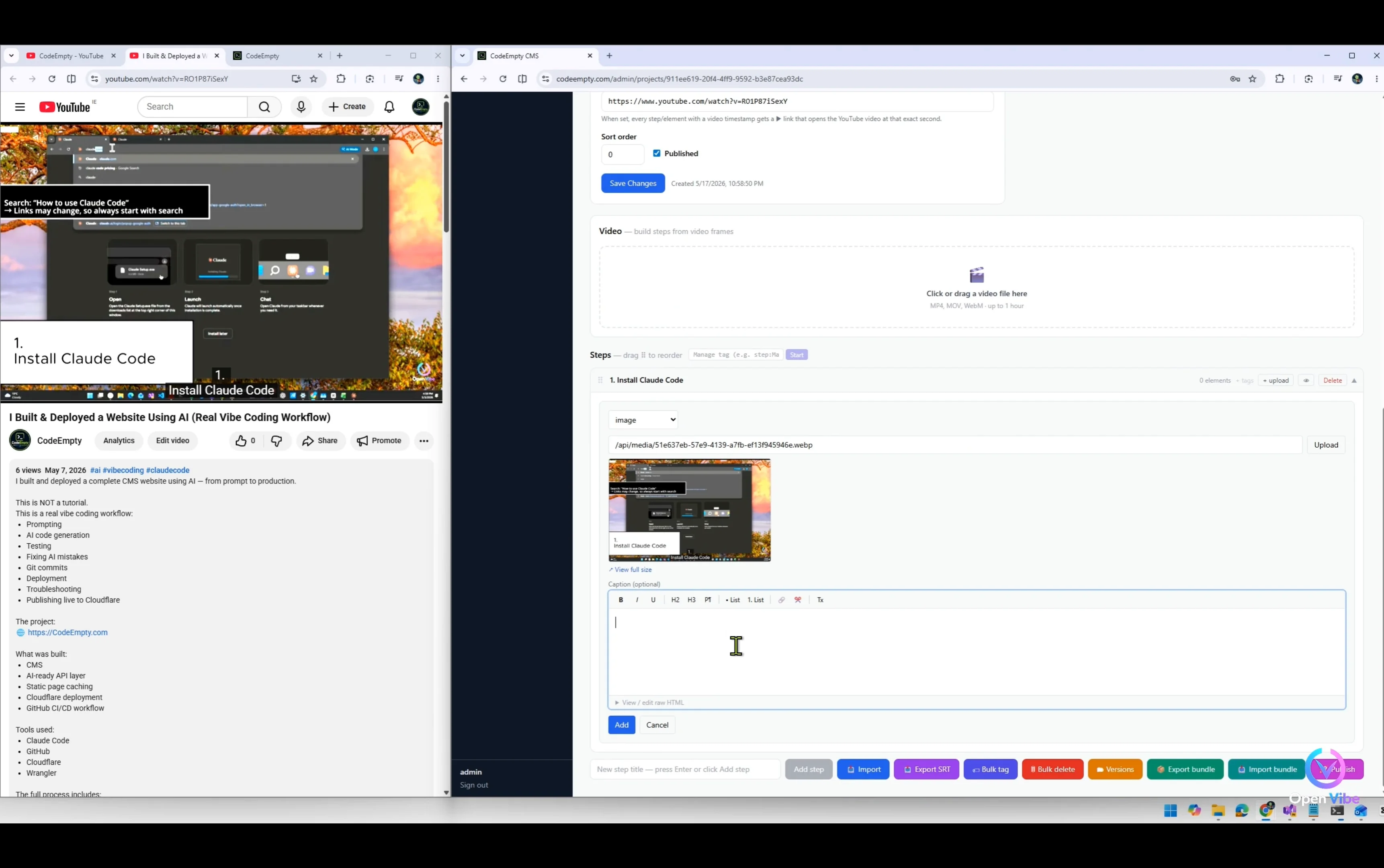
  • upload long-form development videos

  • pause at any timestamp

  • capture screenshots directly from video

  • create project steps from video moments

  • organize steps automatically using timestamps

  • synchronize project documentation with real development workflows

This project also explores:

  • workflow automation

  • video caching

  • playback optimization

  • UX iteration

  • timestamp-based project structures

  • AI-assisted documentation workflows

As with the first project, the entire process is documented openly:
Prompt → Build → Test → Fix → Improve → Repeat

The goal is not to create polished demos or AI hype, but to transparently show how real software evolves after deployment through iterative development and public feedback.

This project is part of the larger OpenVibe vision:
open workflows, open iterations, open collaboration, and practical AI-assisted software development.

CodeEmpty.com itself remains fully open source and deployable using Cloudflare free plans.

▶ Watch on YouTube
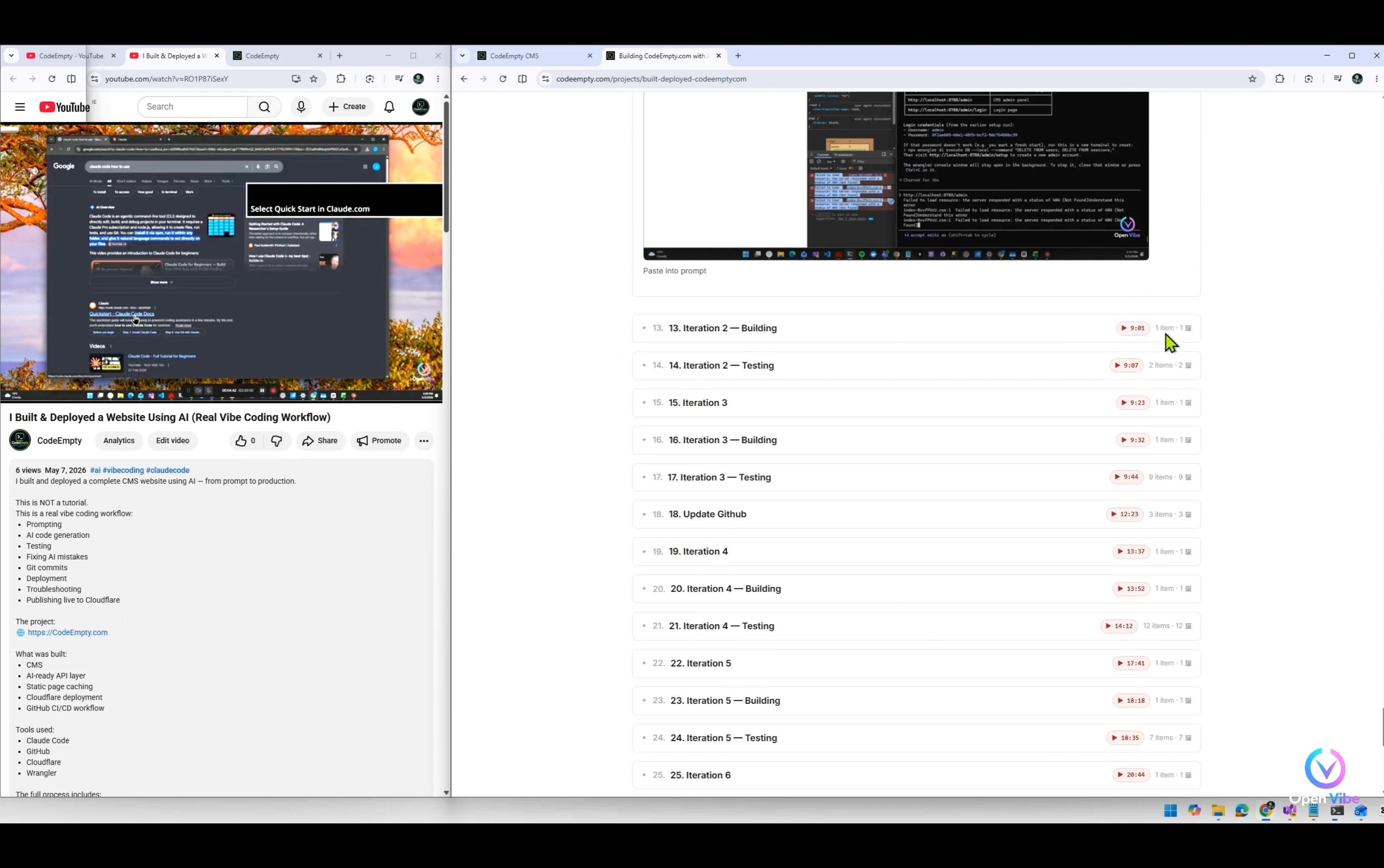
📑 Contents — 26 steps
1. 0. Overview 6 items · 5 🖼
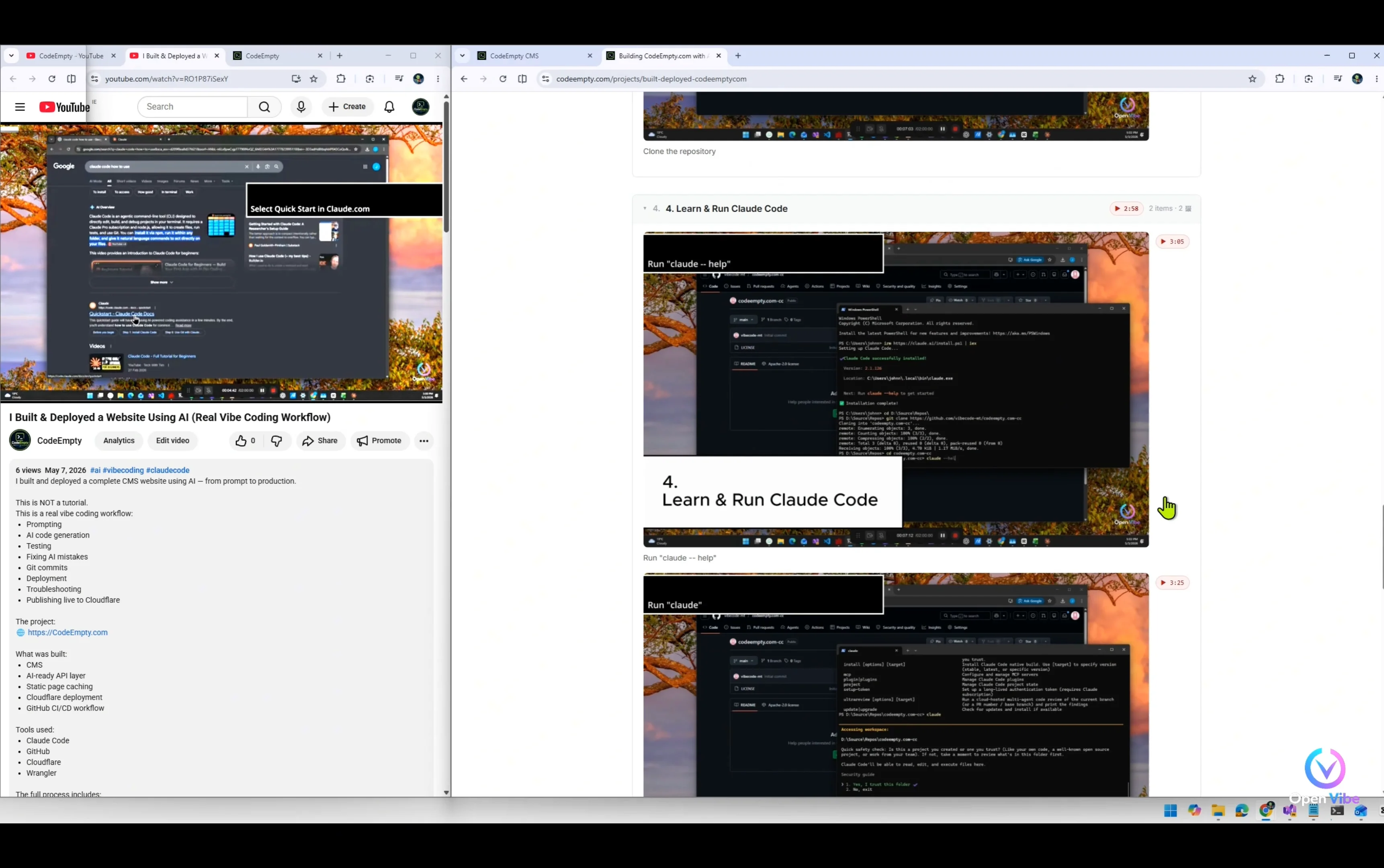
The first version worked…
but real usage revealed problems.
More than 150 screenshots to upload.
Over 200 comments to organize.
So let’s fix that.
Video-to-Project Workflow
2. 1. Iteration 9 ▶ 1:01 9 items · 4 🖼
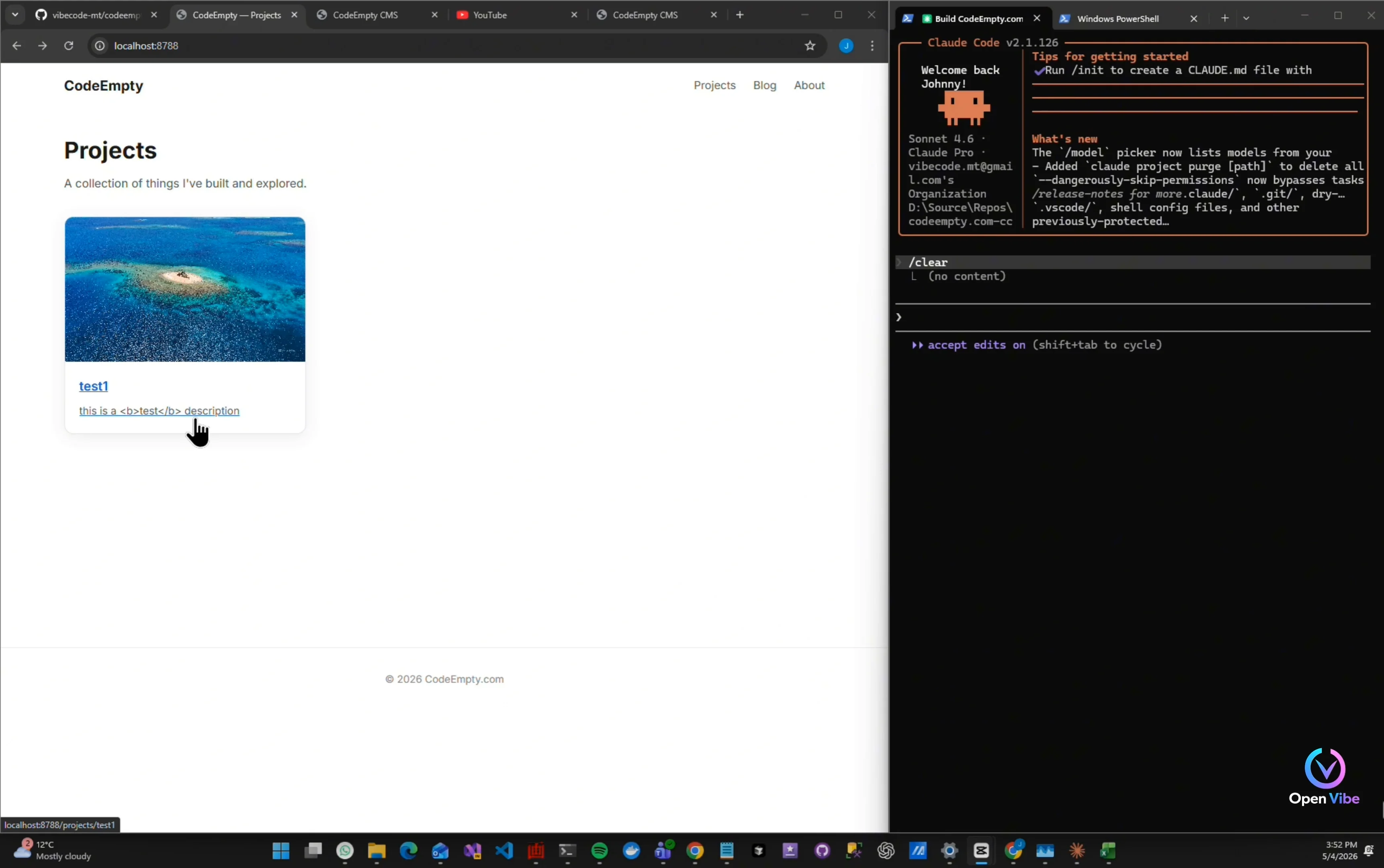
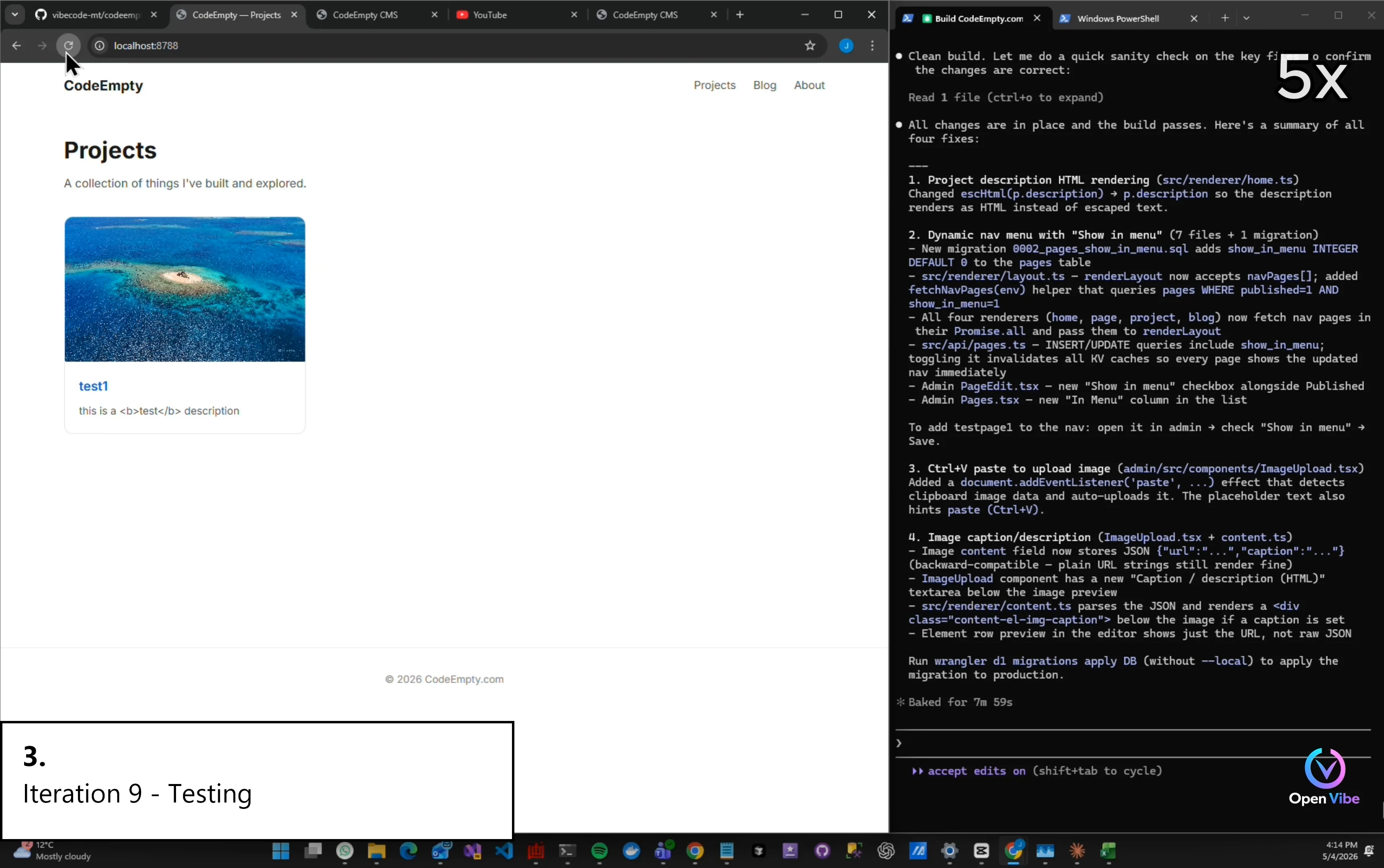
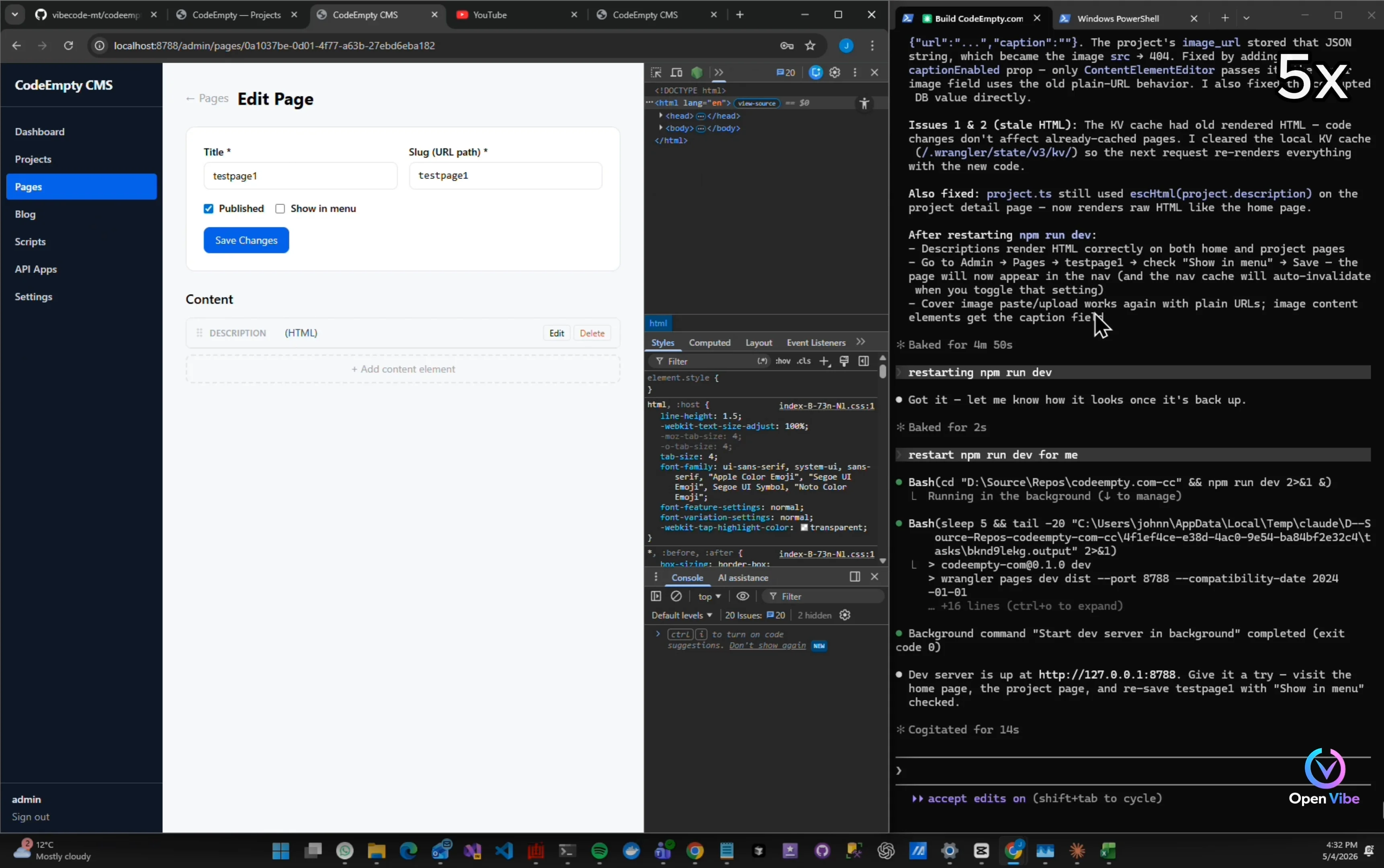
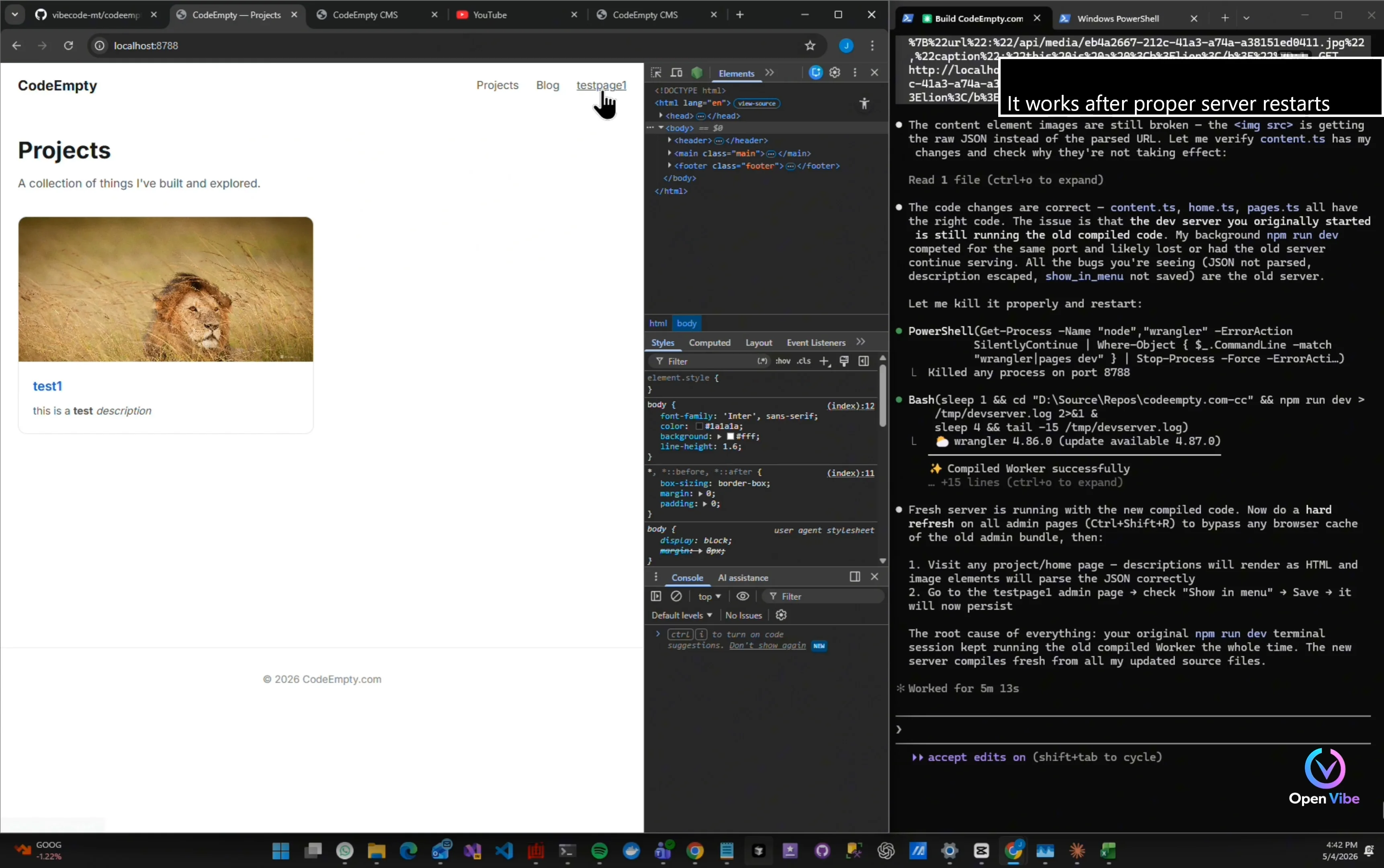
Description should not show HTML tags
“The previous iteration exposed a few rendering problems.” “The CMS is storing HTML correctly…” “But the frontend is escaping it instead of rendering it.”
Check how to add menu item
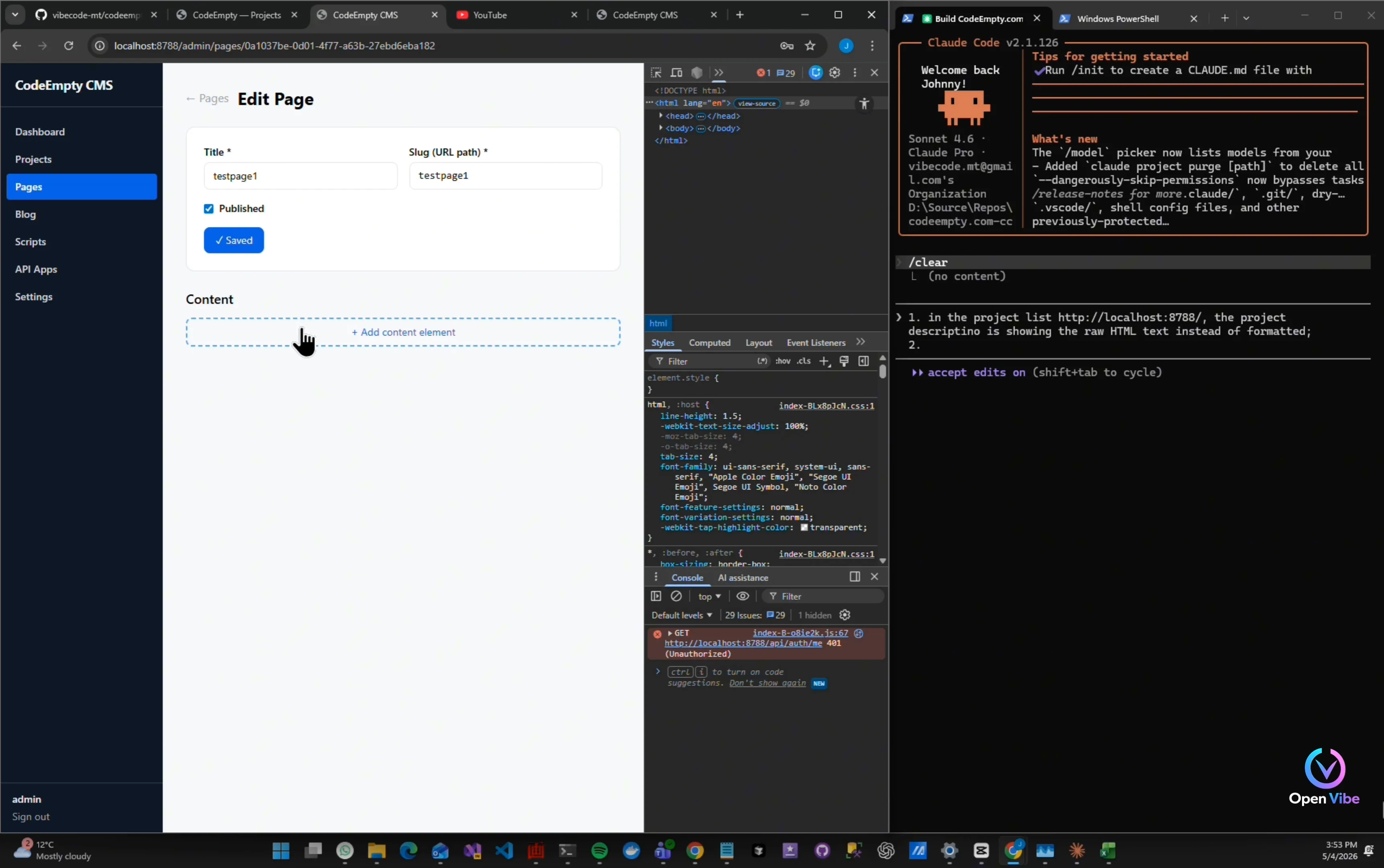
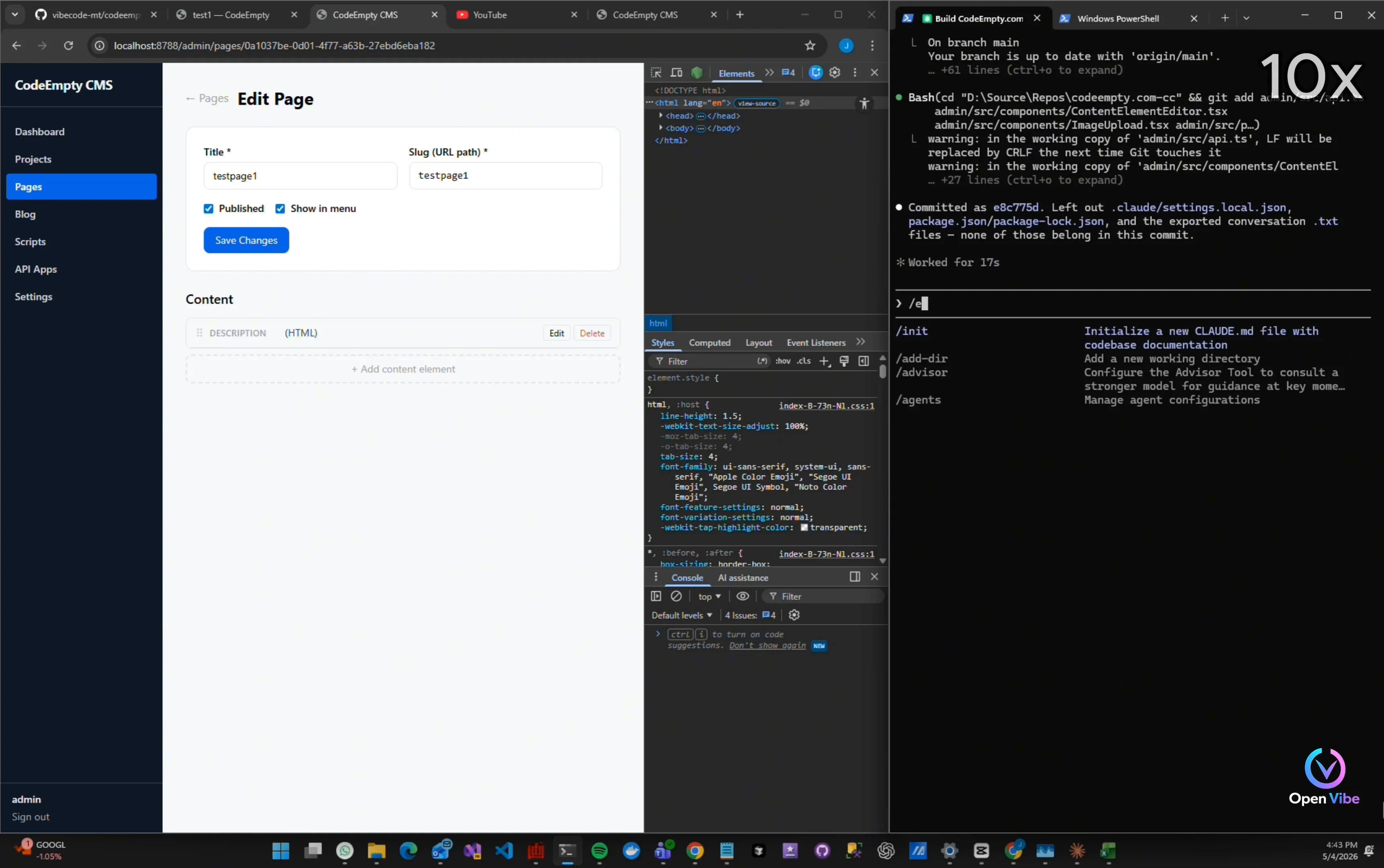
“I also want pages to optionally appear in navigation menus.”
Create a new page
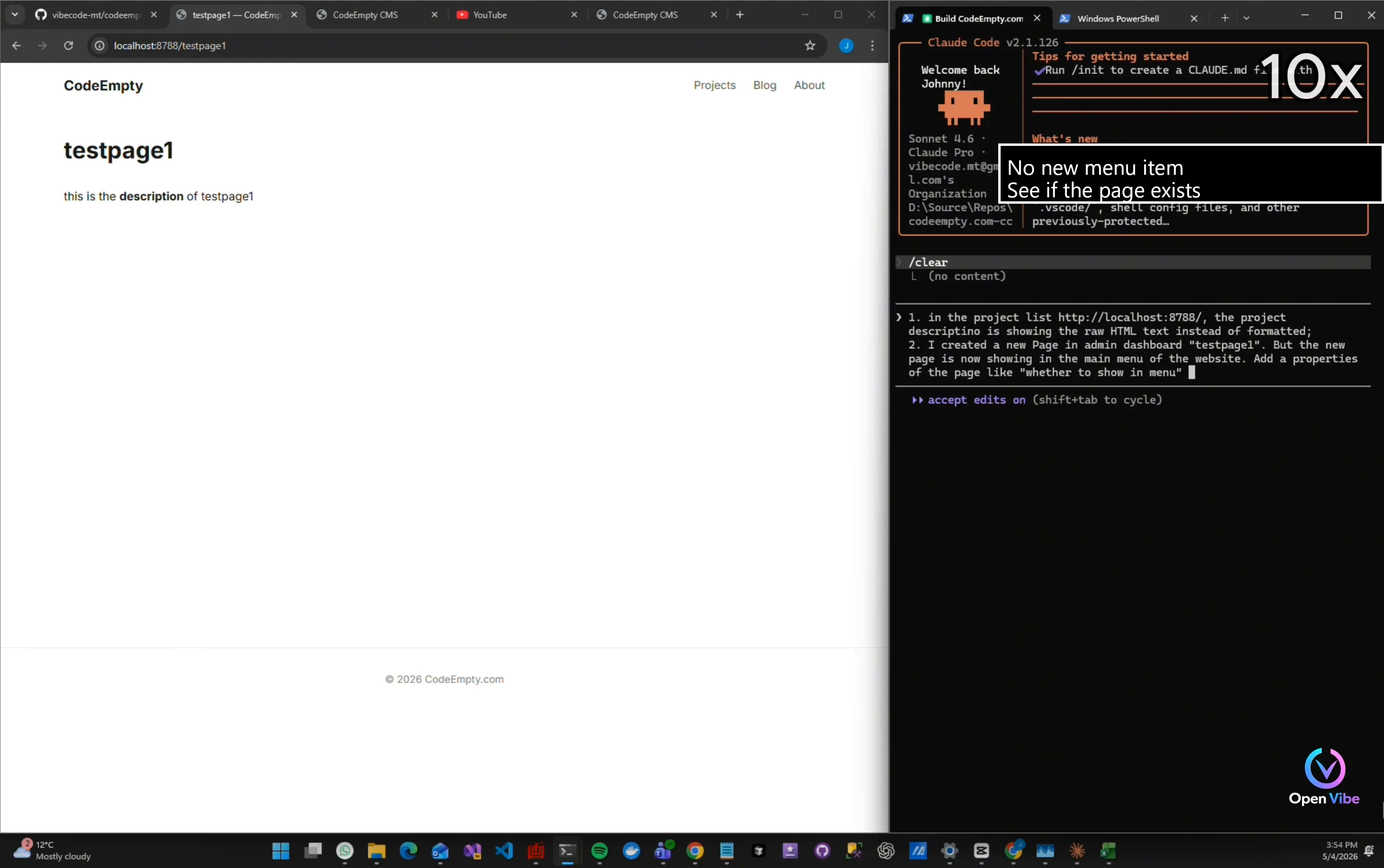
“The backend data exists…” “But the menu rendering logic is missing something.”
No new menu item See if the page exists
Looking for any other issues
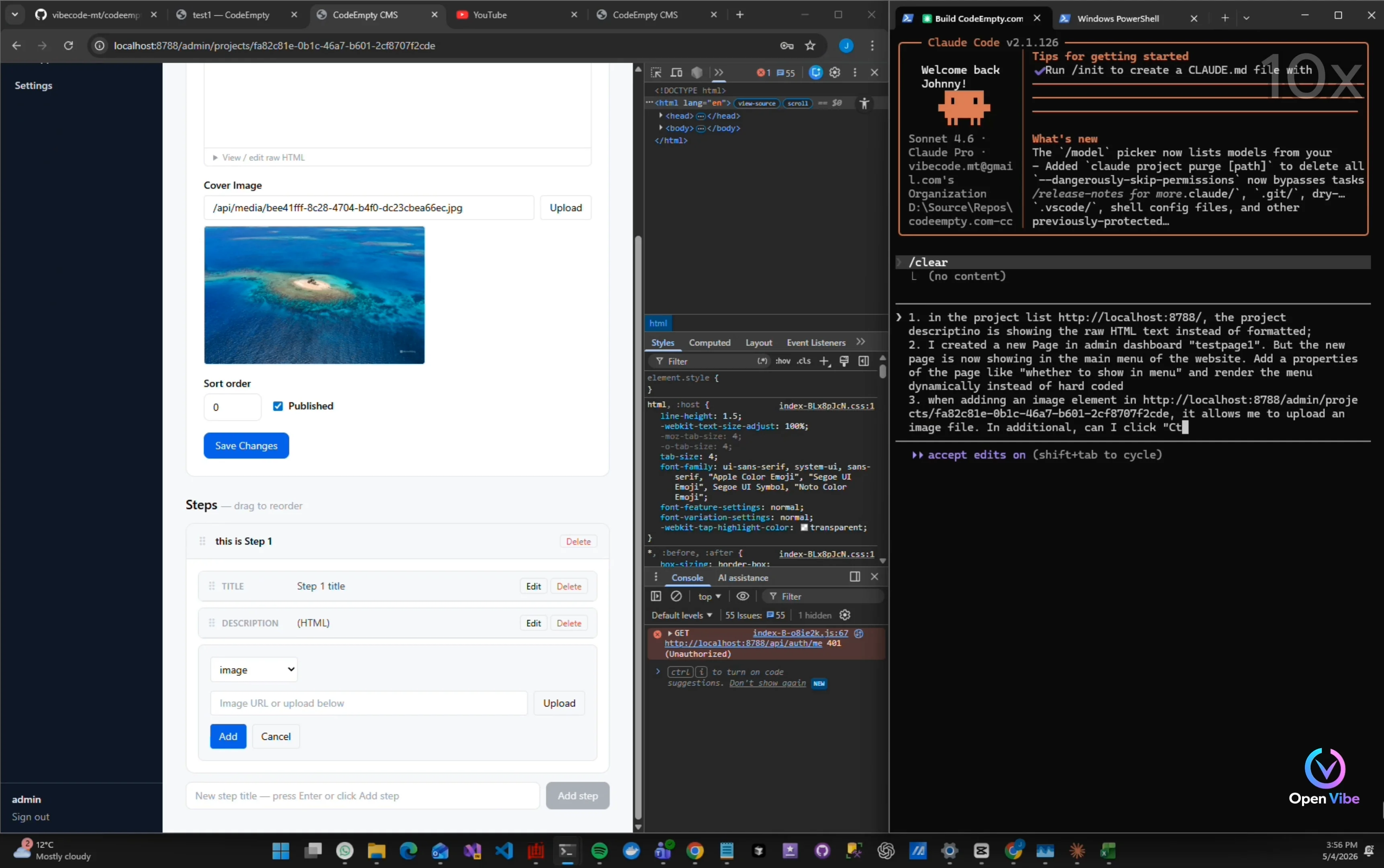
Paste image with Ctrl-V
3. 2. Iteration 9 - Building ▶ 2:01 1 item · 1 🖼
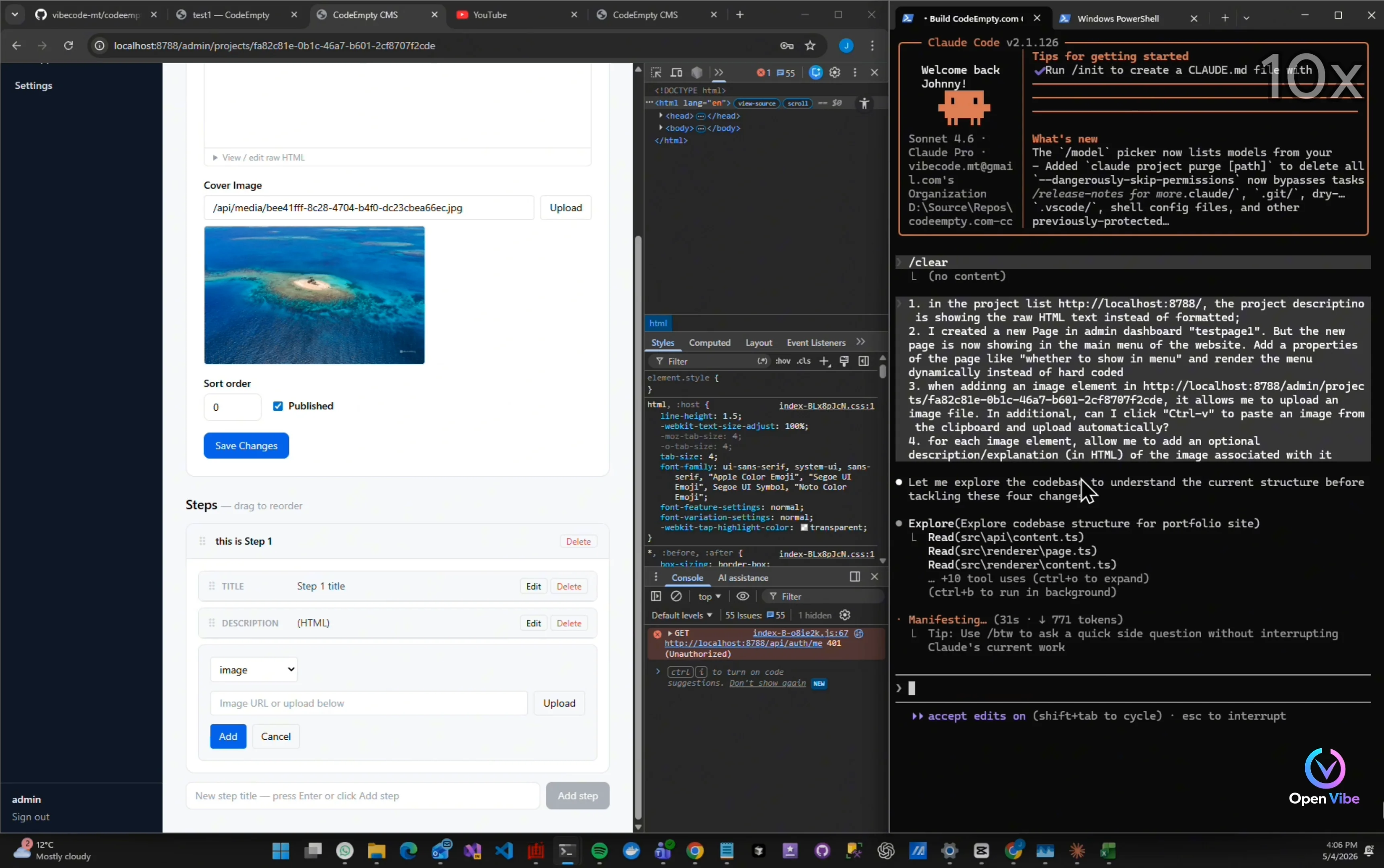
“This is usually how vibe coding works in practice.” “Build.” “Test.” “Break something.” “Fix it.” “Then repeat.”
4. 3. Iteration 9 - Testing ▶ 2:50 8 items · 7 🖼
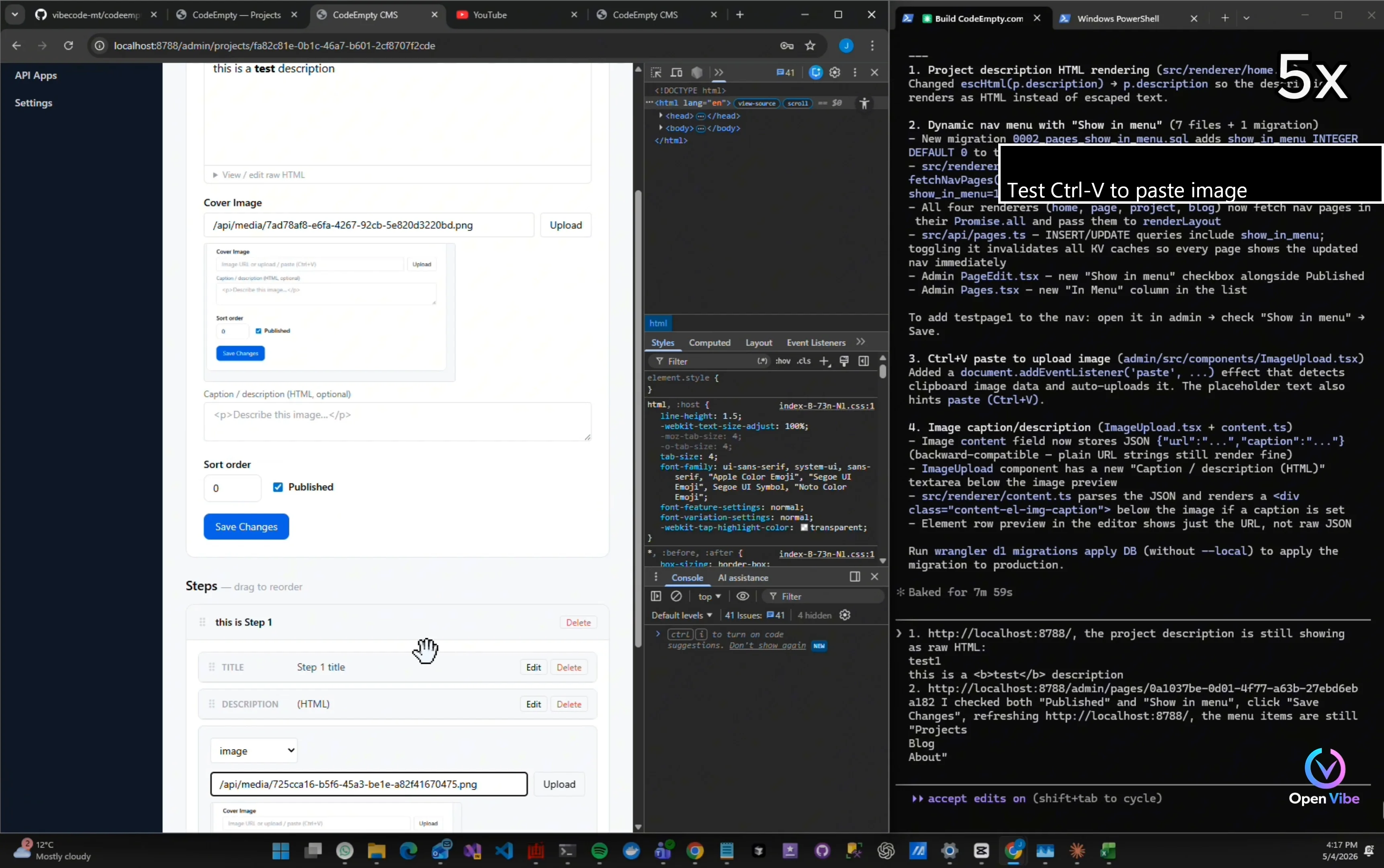
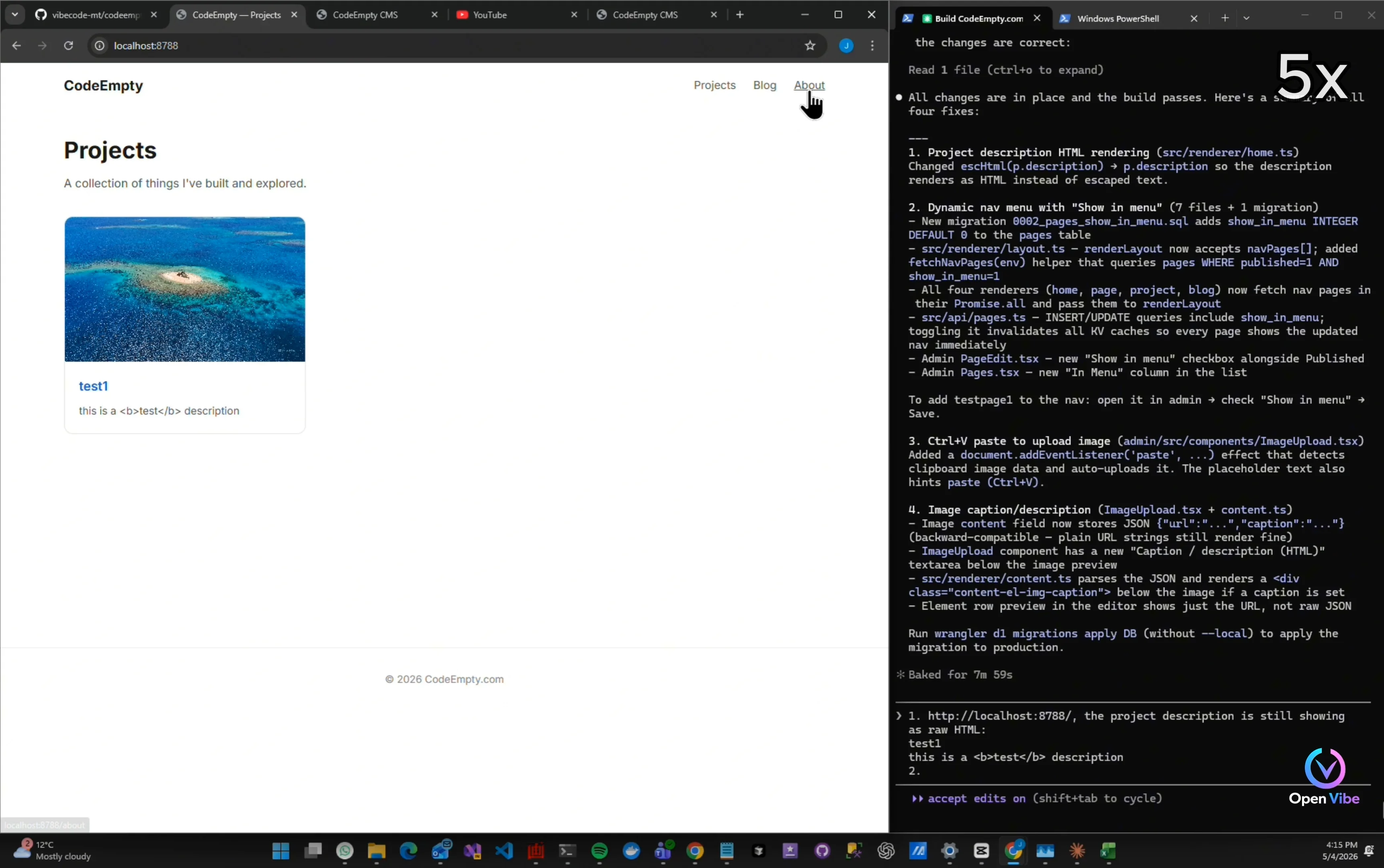
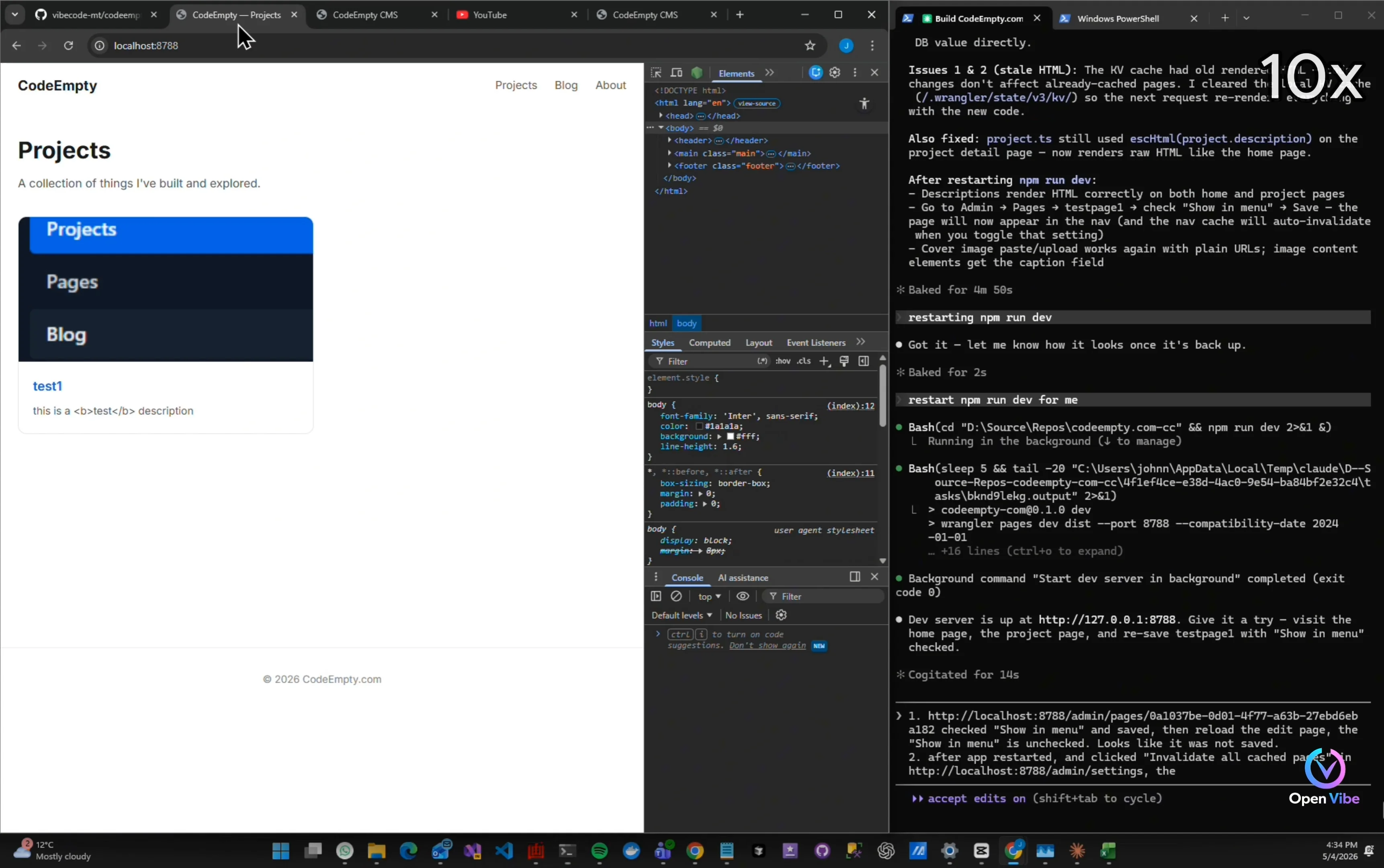
Still showing HTML tags
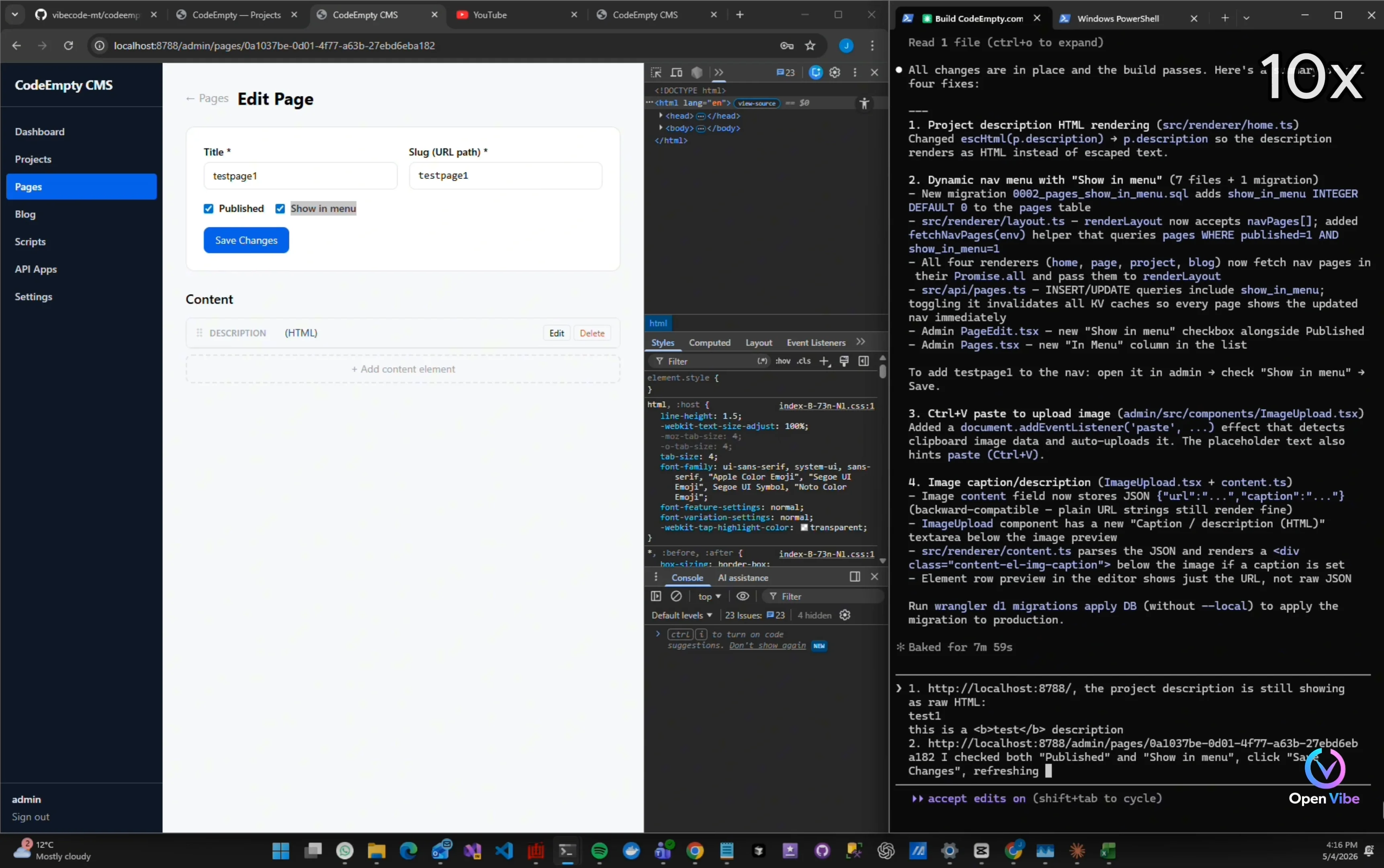
Testing menu item fix
Added "Show in menu" option But it's not working
Test Ctrl-V to paste image
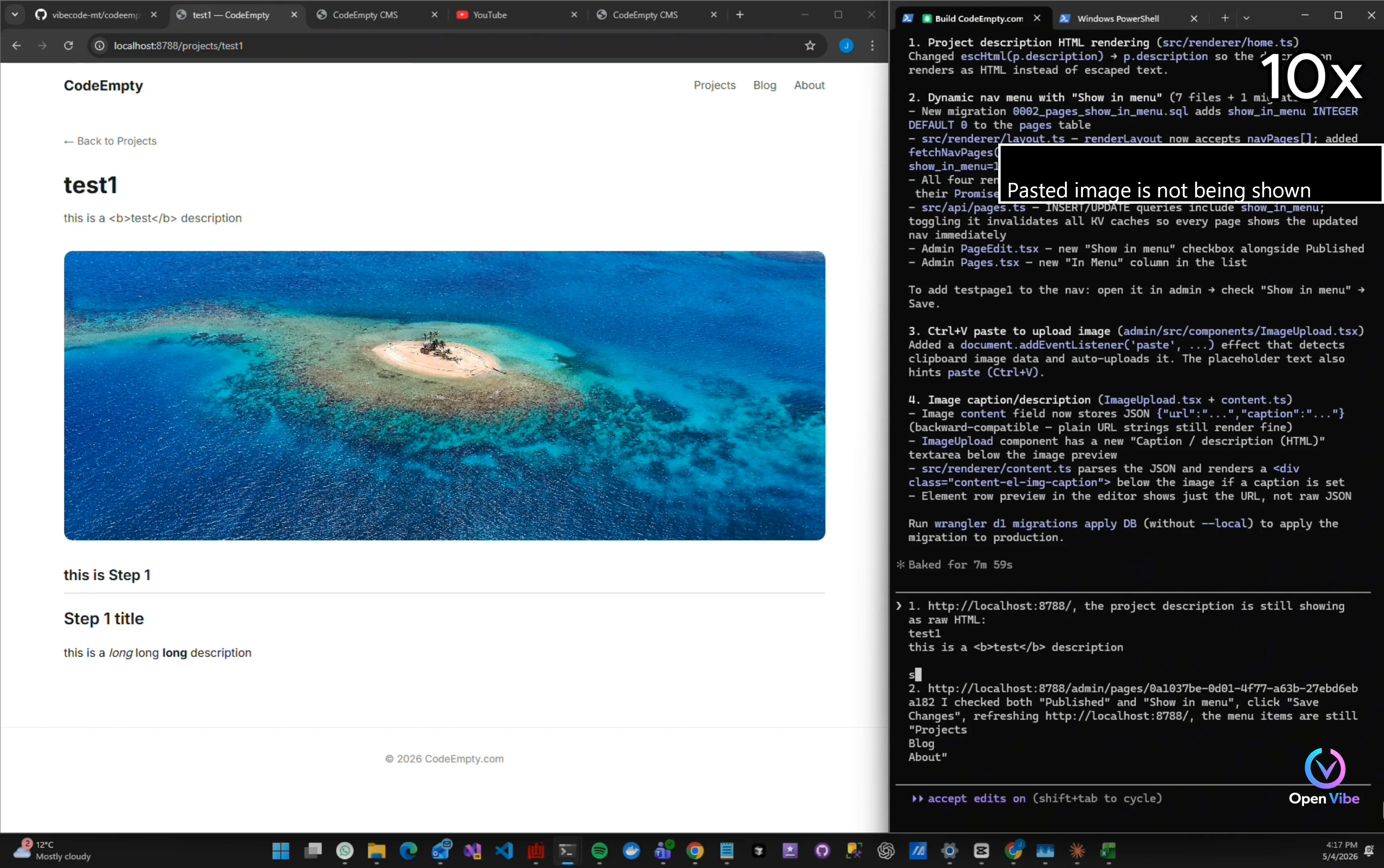
Pasted image is not being shown
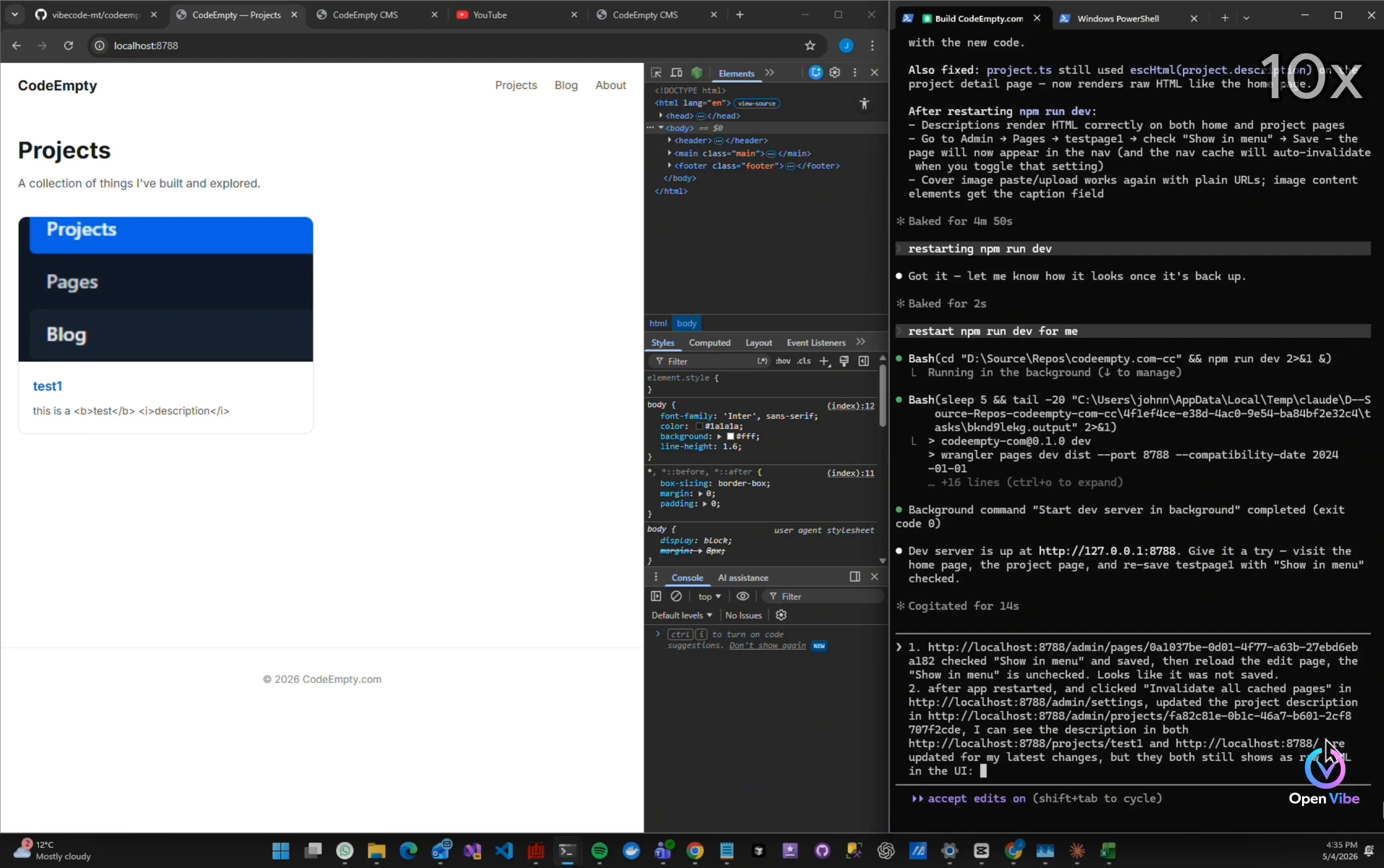
Description is showing HTML tags
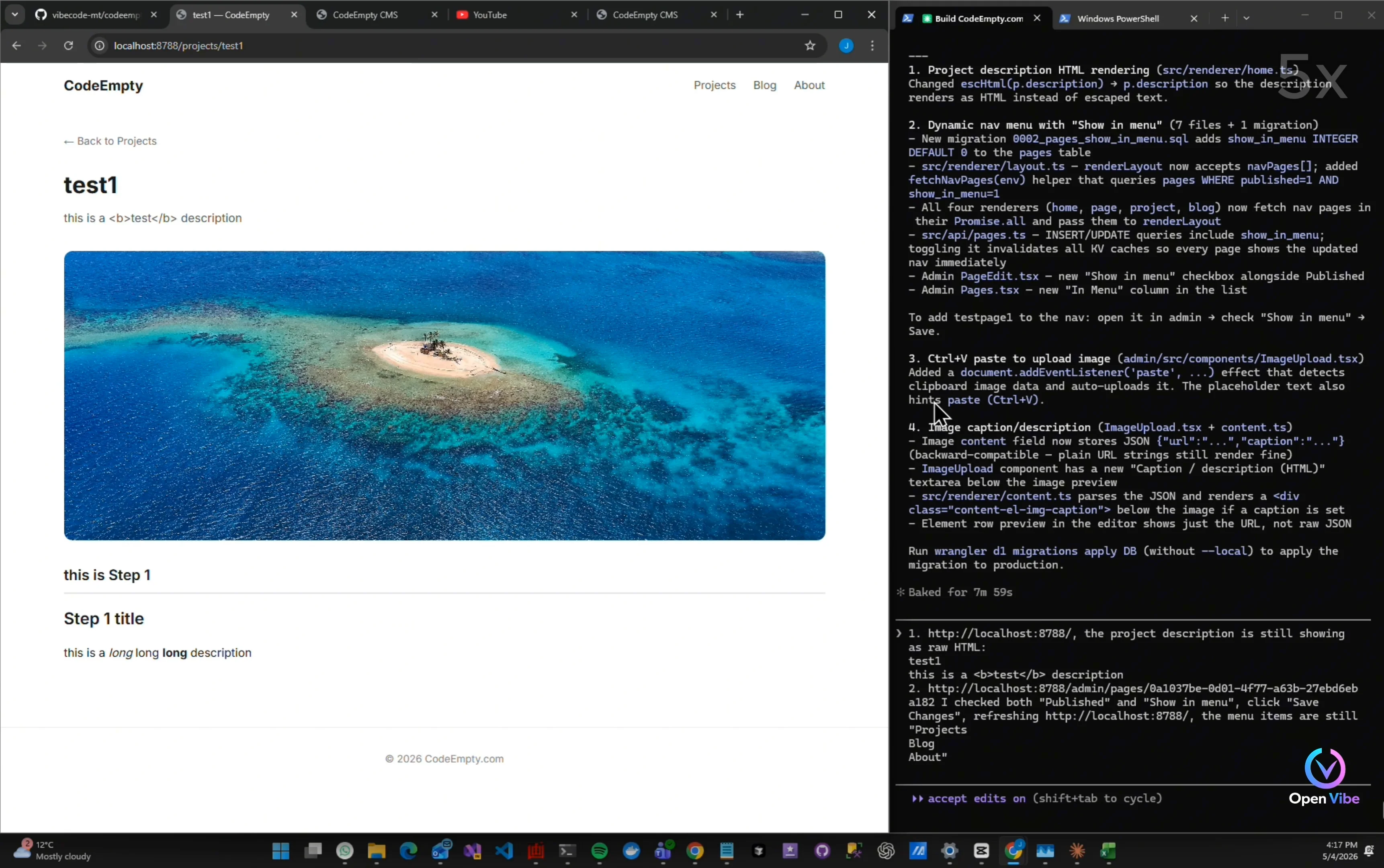
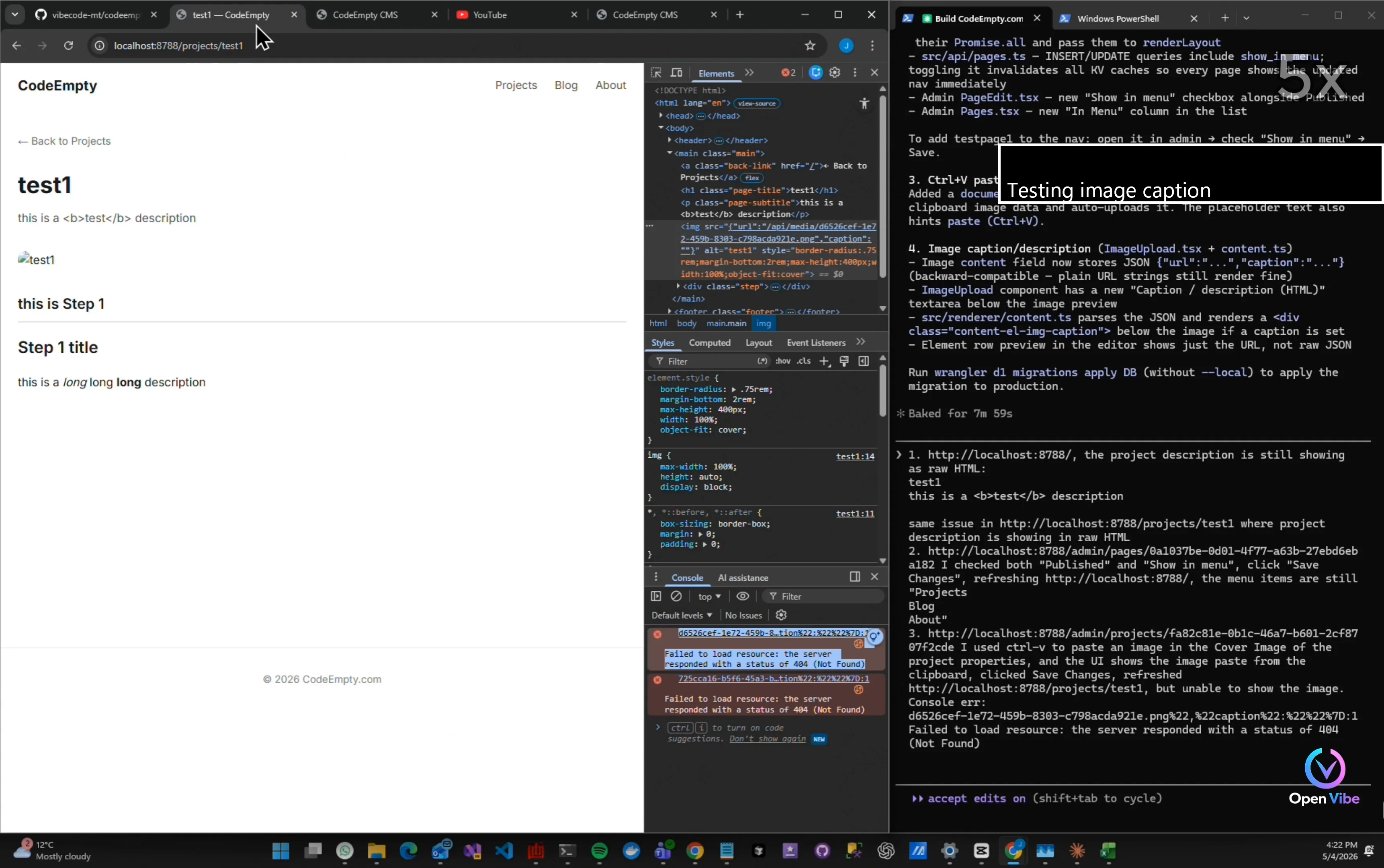
Testing image caption
Same issue in Project Details image Copy and paste errors from console
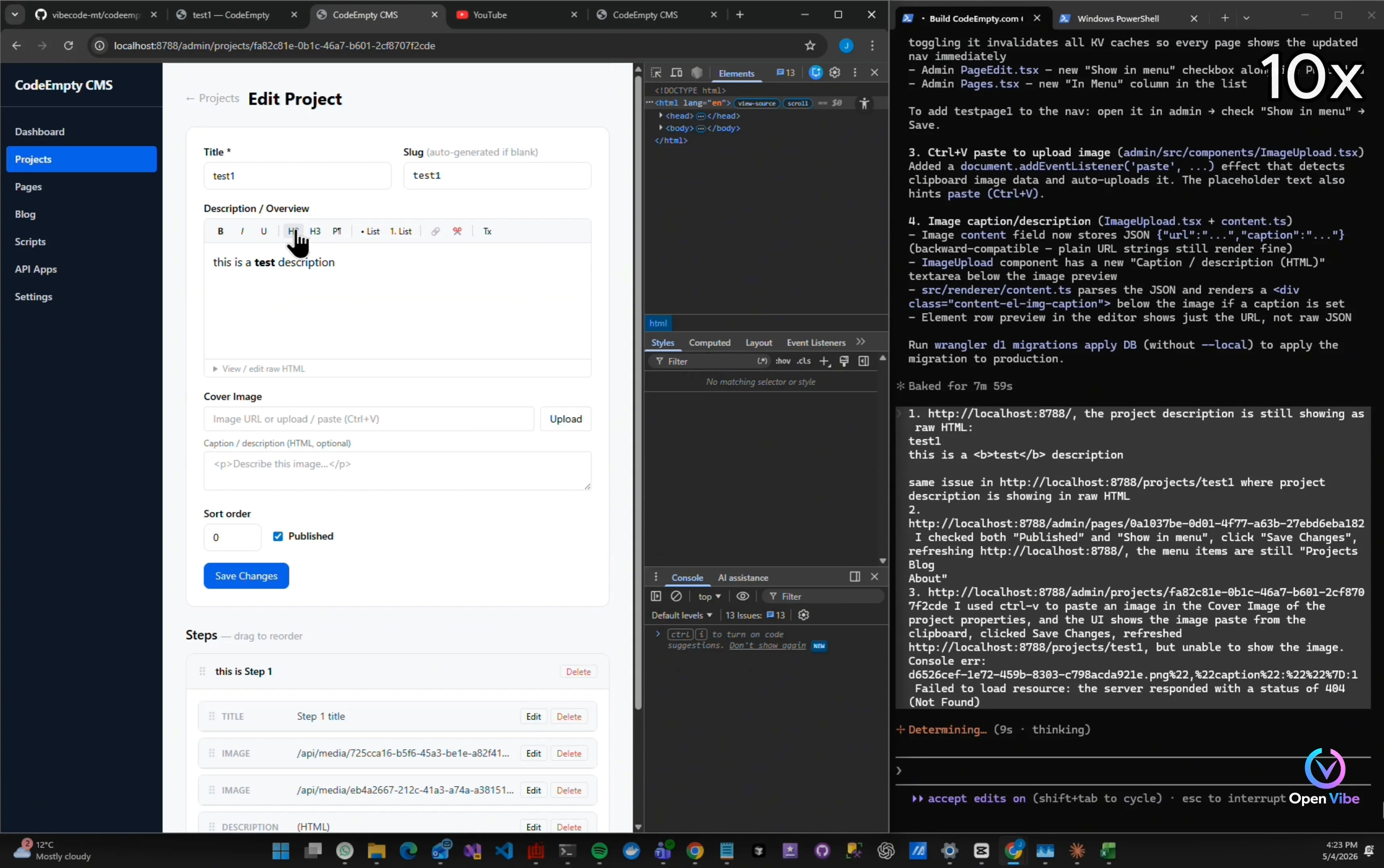
5. 4. Iteration 10 ▶ 4:17 1 item · 1 🖼
6. 5. Iteration 10 - Testing ▶ 4:50 4 items · 4 🖼
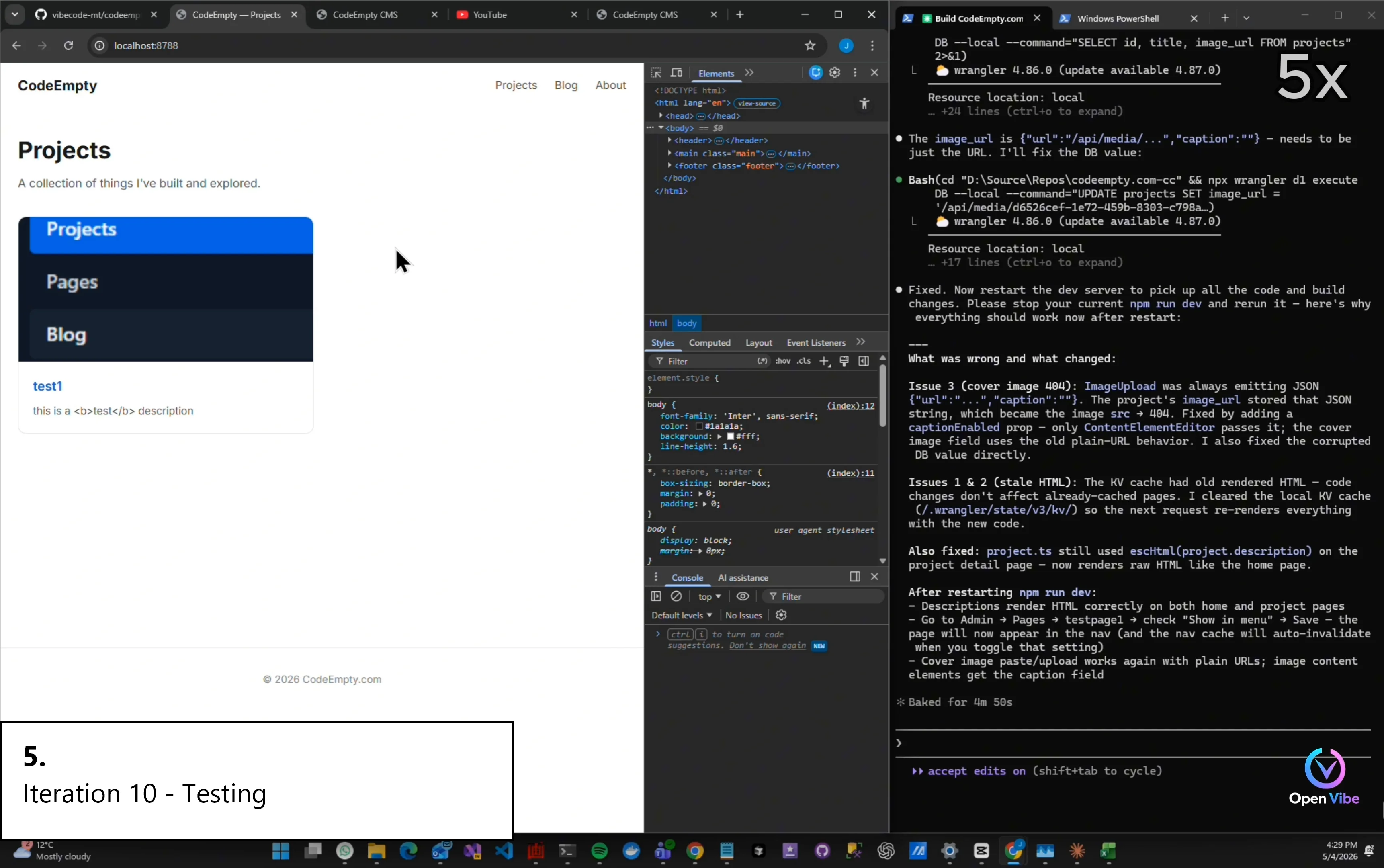
Checking HTML rendering
Stilling not working Ask AI
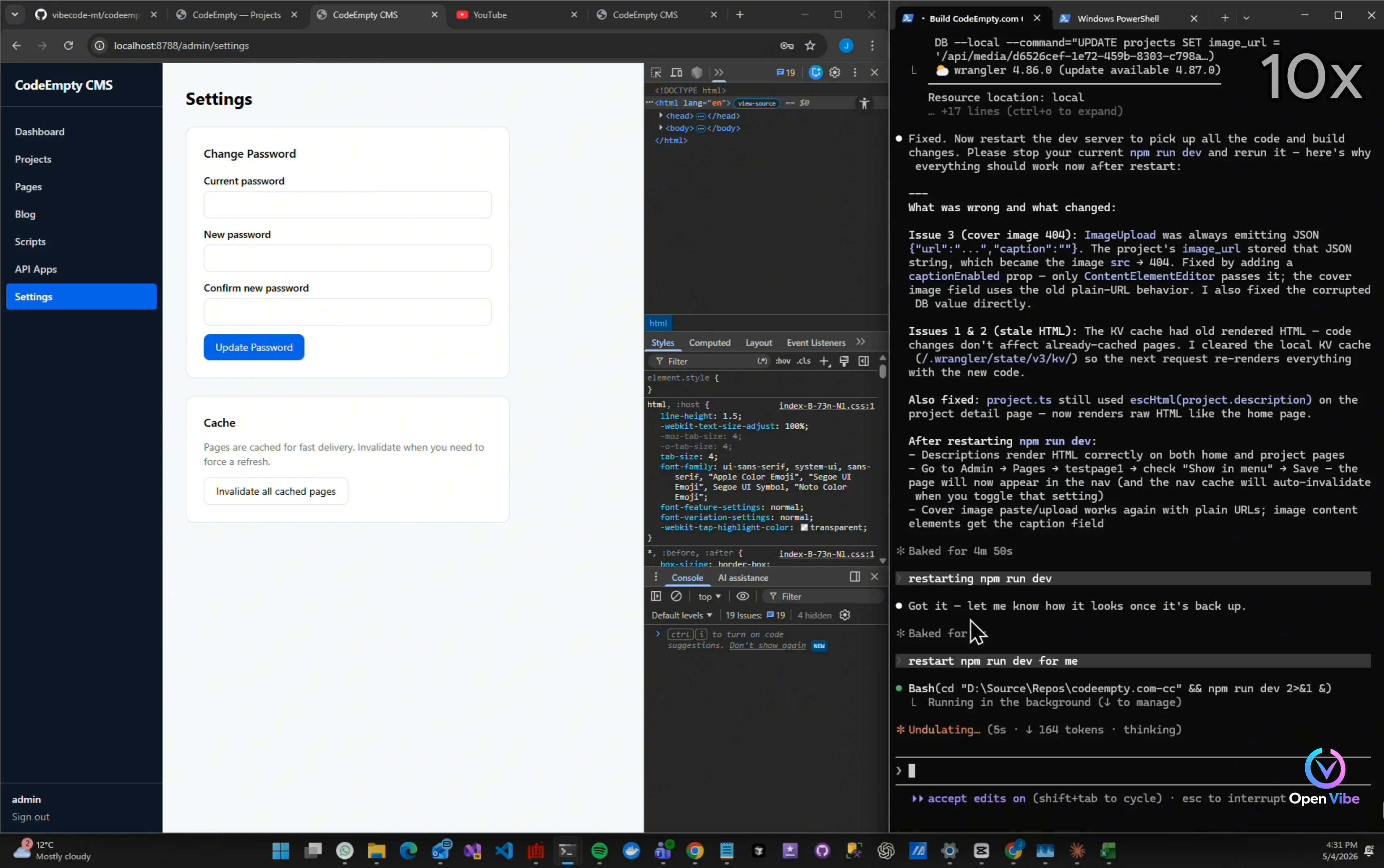
Server restarted. Test again.
Menu item is still not showing
7. 6. Iteration 11 ▶ 5:36 8 items · 4 🖼
HTML is still not working Giving AI more context
“One thing I learned from AI coding…” “When AI keeps failing…” “The problem is often missing context.” “Not necessarily bad code generation.”
Give AI more context
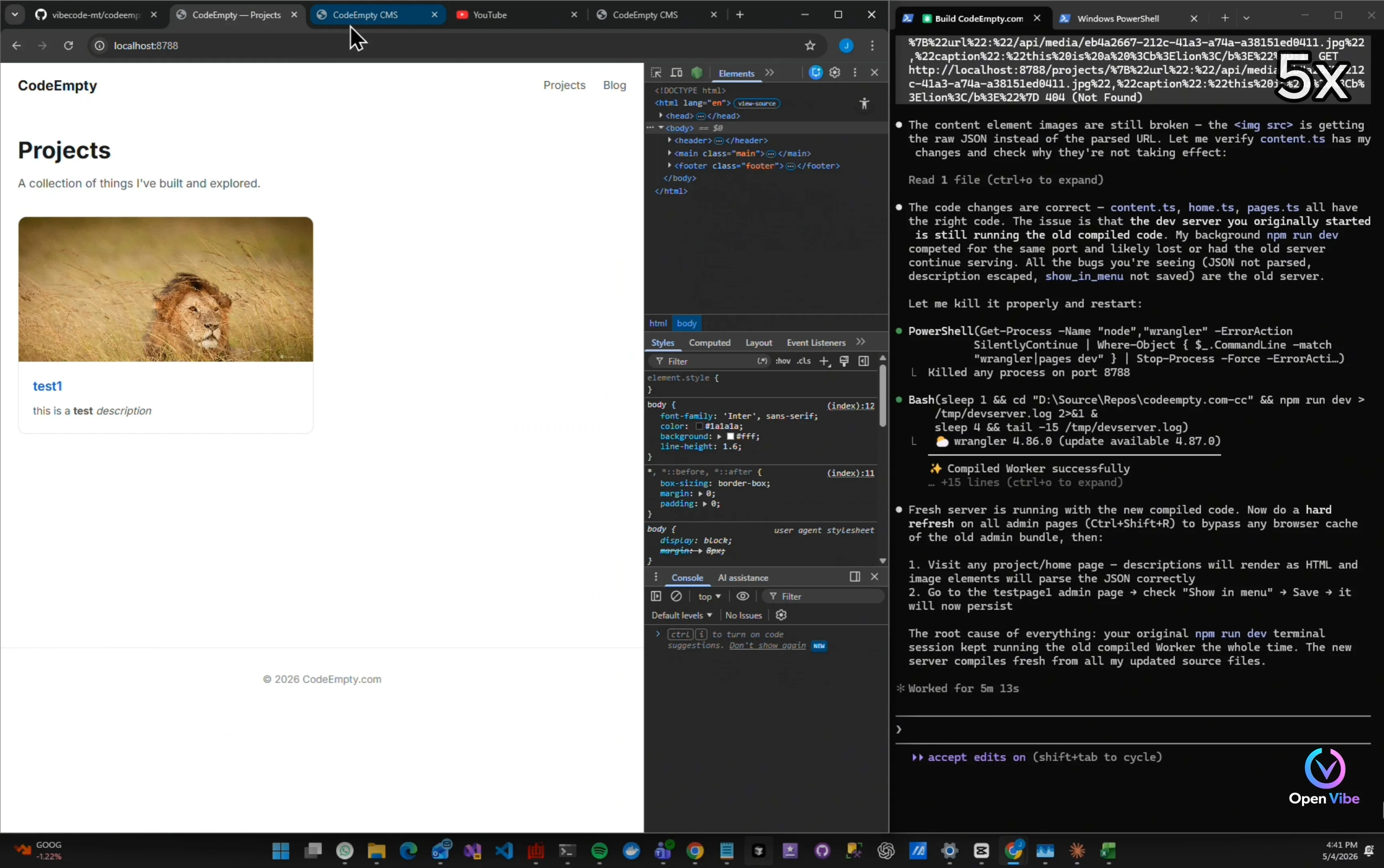
“Interesting…” “The fix actually worked earlier.” “The issue was the server state.” “That happens a lot during rapid iterations.”
It works after proper server restarts
Show in menu also works
“Once the workflow becomes stable…” “I commit immediately.” “Small stable checkpoints make iterations much safer.”
Git commit to save progress
8. 7. Iteration 12 - Planning ▶ 6:37 3 items · 2 🖼
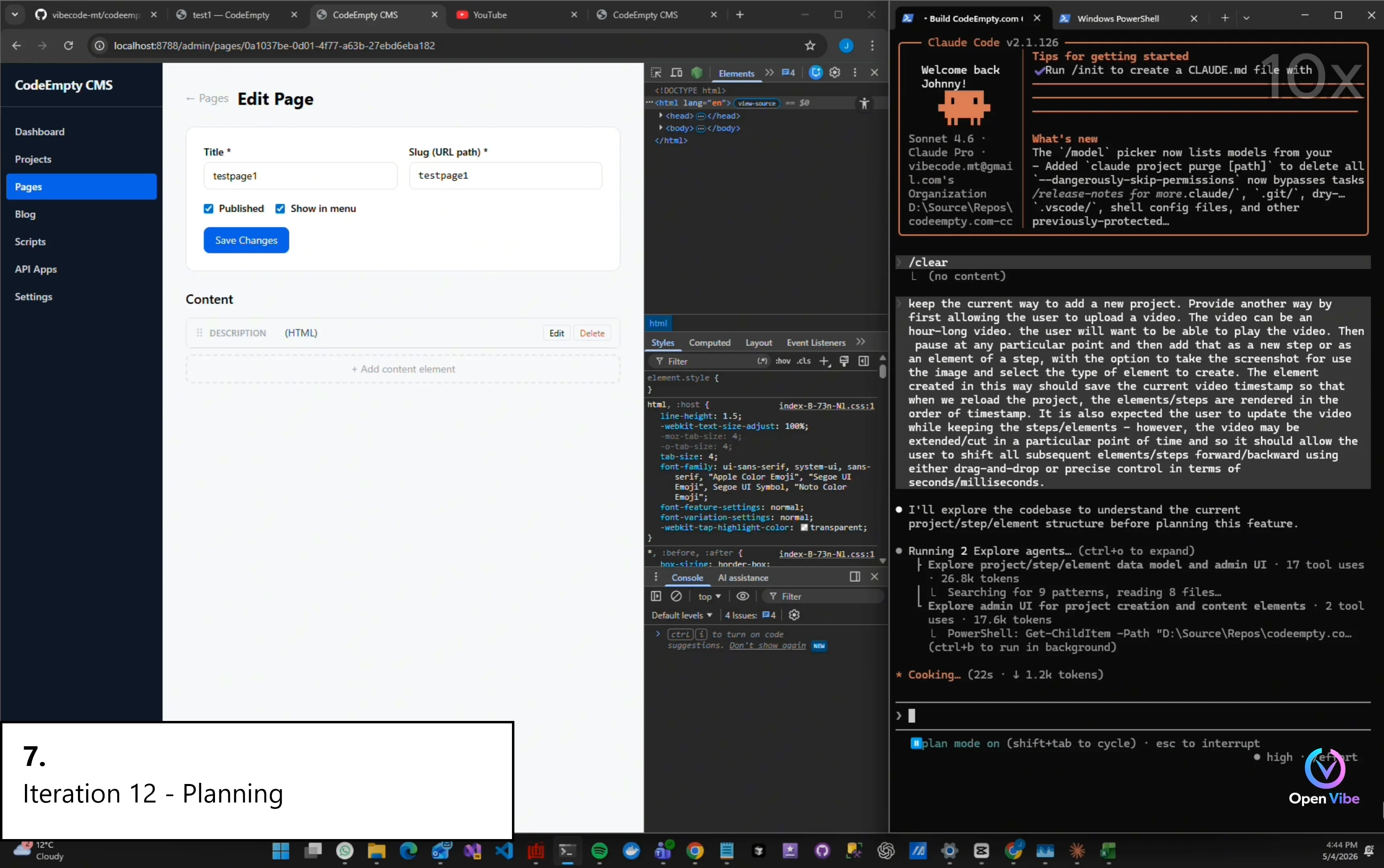
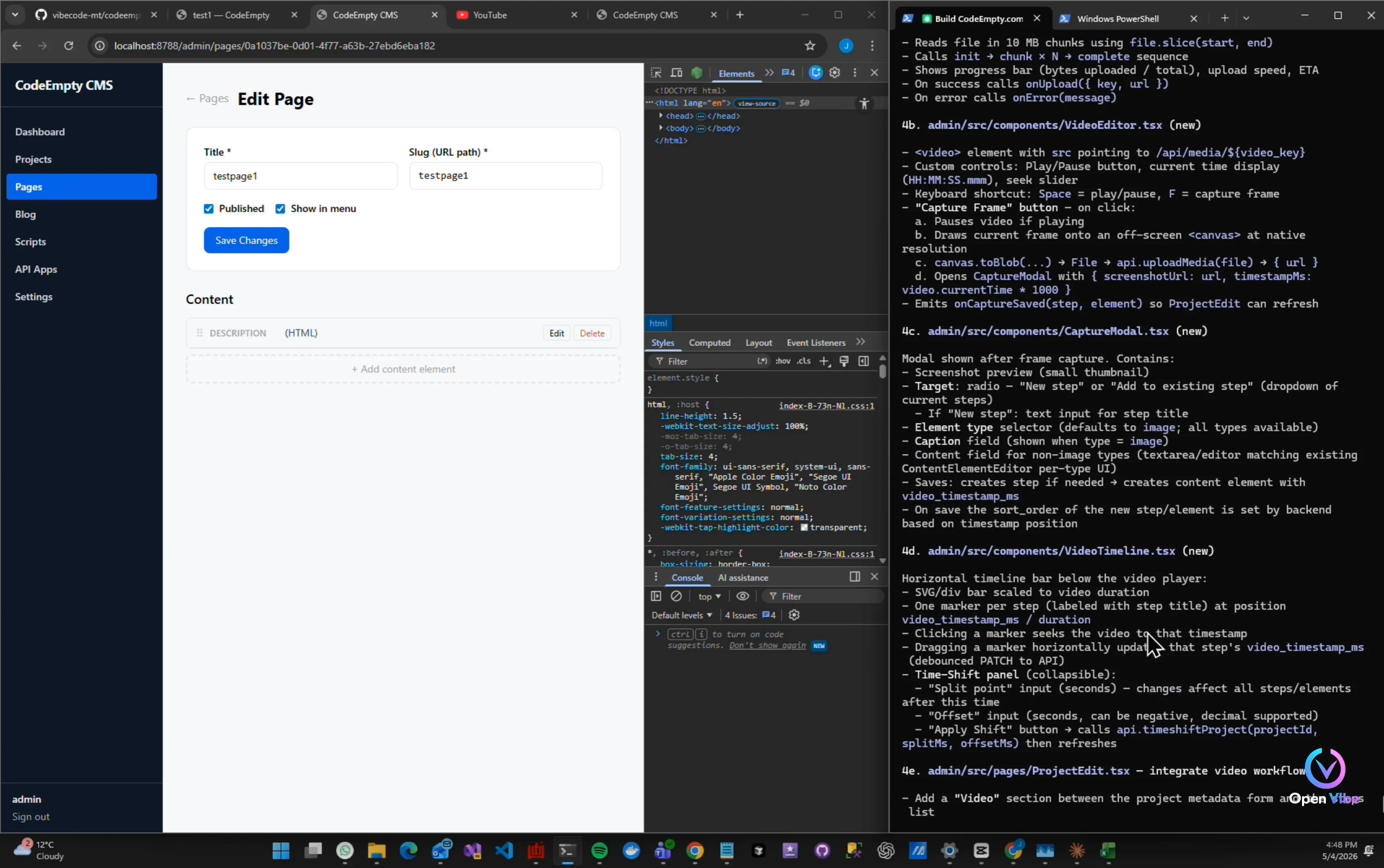
Support video upload to capture screen from the video
“Now we move to the bigger workflow problem.” “Turning long videos into structured projects.” “This is the core idea behind OpenVibe.”
Review plan before proceed
9. 8. Iteration 12 - Building ▶ 7:47 2 items · 1 🖼
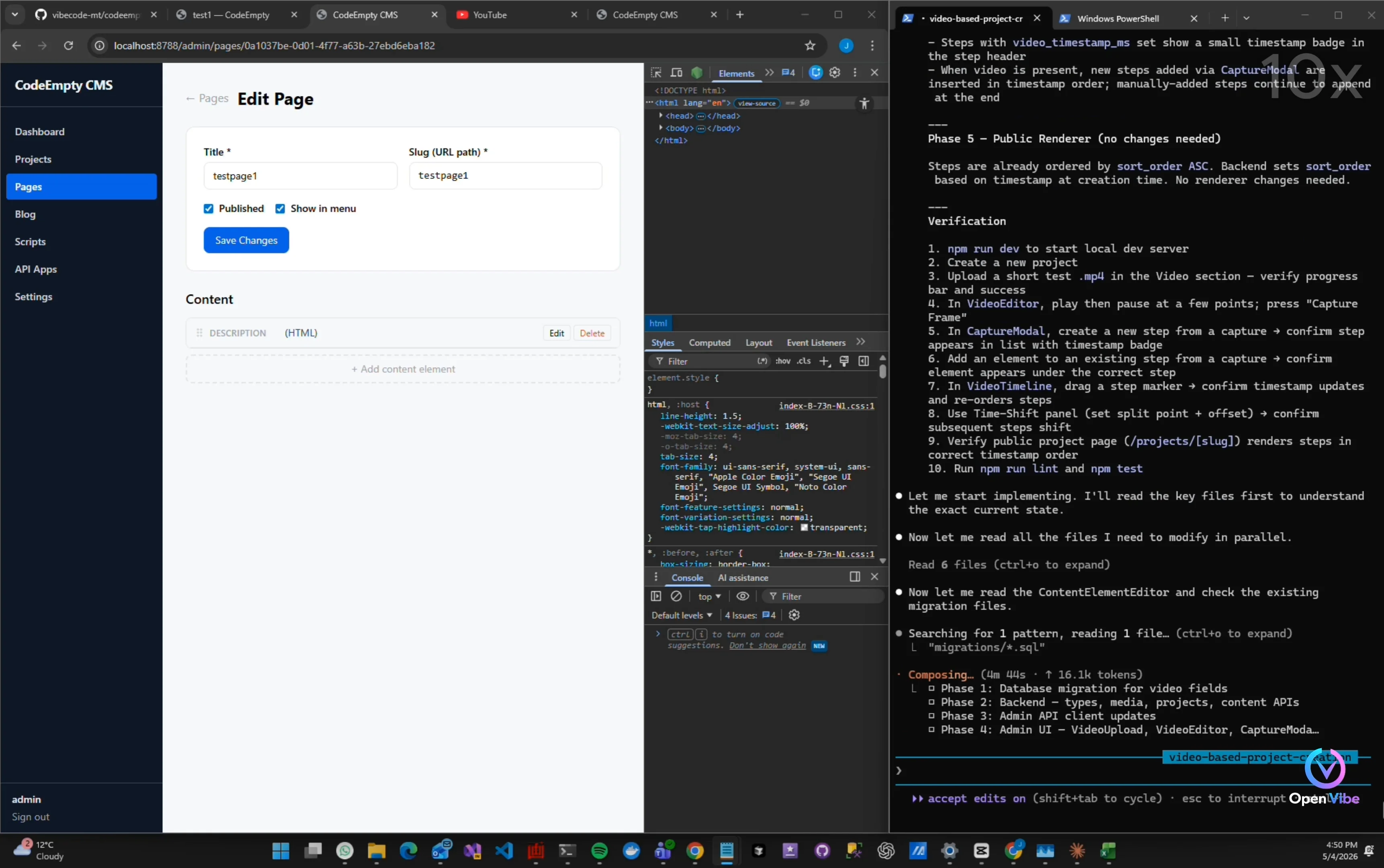
“Classic AI workflow issue.” “The feature exists…” “But the UX doesn’t expose it clearly.”
10. 9. Iteration 12 - Testing ▶ 8:53 1 item · 1 🖼
Can't find video upload
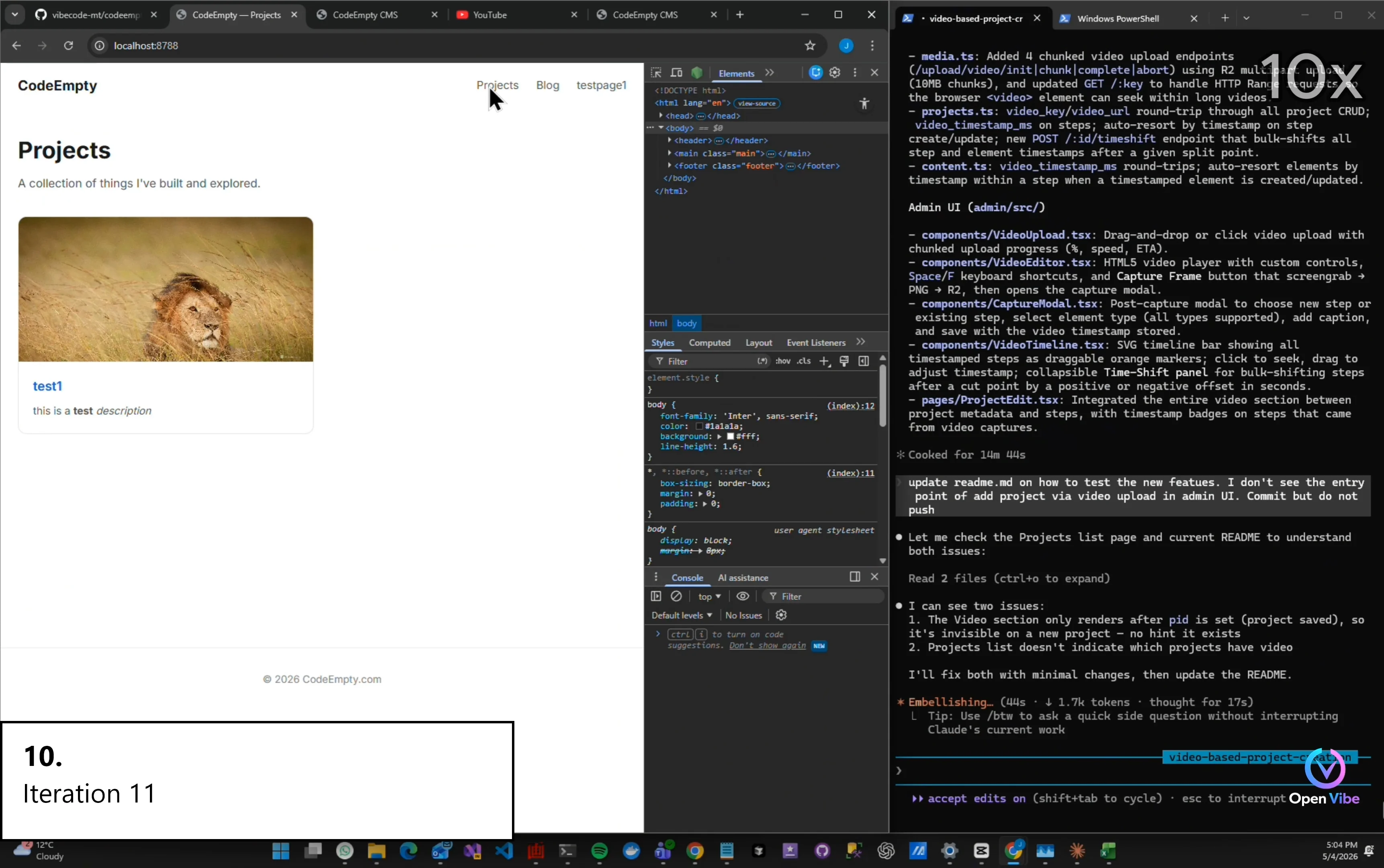
11. 10. Iteration 11 ▶ 9:03 1 item · 1 🖼
Ask AI to update readme So I know where to upload video
12. 11. Iteration 11 - Testing ▶ 9:21 8 items · 6 🖼
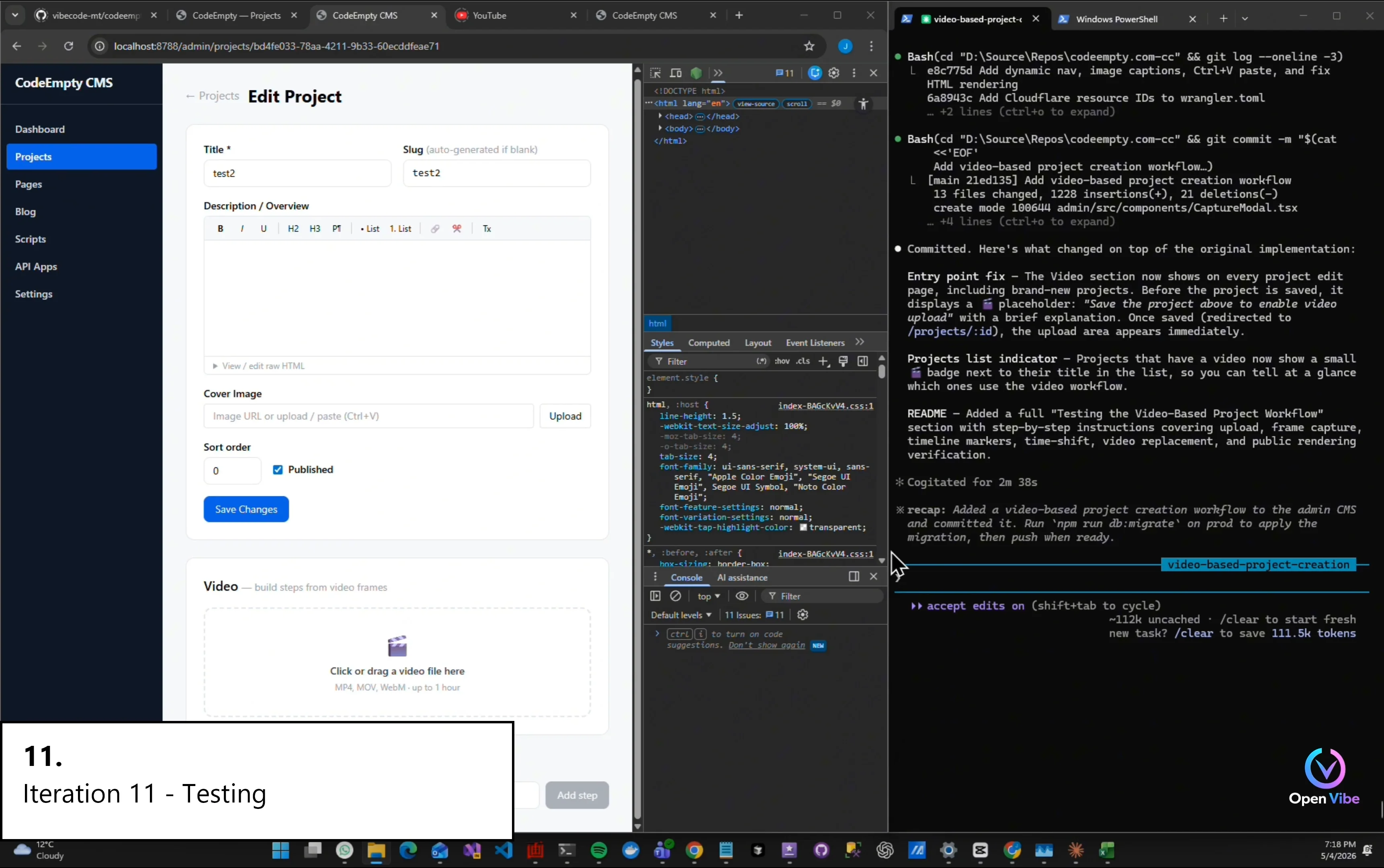
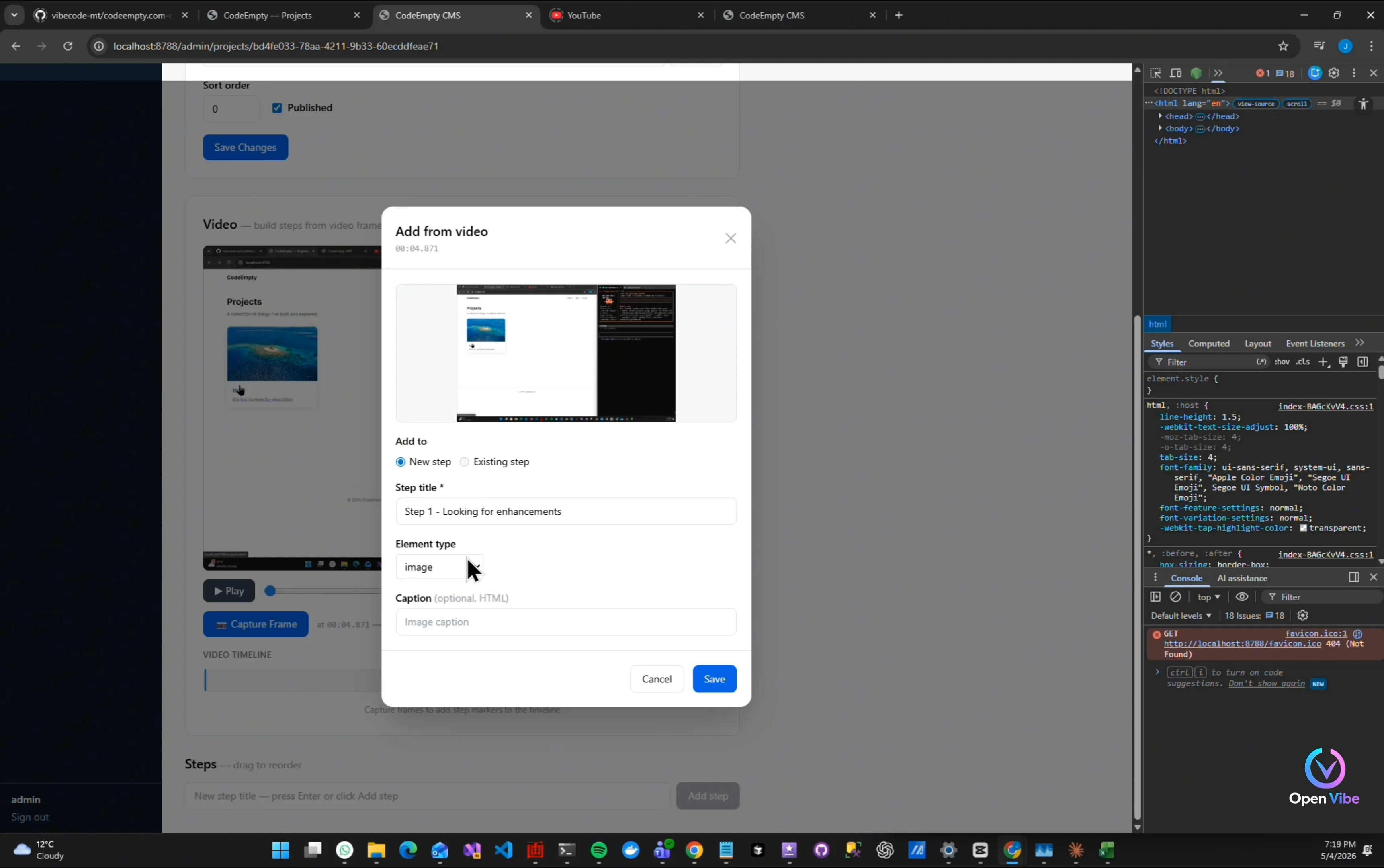
Video upload is there
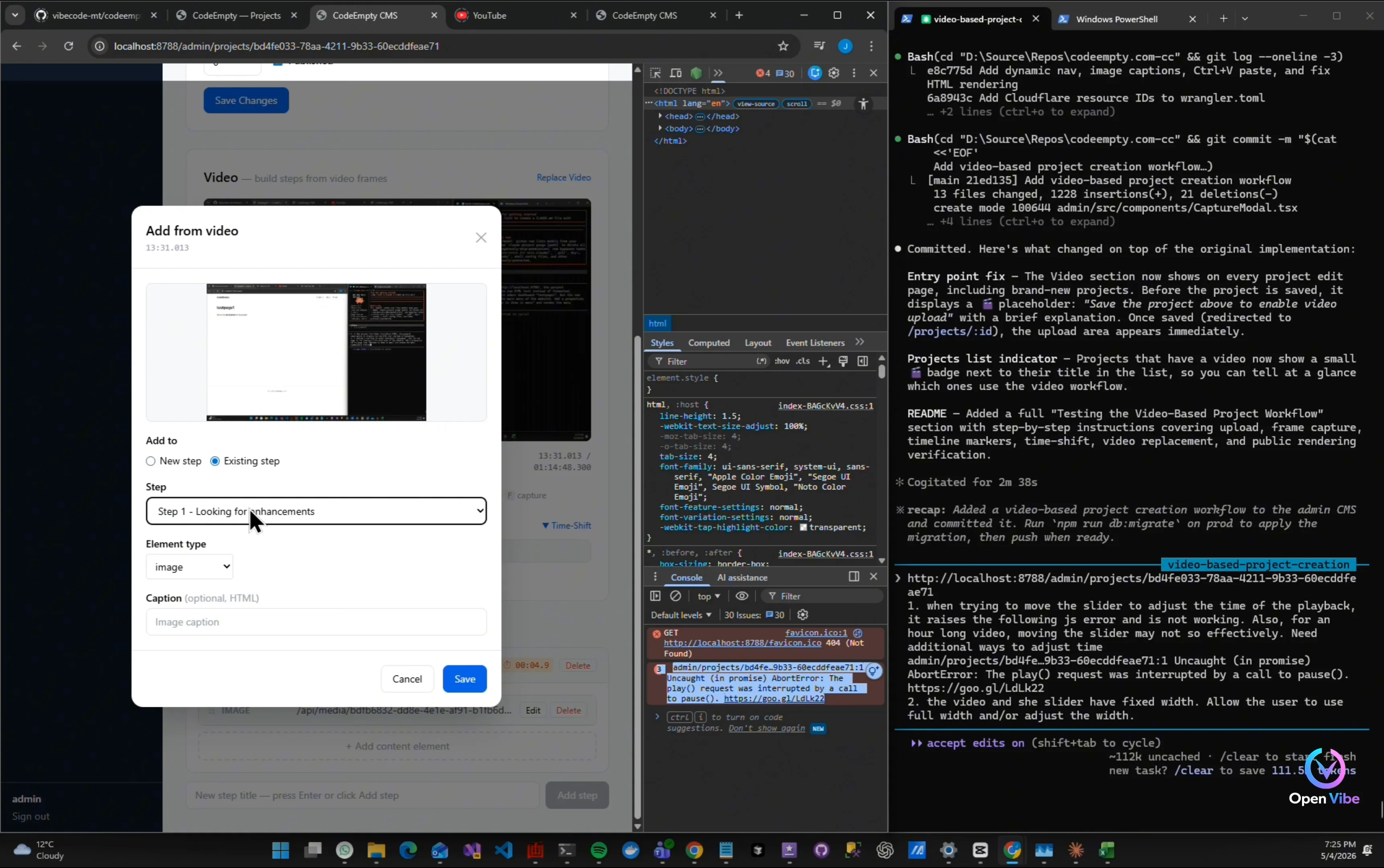
Try capture a screenshot
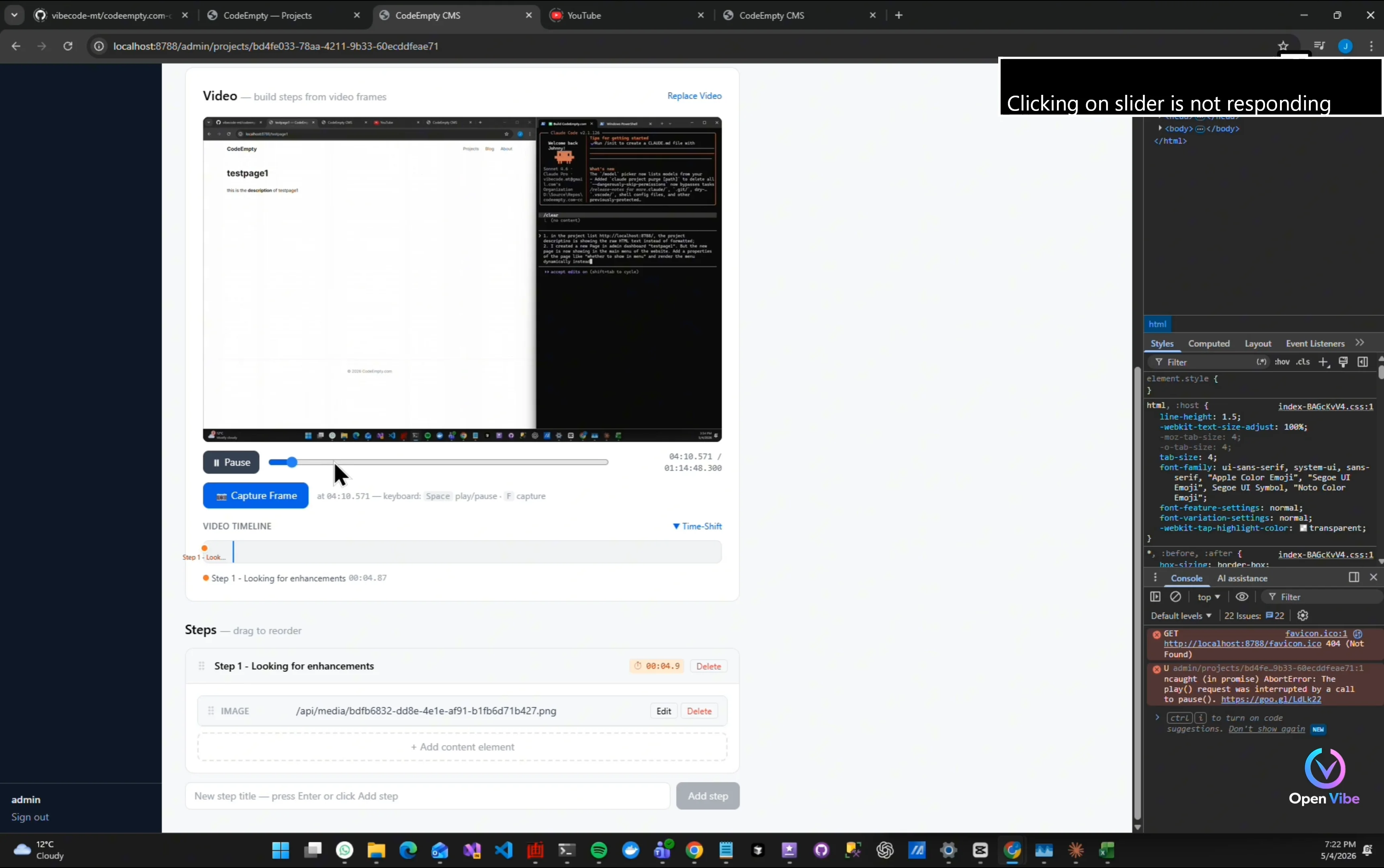
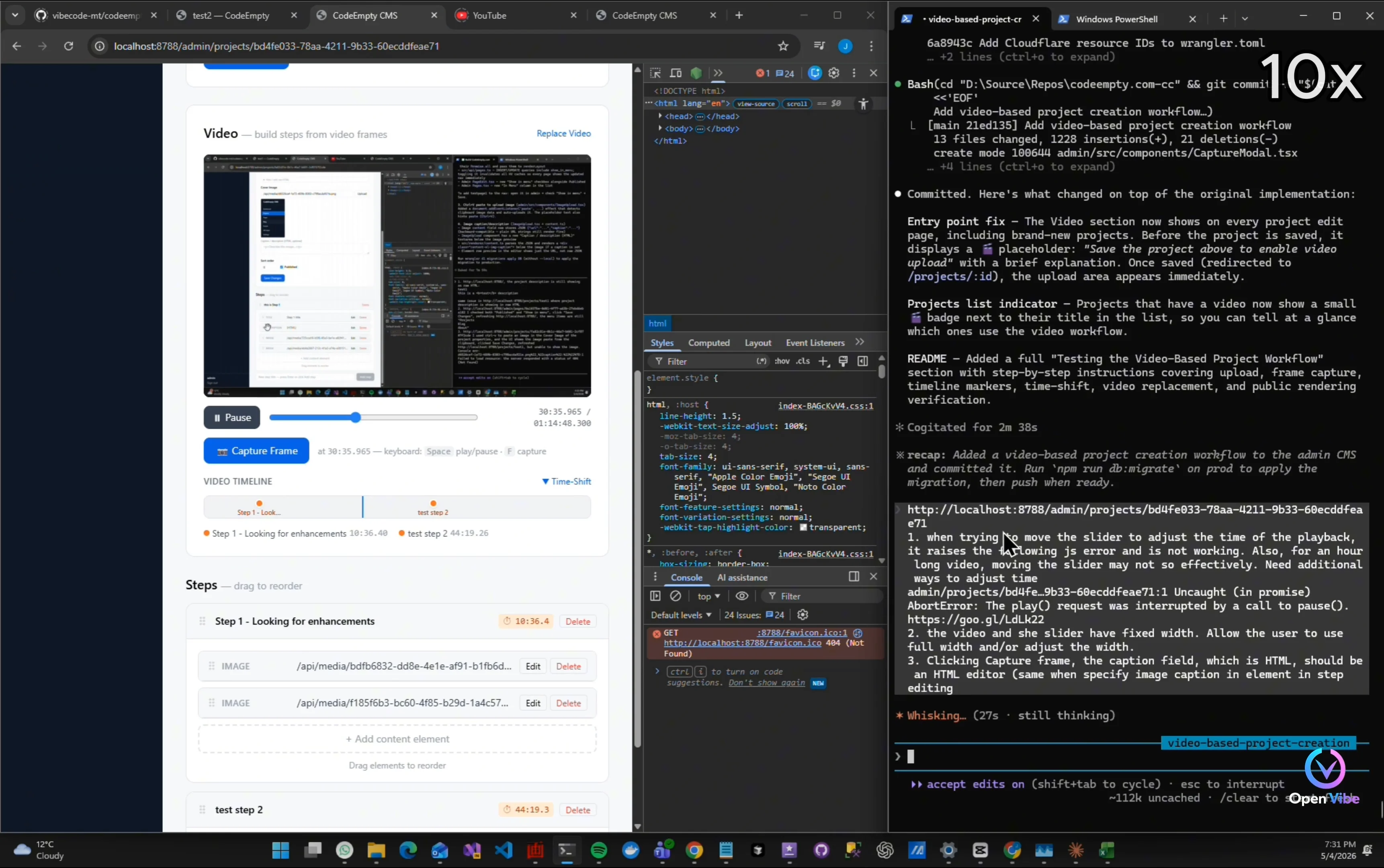
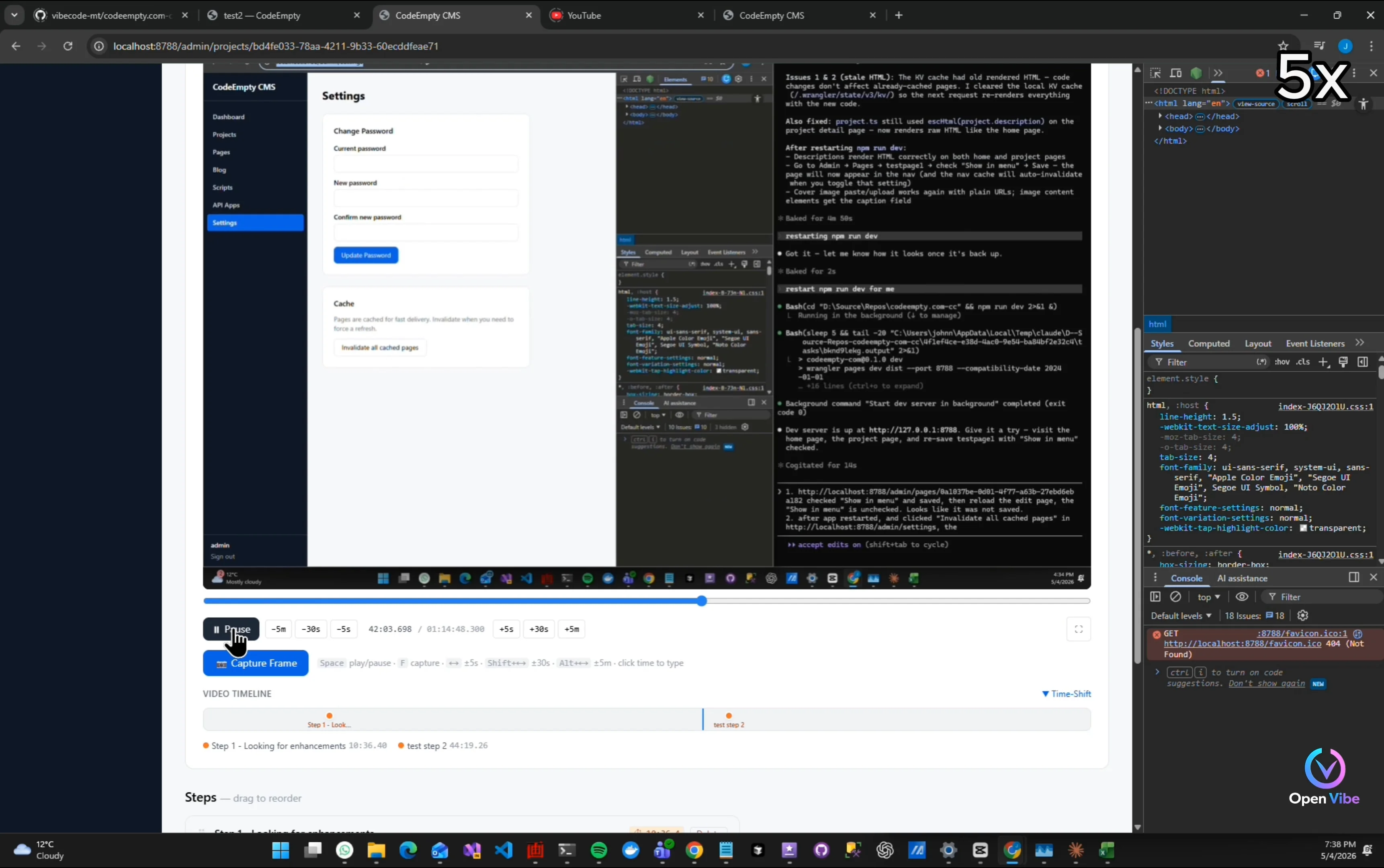
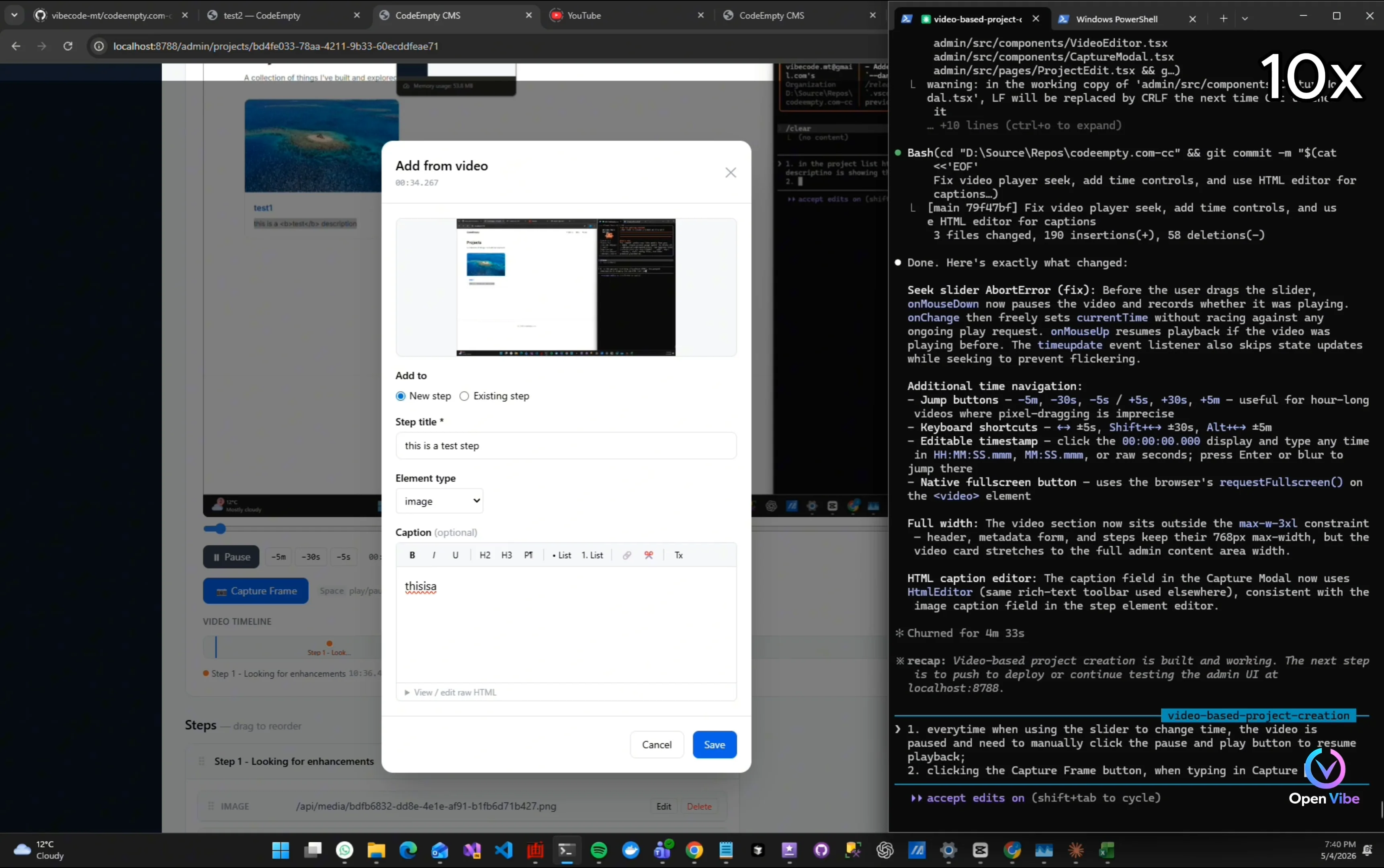
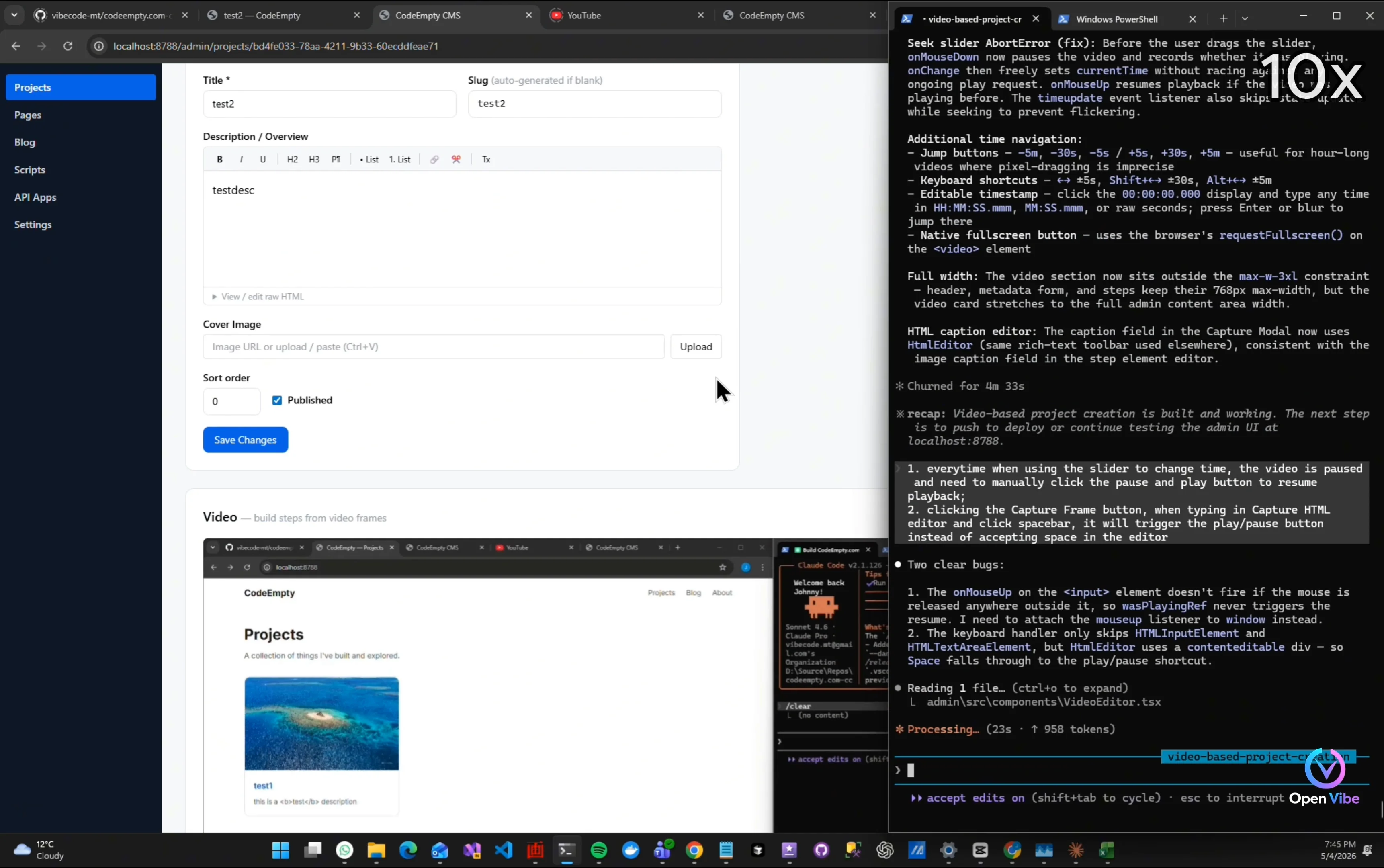
“Video editing workflows are surprisingly complicated.” “Playback timing…” “Slider interaction…” “Pause states…” “Everything affects usability.”
Clicking on slider is not responding
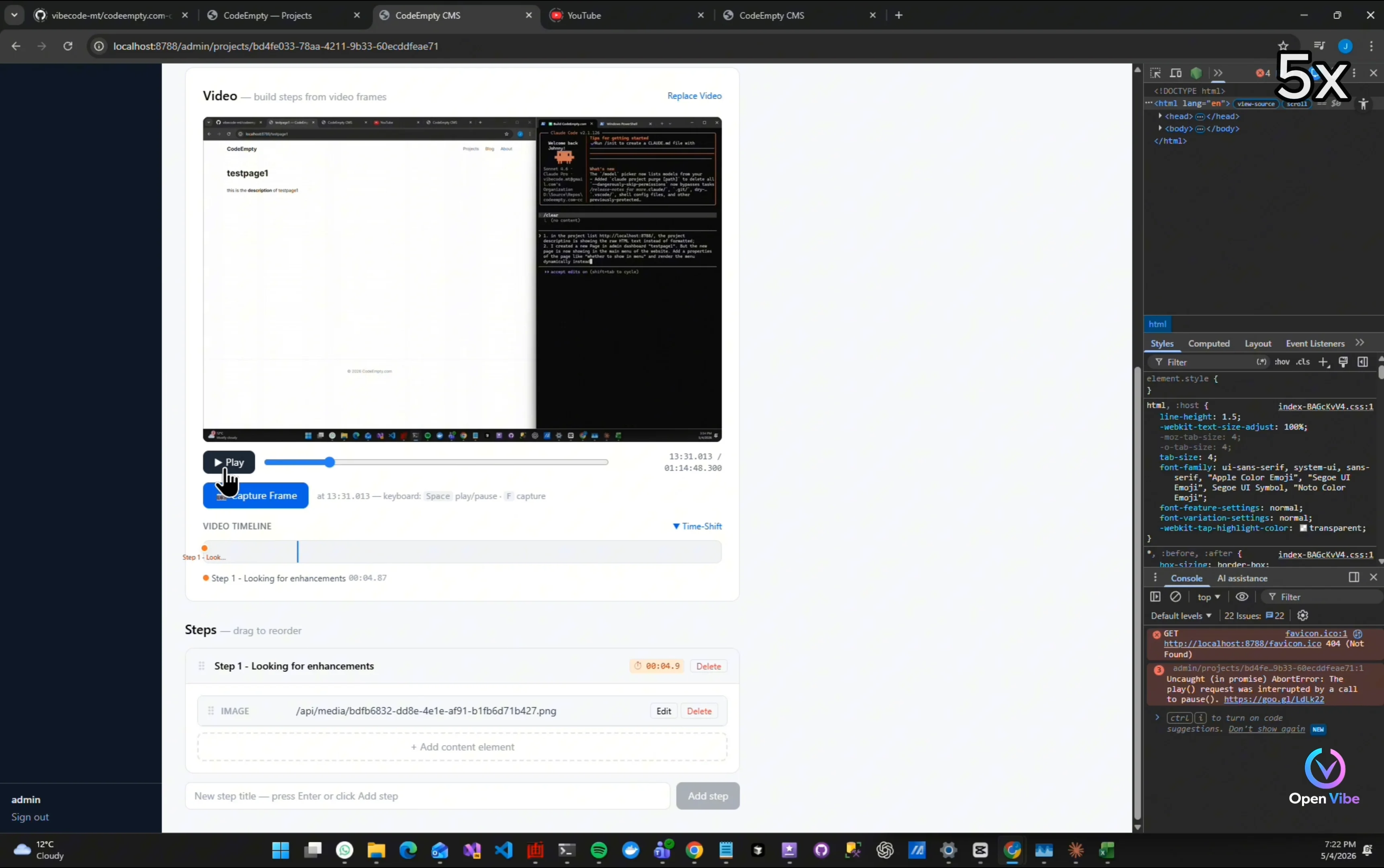
Pause/resume is causing errors
Add to the current step Should not be selectable
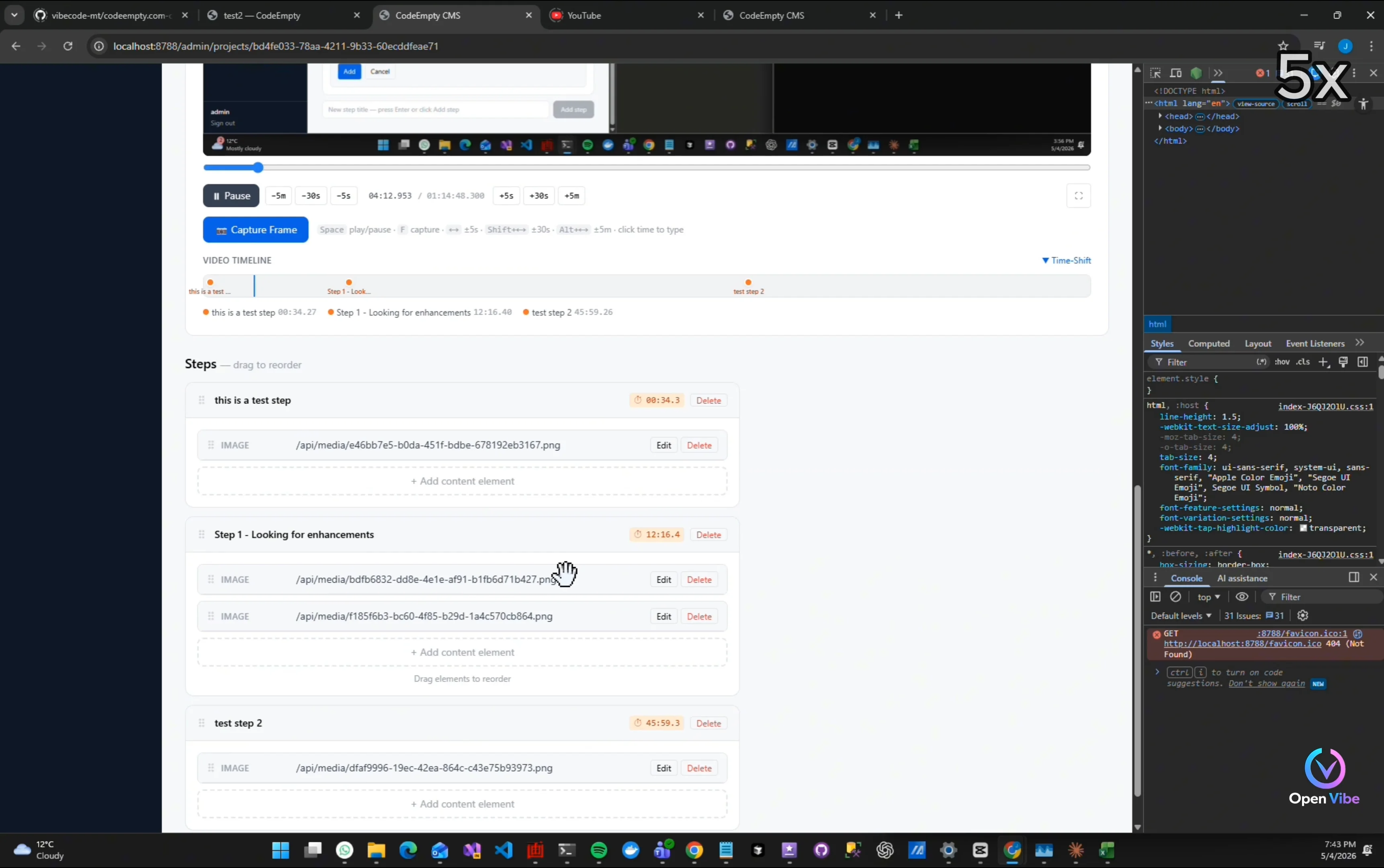
“The challenge isn’t just uploading videos.” “It’s connecting timestamps…” “Screenshots…” “Steps…” “And project structure together.”
Test if screenshots are showing
13. 12. Iteration 12 ▶ 11:13 1 item · 1 🖼
14. 13. Iteration 12 - Testing ▶ 11:43 8 items · 6 🖼
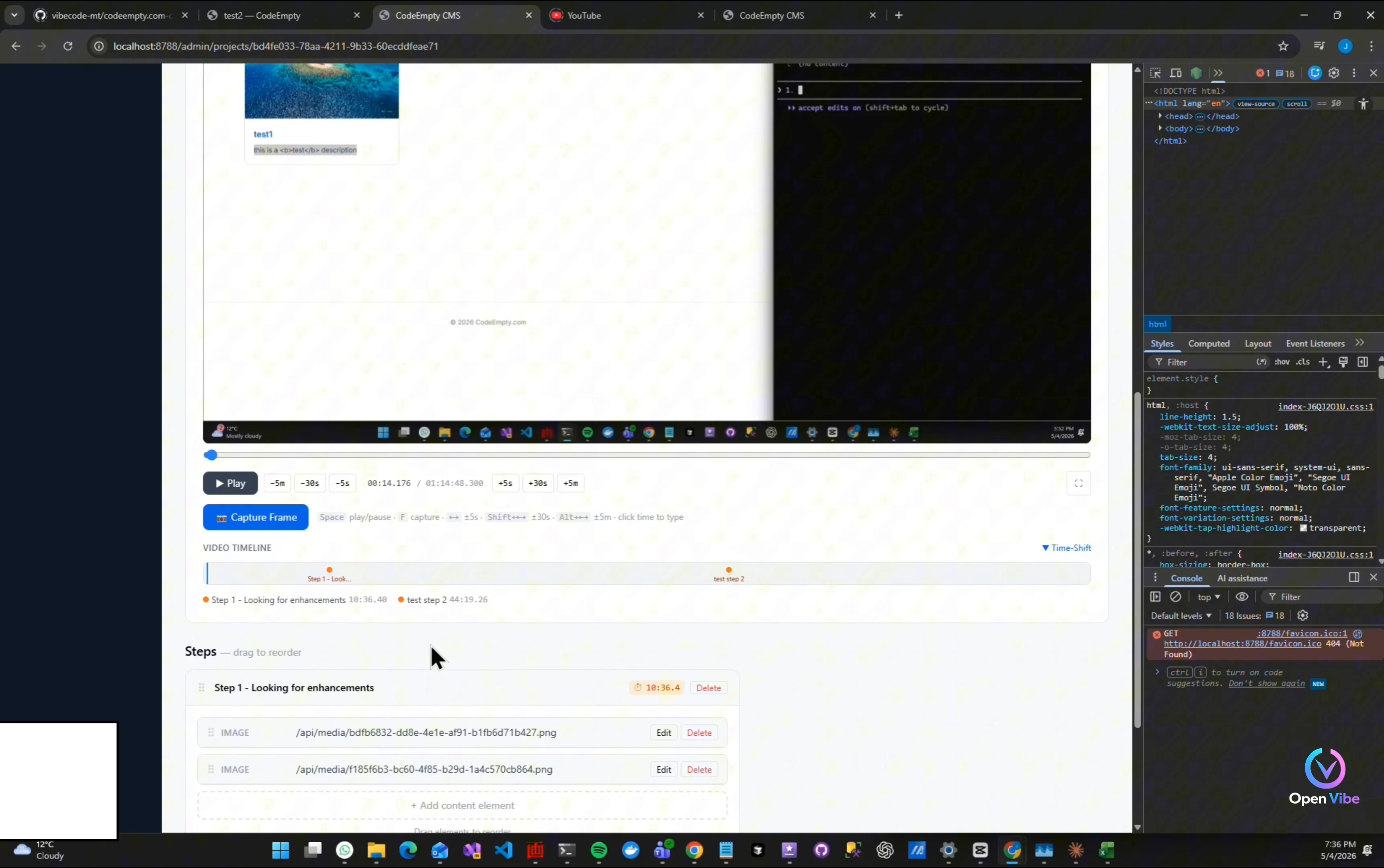
“At this stage…” “The project is mostly UX iteration.” “Small friction points become very obvious during real usage.”
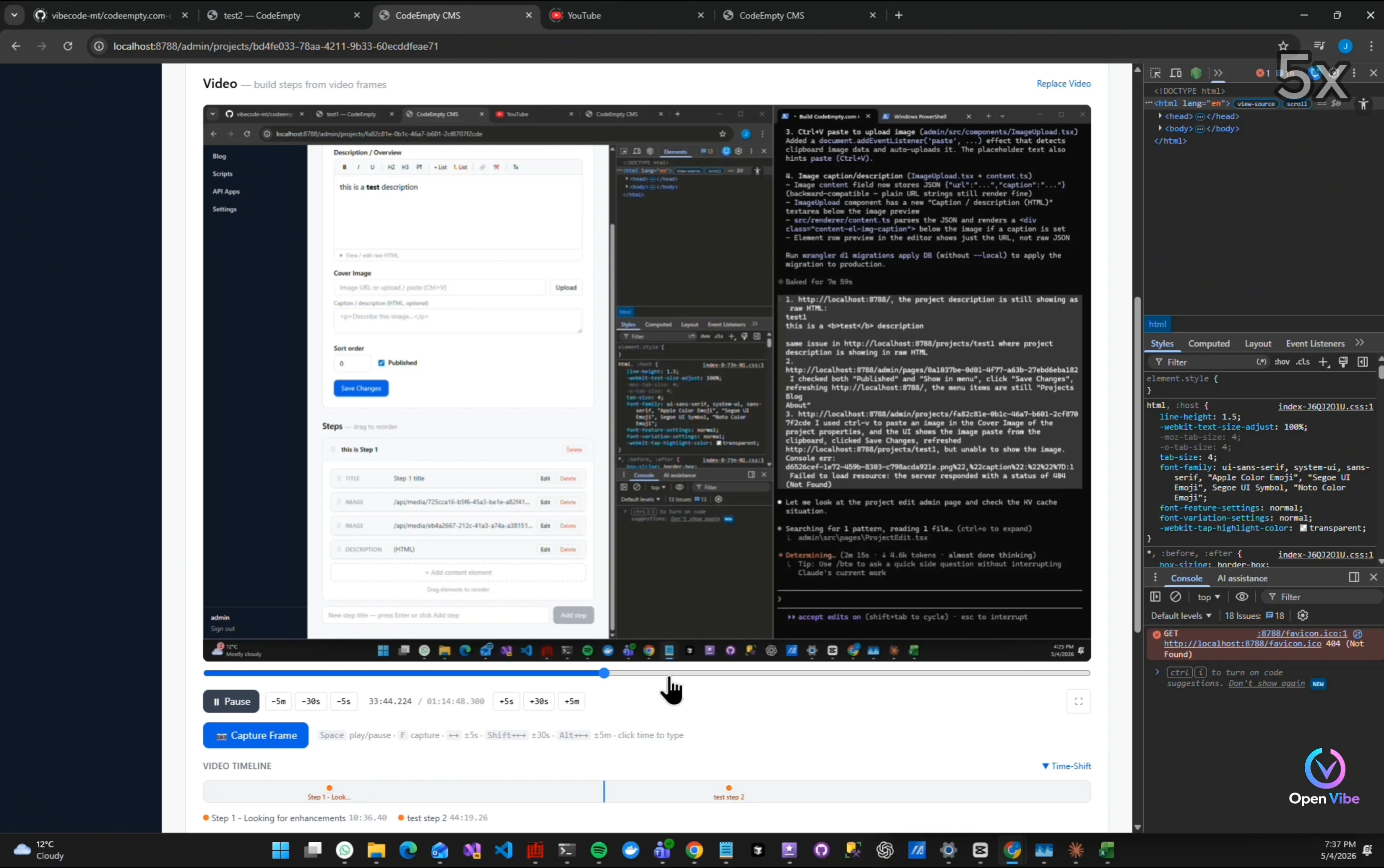
Full screen width support
Click slider, video paused
Test puase/resume video
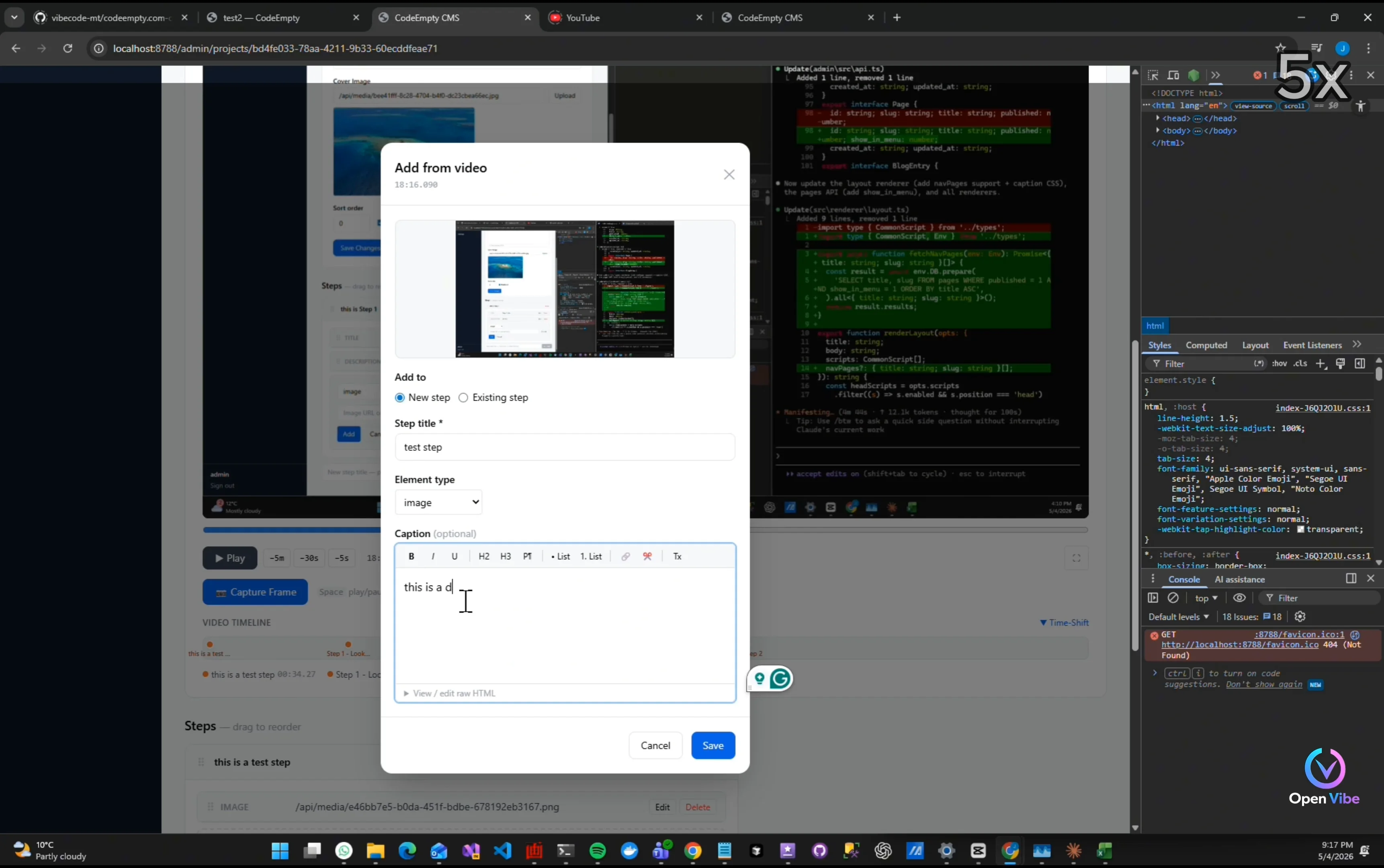
“This is a good example of hidden workflow bugs.” “A shortcut that works for video playback…” “Can break text editing completely.”
Hit space bar pauses/resumes video instead of inputting space in caption
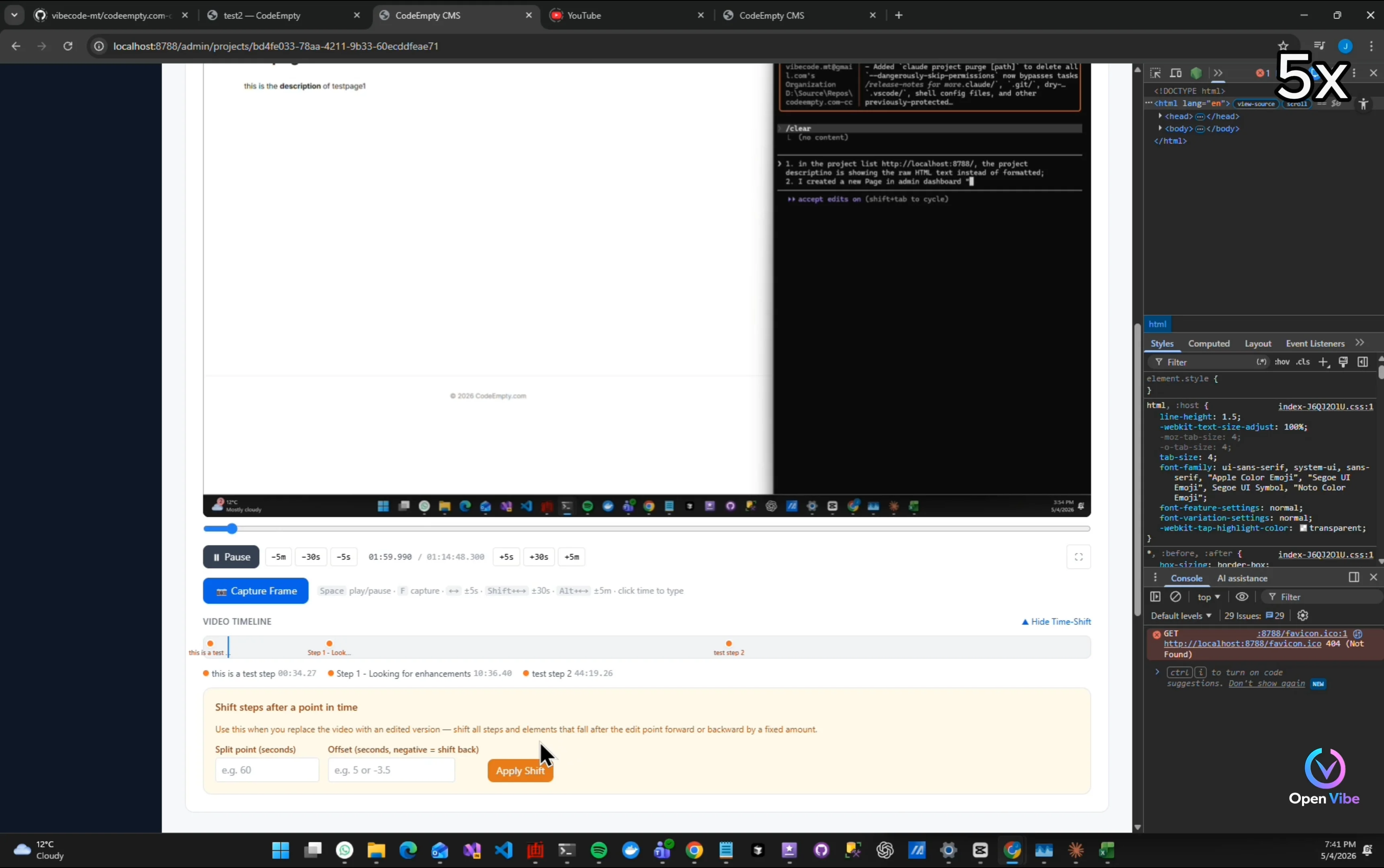
Input split point need to simplify
Test drag-and-drop
15. 14. Iteration 13 ▶ 13:18 1 item · 1 🖼
16. 15. Iteration 13 - Testing ▶ 13:33 4 items · 2 🖼
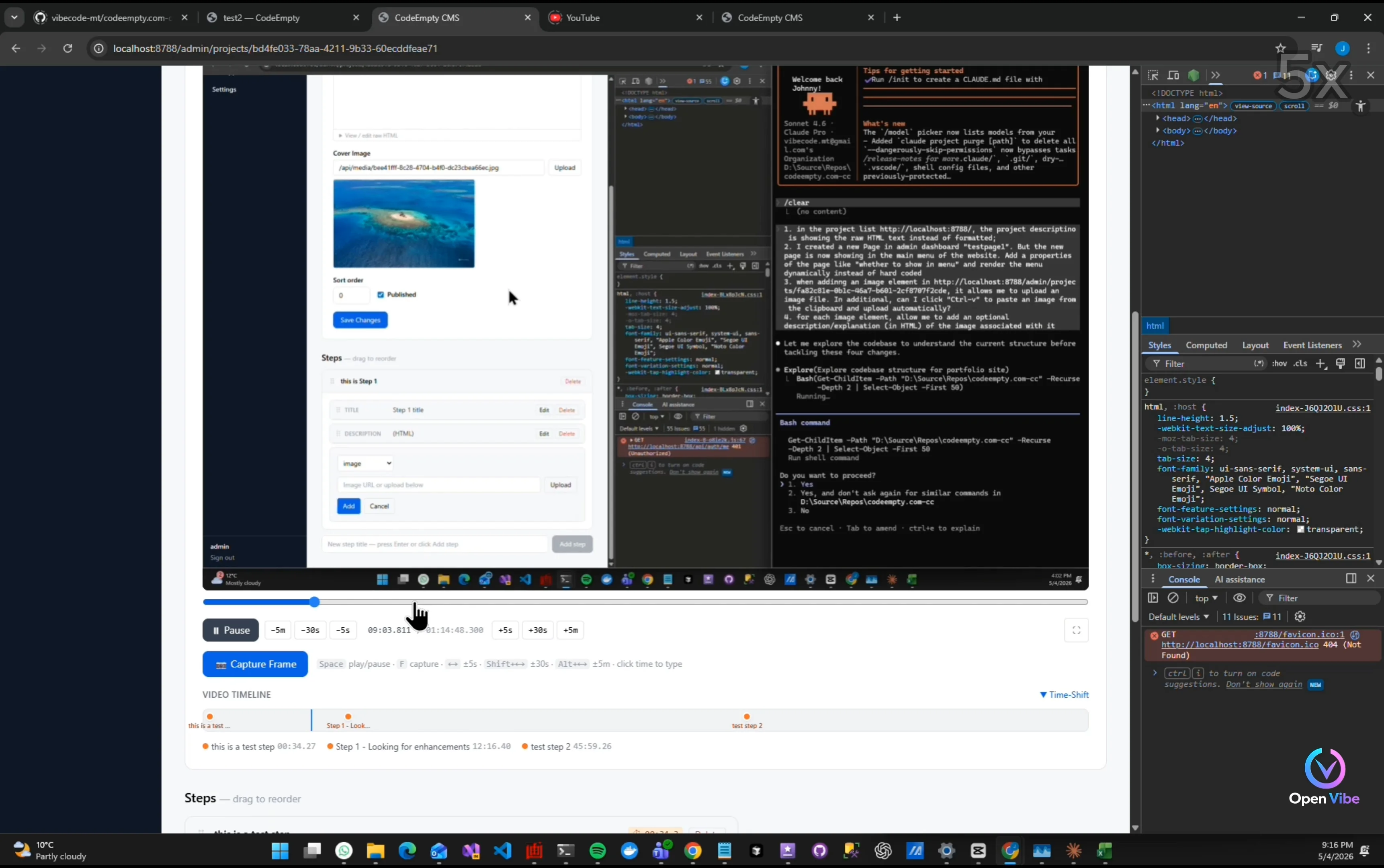
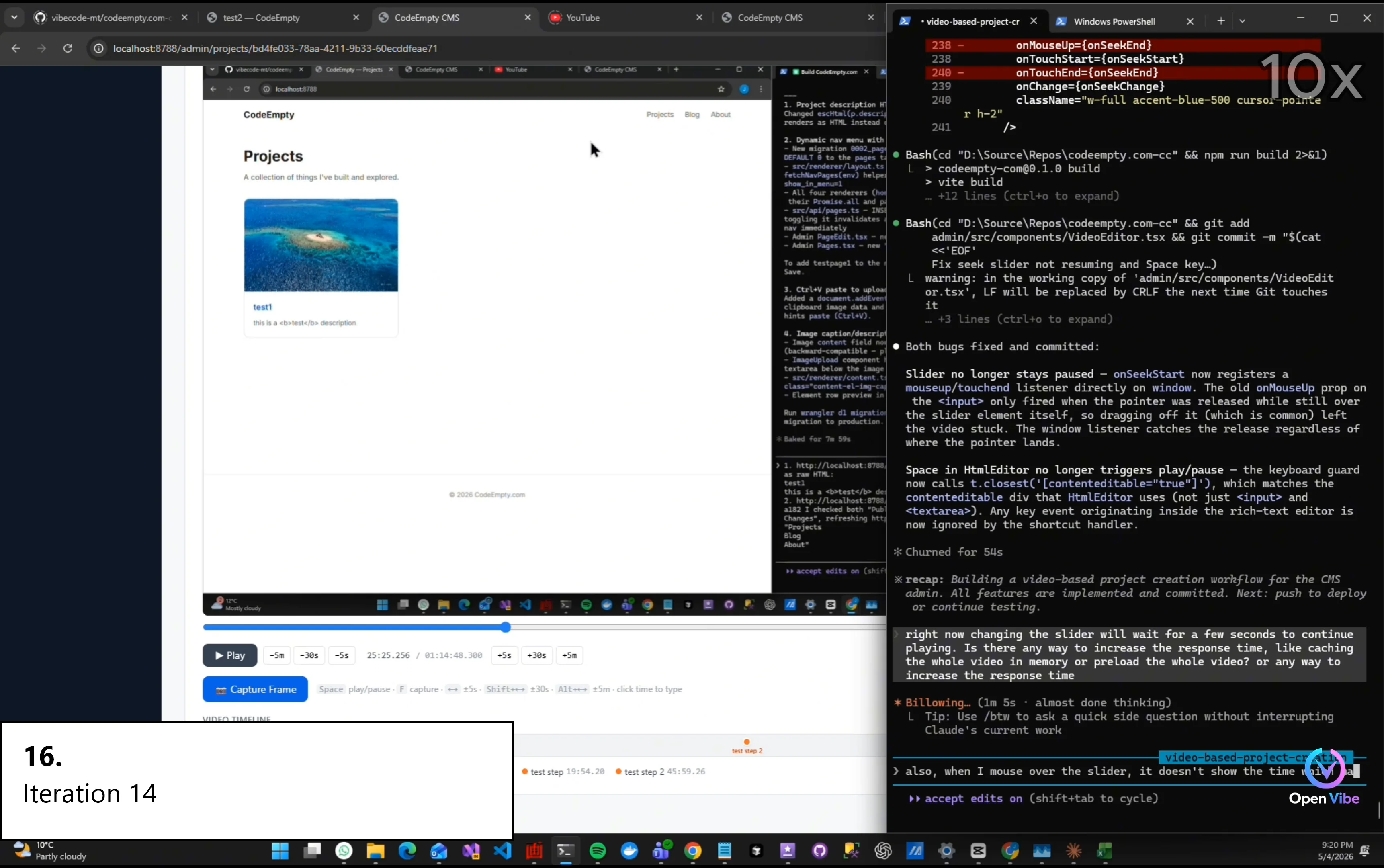
“Video seeking still feels unstable.” “Probably buffering and state synchronization issues.”
Changing playback time will need to wait
Spacebar now works
“A lot of software development is actually workflow refinement.” “The first version only proves the idea works.” “The later iterations determine whether people can really use it.”
17. 16. Iteration 14 ▶ 14:18 1 item · 1 🖼
Show time mouse-over slider
18. 17. Iteration 14 - Testing ▶ 14:42 1 item · 1 🖼
Still need to wait to resume playing
19. 18. Iteration 15 ▶ 15:08 1 item · 1 🖼
20. 19. Iteration 15 - Testing ▶ 15:37 1 item · 1 🖼
Want to hide the Project Details area
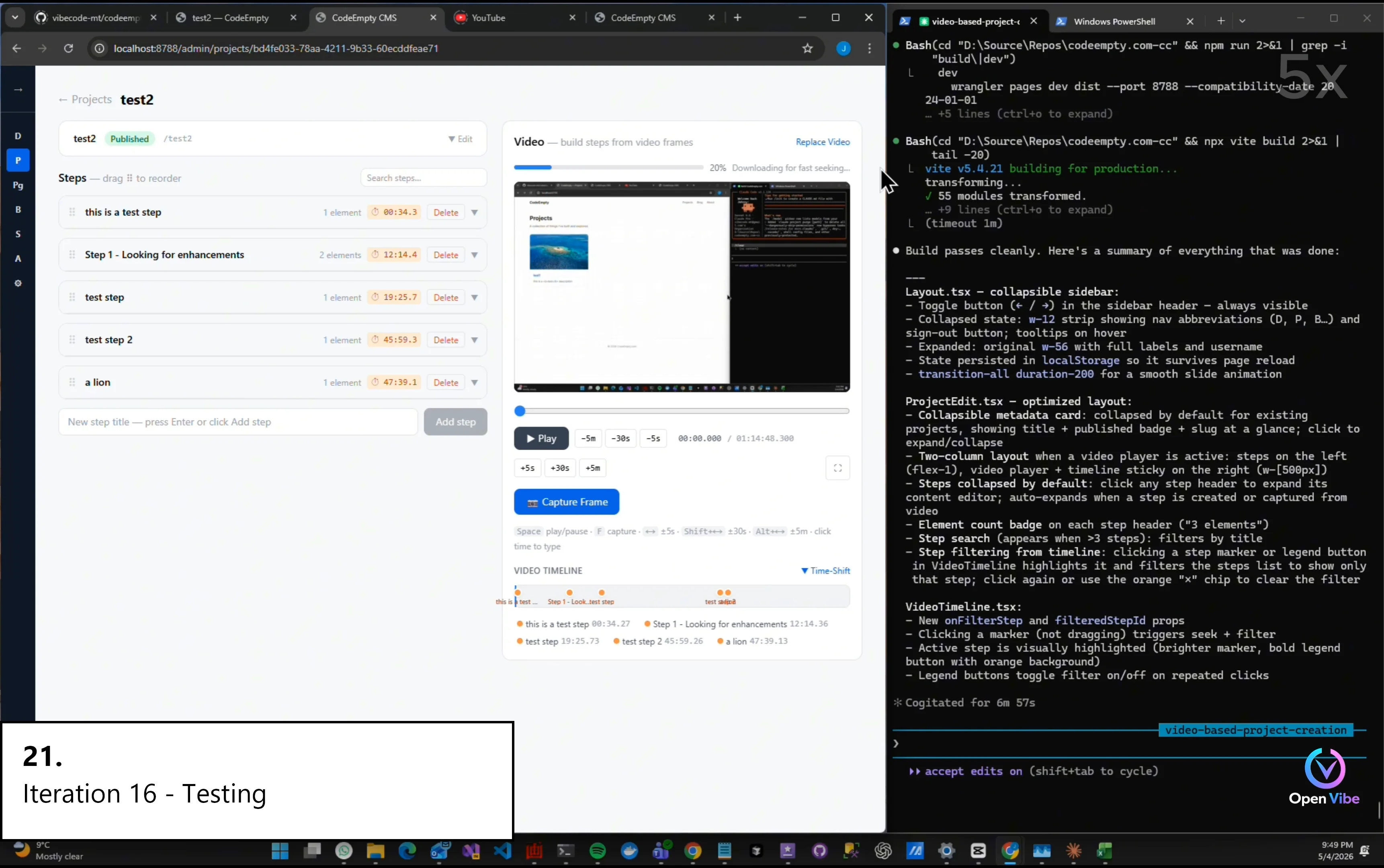
21. 20. Iteration 16 ▶ 16:31 3 items · 1 🖼
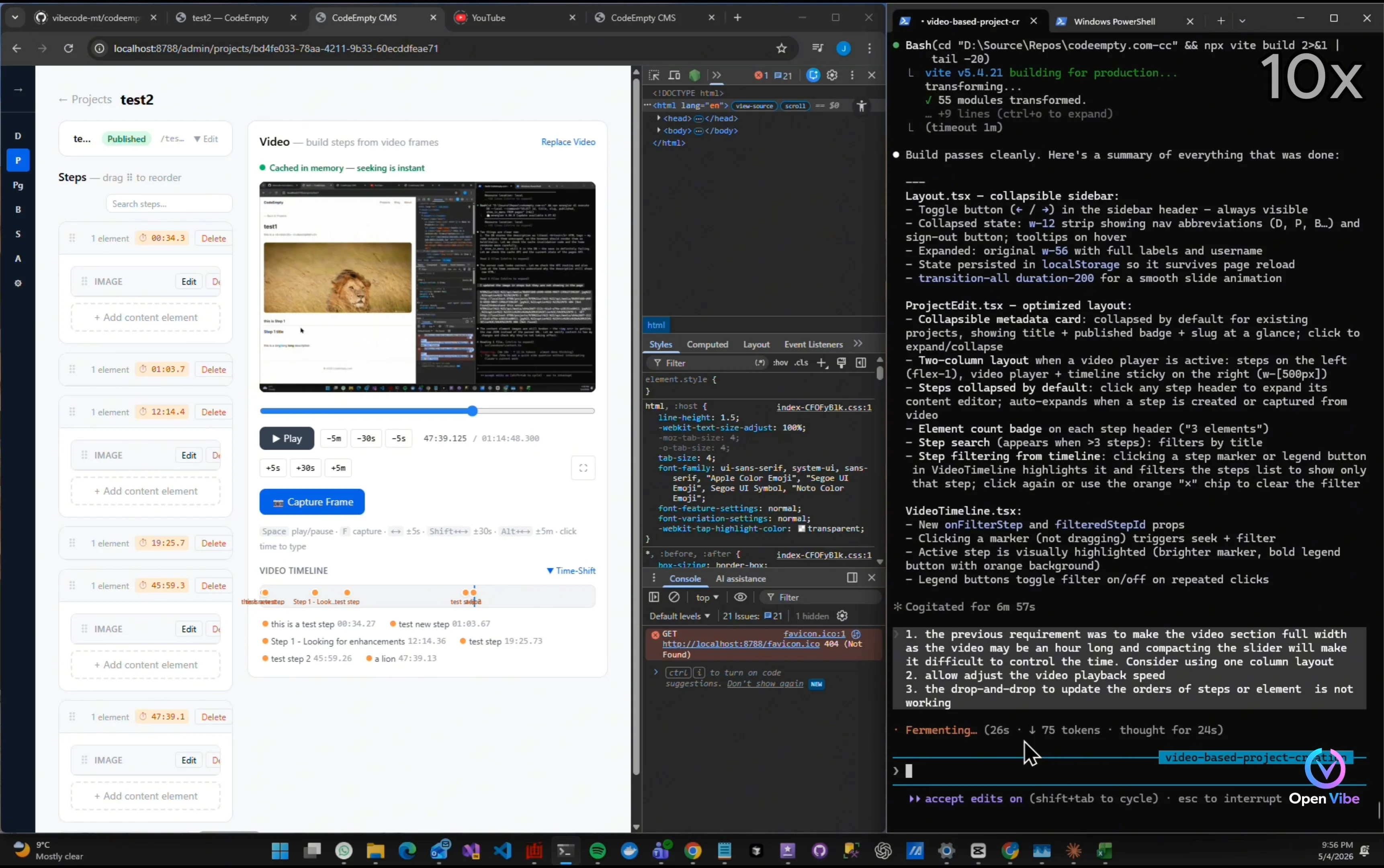
Two-column layout?
“I tried a two-column layout…” “But real usage showed the video area became too small.” “Sometimes simpler layouts work better.”
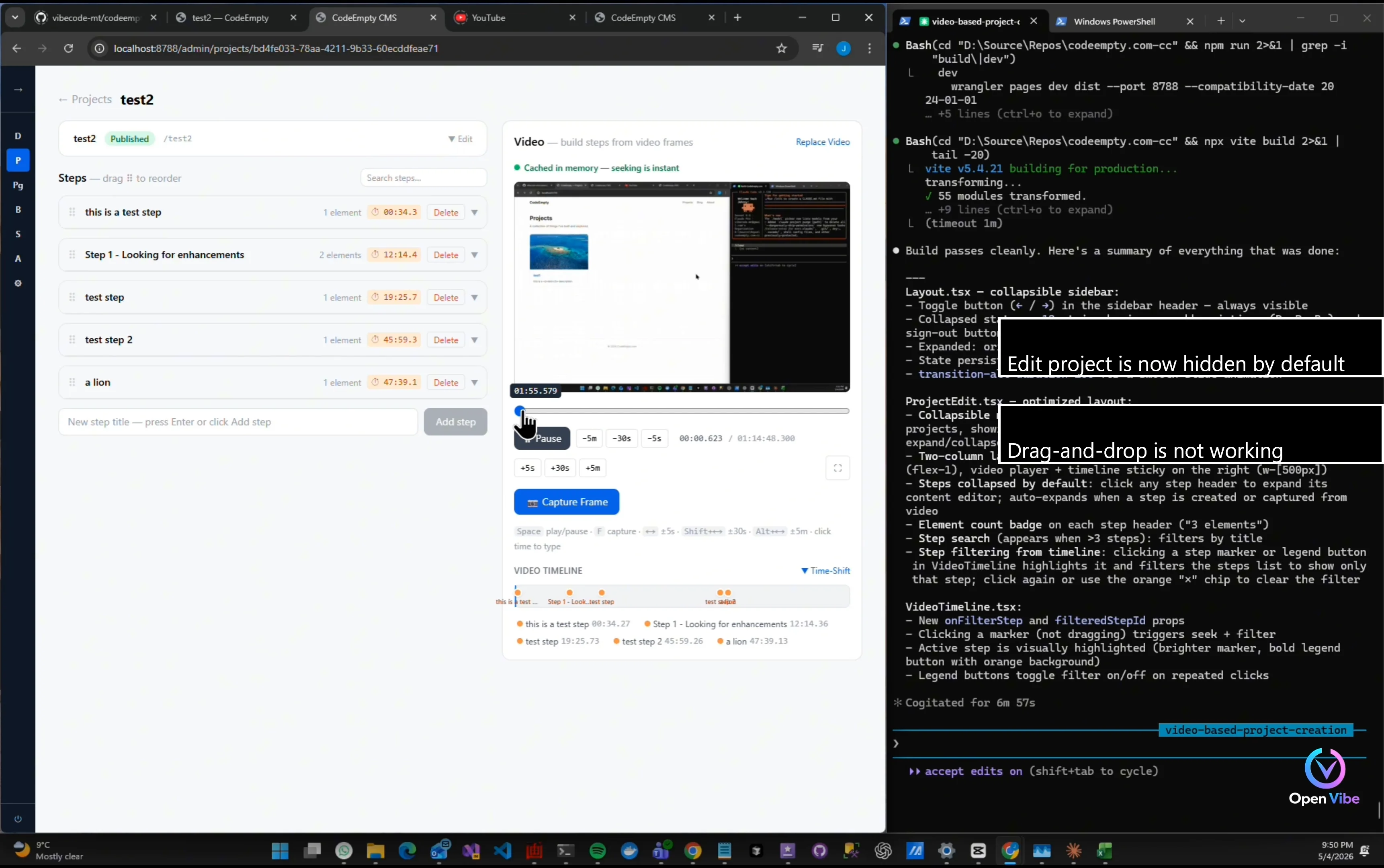
22. 21. Iteration 16 - Testing ▶ 17:41 6 items · 4 🖼
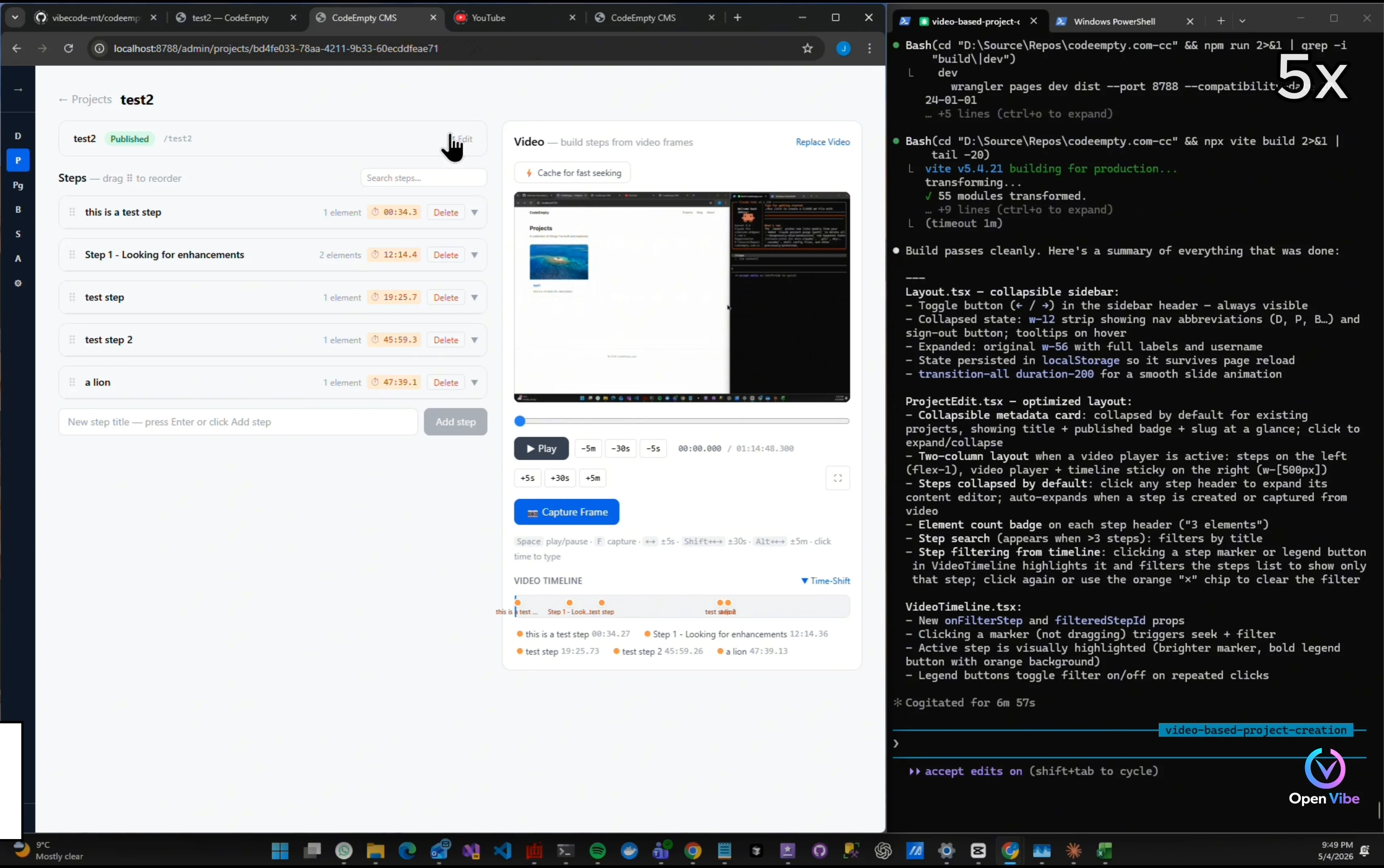
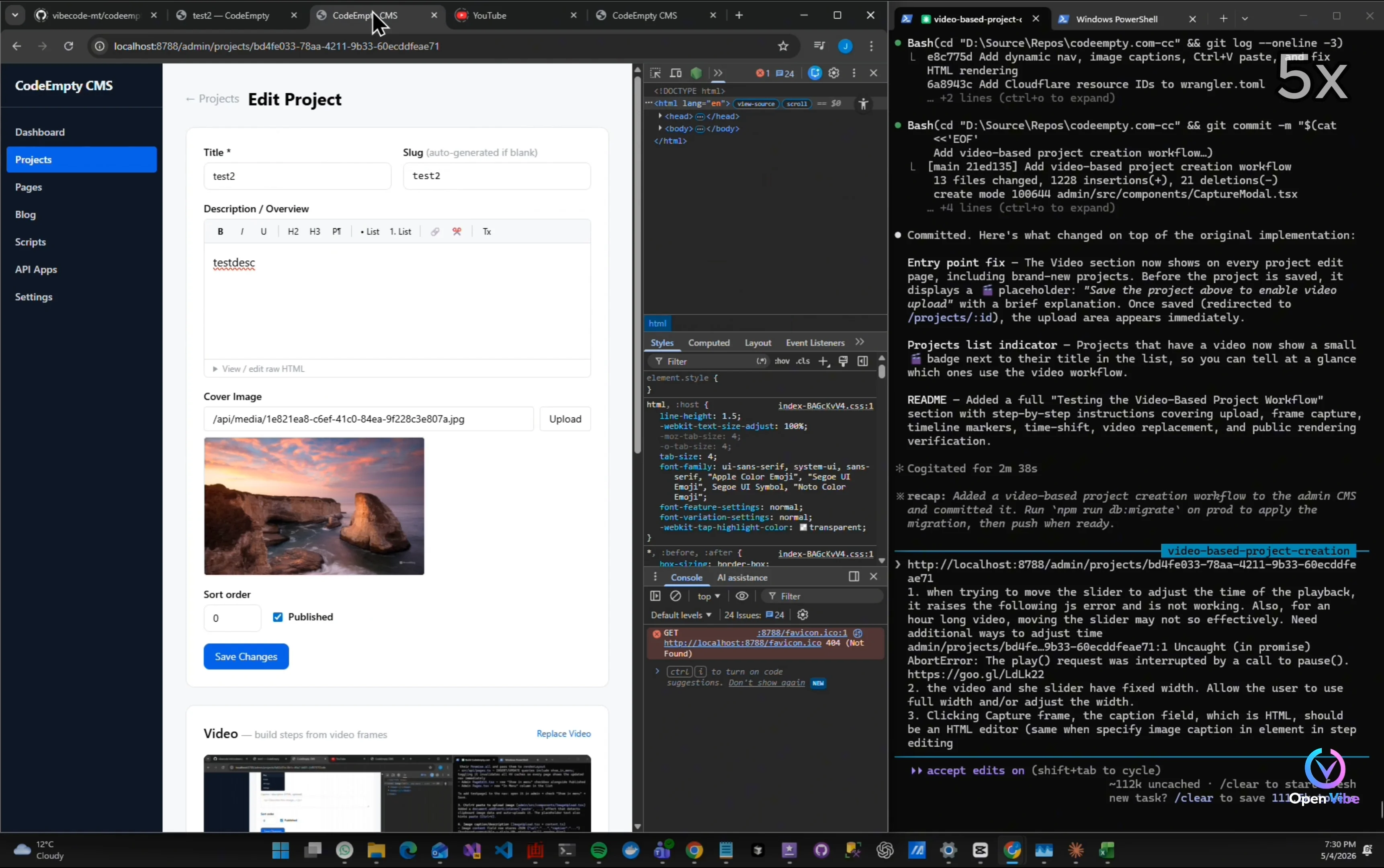
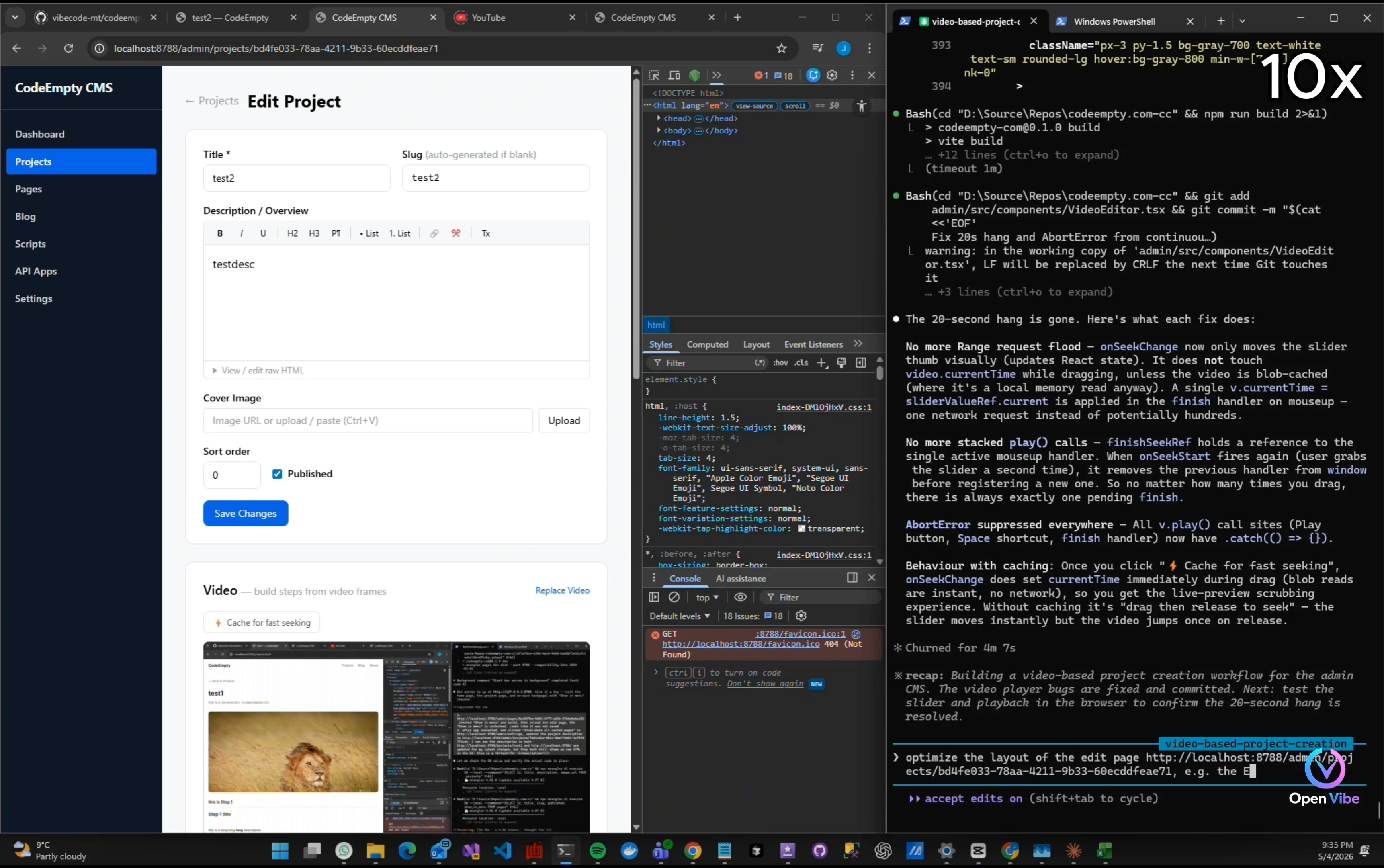
Edit project is now hidden by default
Now I can see the cache video button
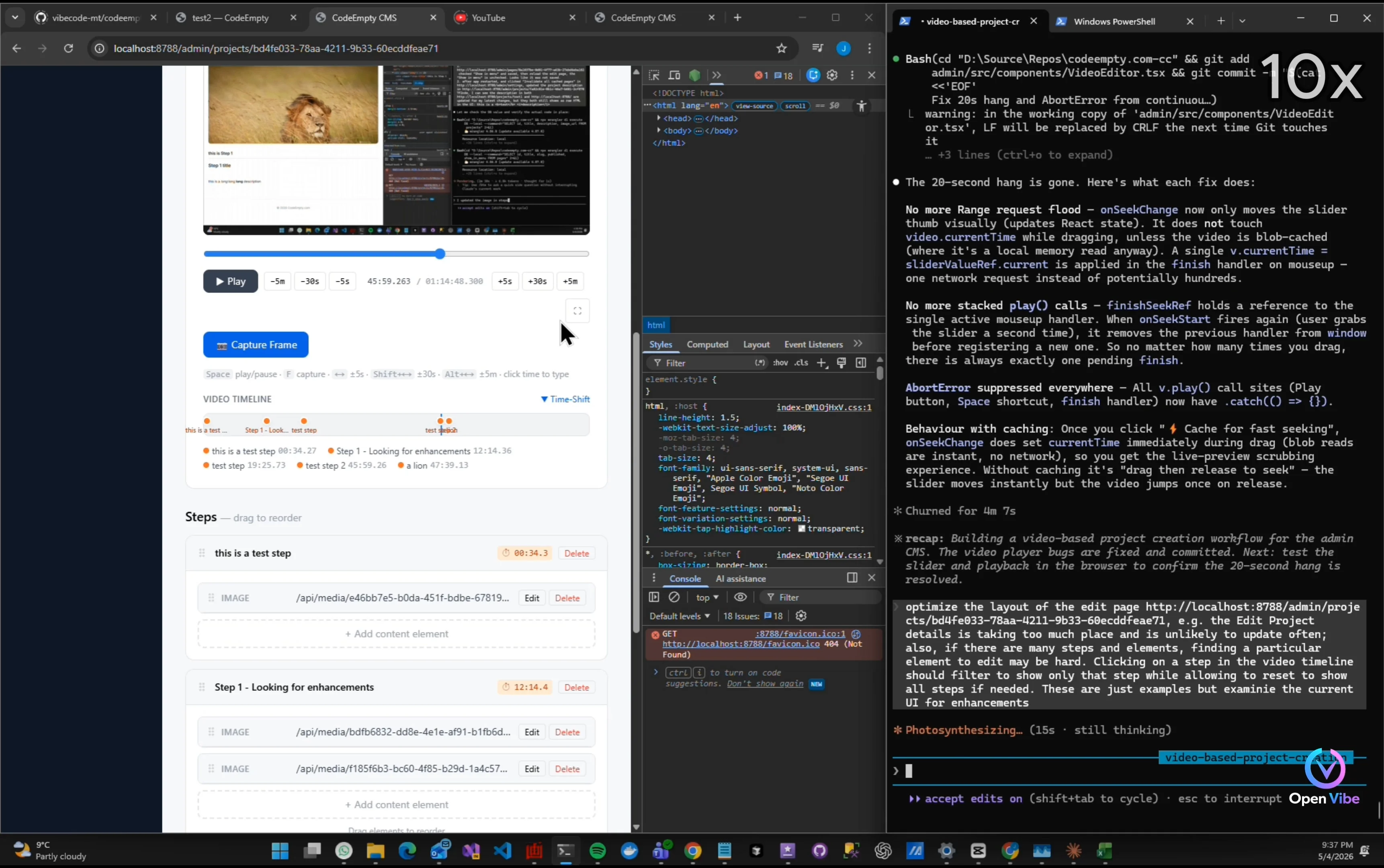
Video is too small to work with
Drag-and-drop is not working
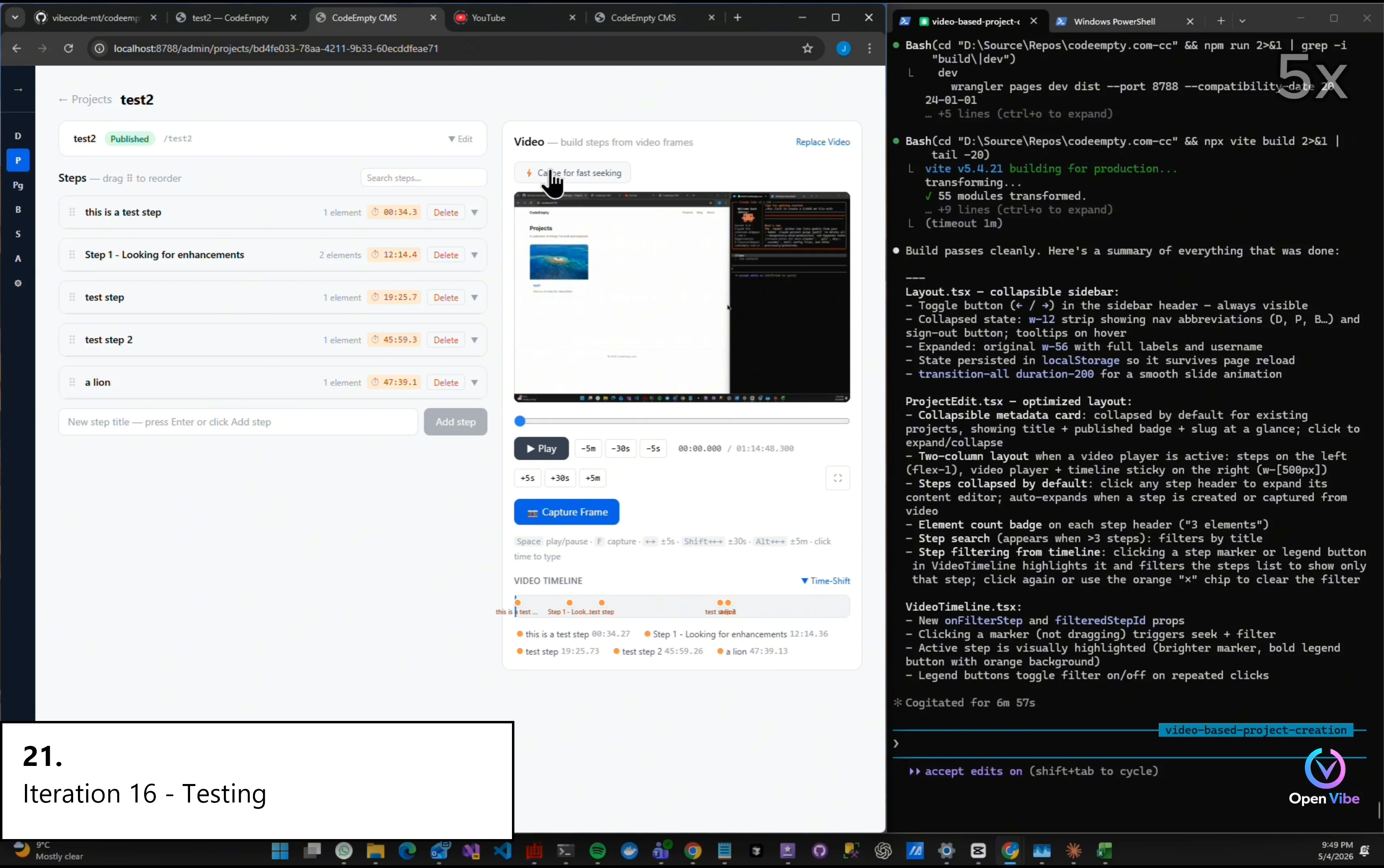
Test cached video seeking
“This is also part of real engineering.” “Not every iteration moves forward.” “Sometimes the right decision is reverting.”
23. 22. Iteration 17 ▶ 19:00 1 item · 1 🖼
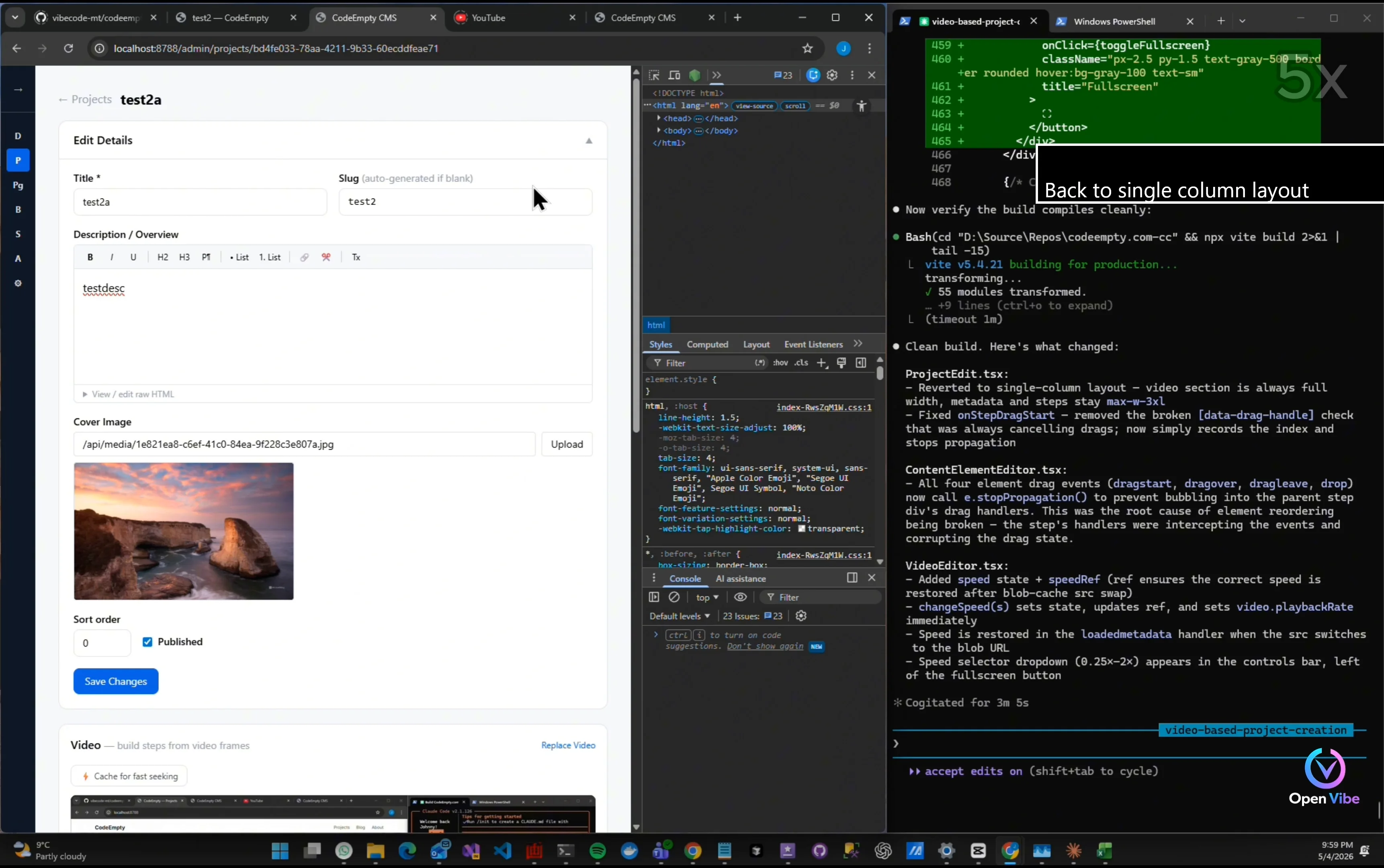
24. 23. Iteration 17 - Testing ▶ 19:20 5 items · 3 🖼
Back to single column layout
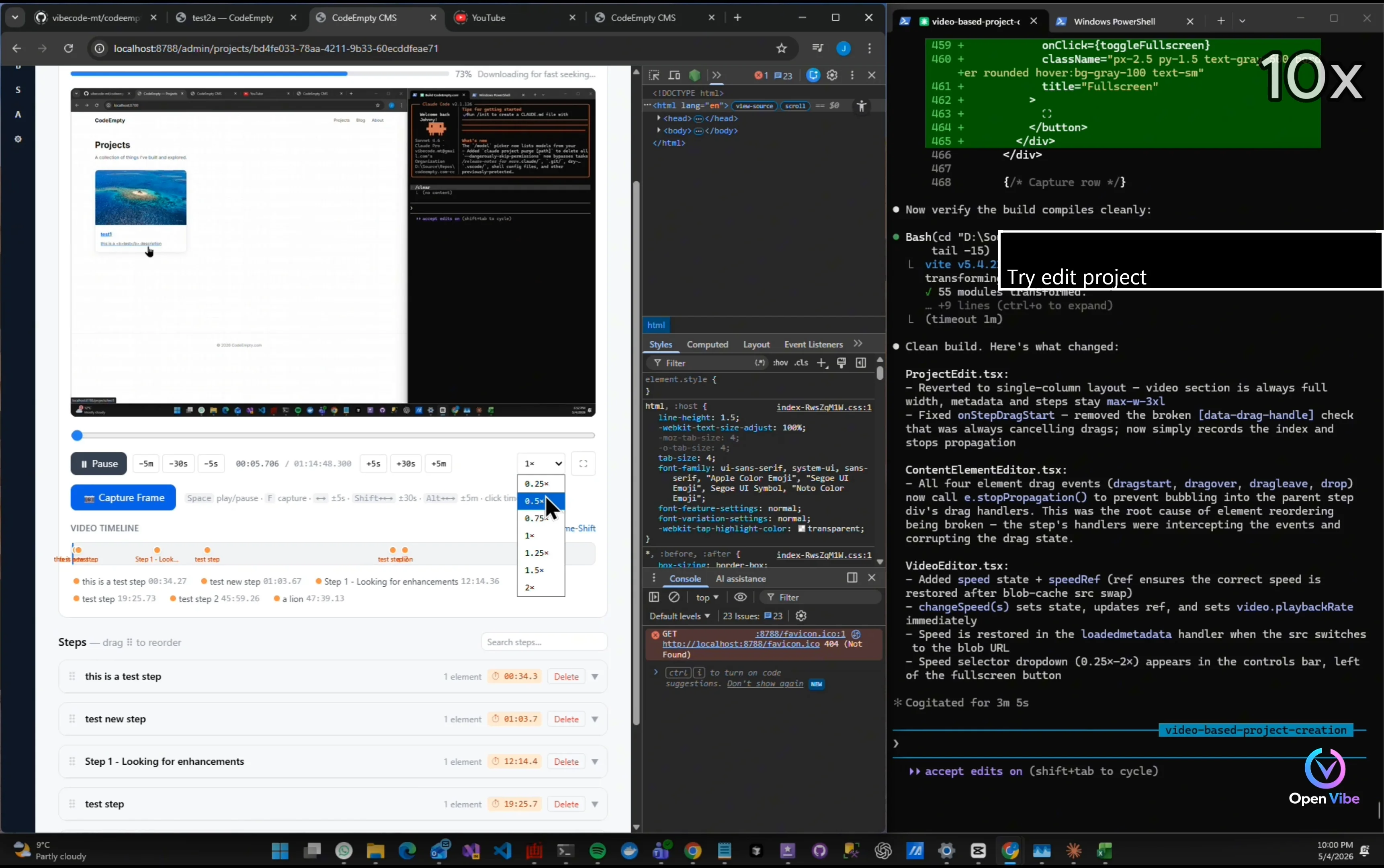
Try edit project
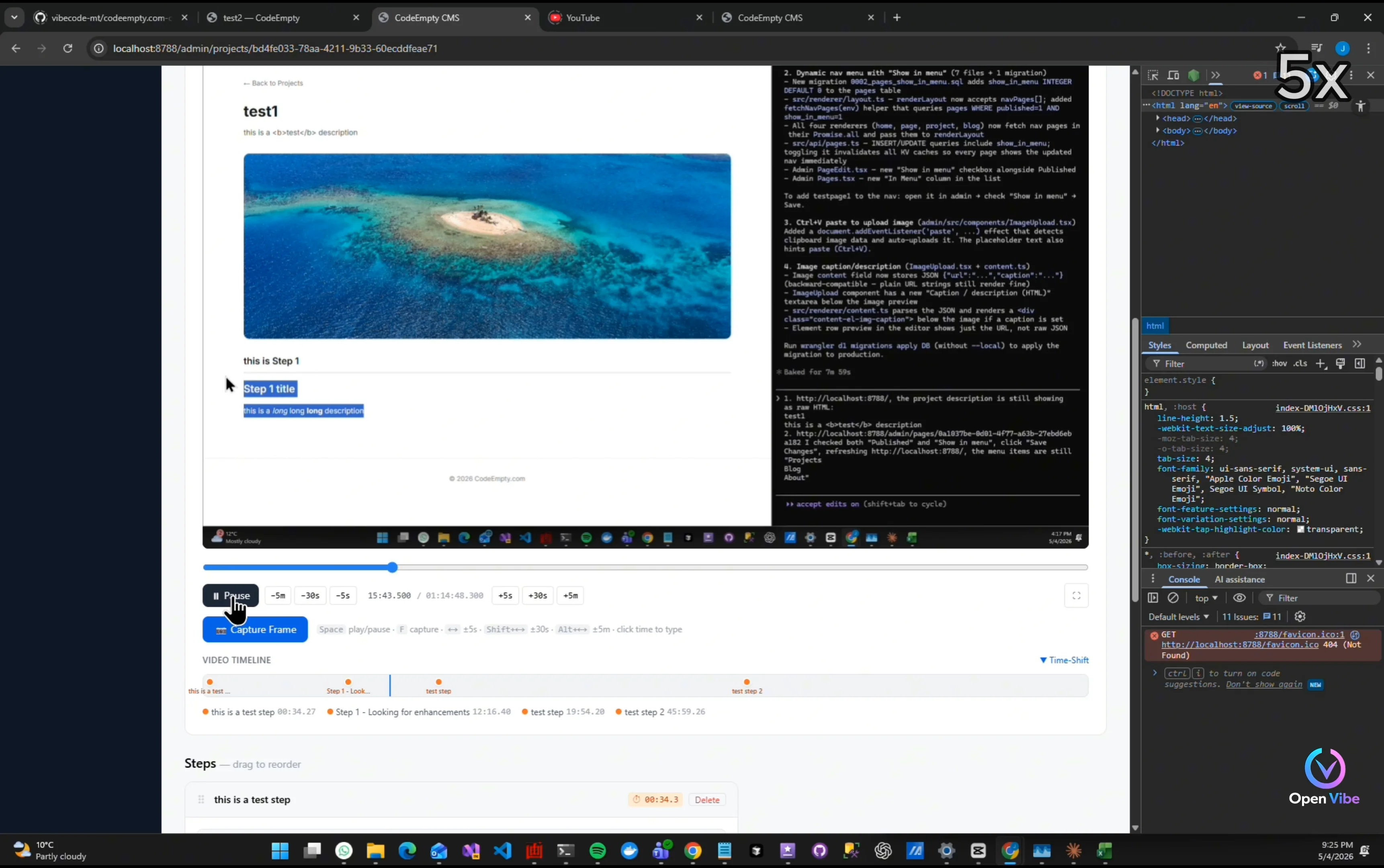
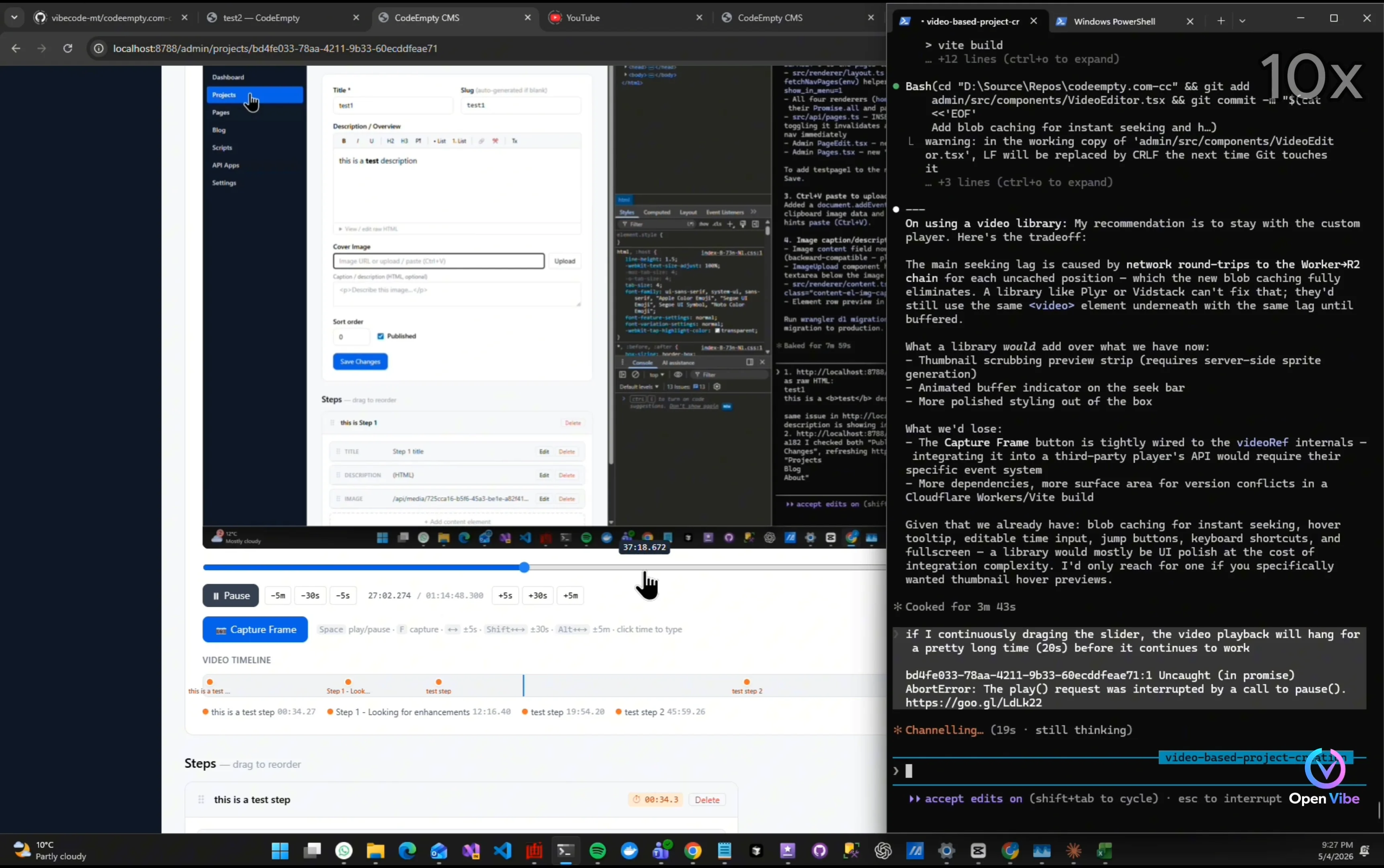
“The playback issues were actually caused by repeated video loading and seeking.” “So instead of patching individual symptoms…” “We implemented local video caching.”
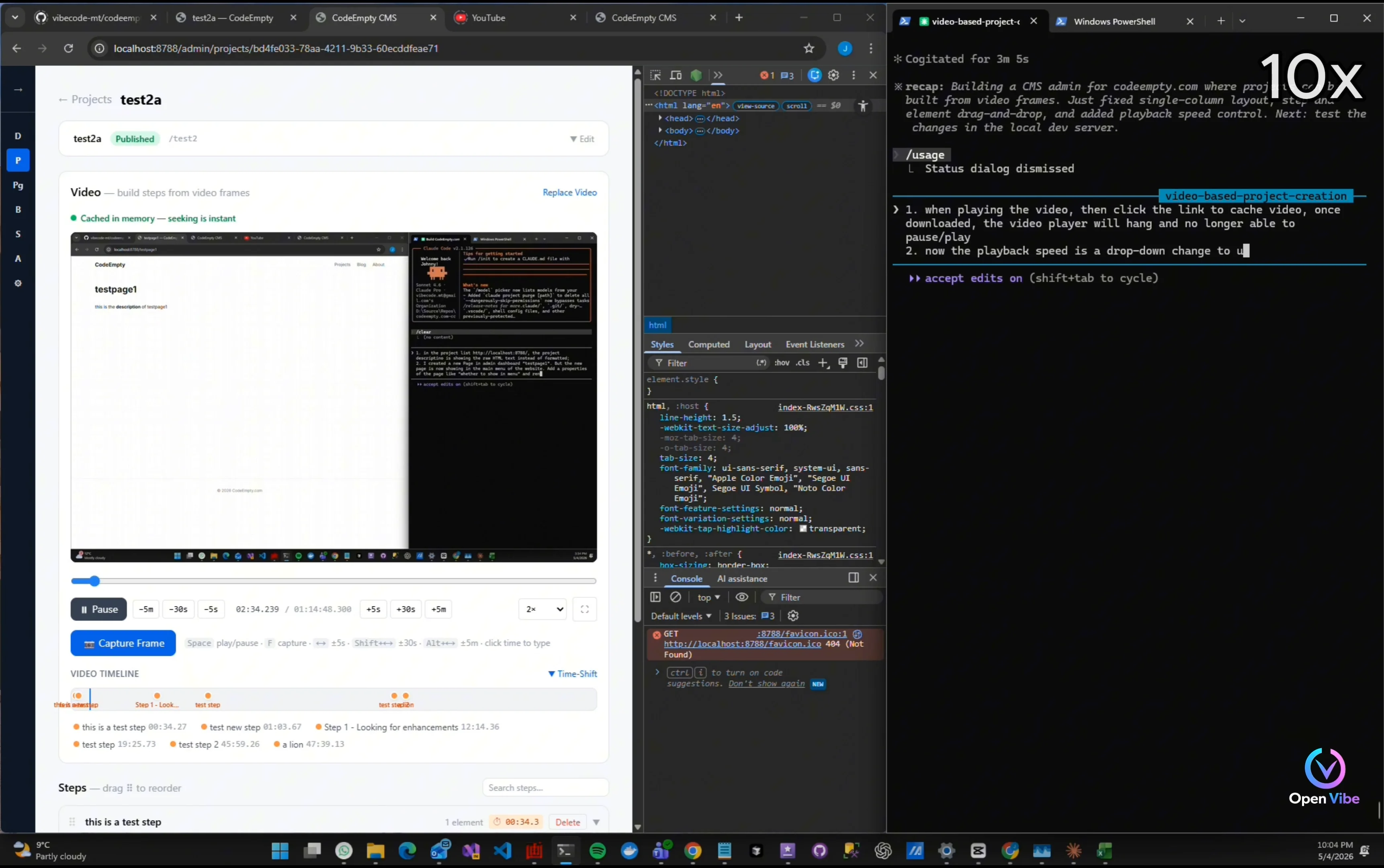
Try changing playback speed
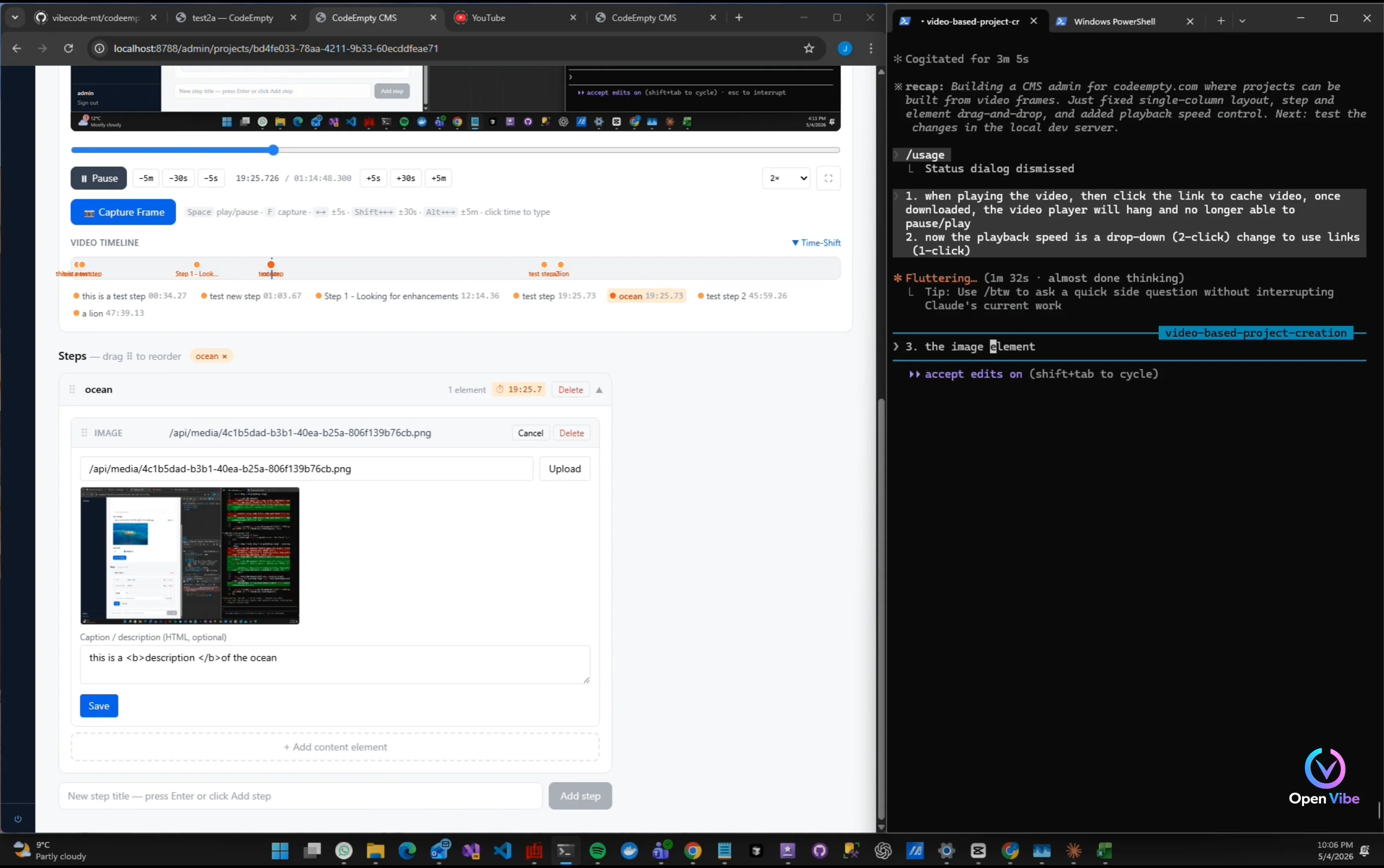
Playback control is unstable
25. 24. Iteration 18 ▶ 20:09 3 items · 1 🖼
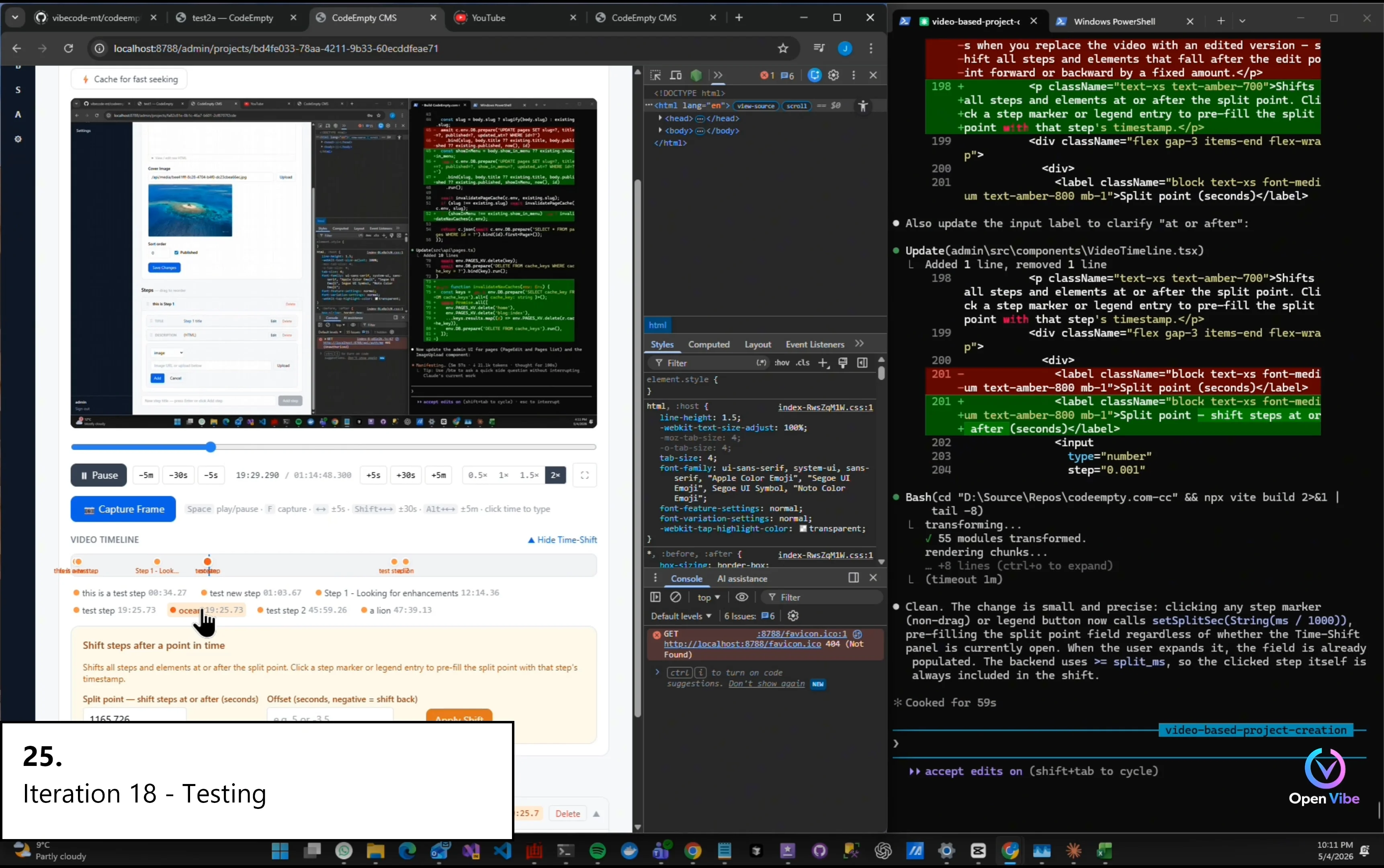
Simplify Split point input
“After caching was enabled…” “The workflow became stable.”
26. 25. Iteration 18 - Testing ▶ 20:52 1 item · 1 🖼